Lyric Tune: 가사 영상을 만들고 출시 화면에 맞추세요
완성 음원에서 가사 줄을 인식하고 타이밍을 다듬은 뒤, 세로형 숏폼이나 YouTube 와이드 화면으로 내보냅니다.
여기서 말하는 Lyric Tune
빈 템플릿보다 음원과 타이밍에서 시작하는 작업 공간
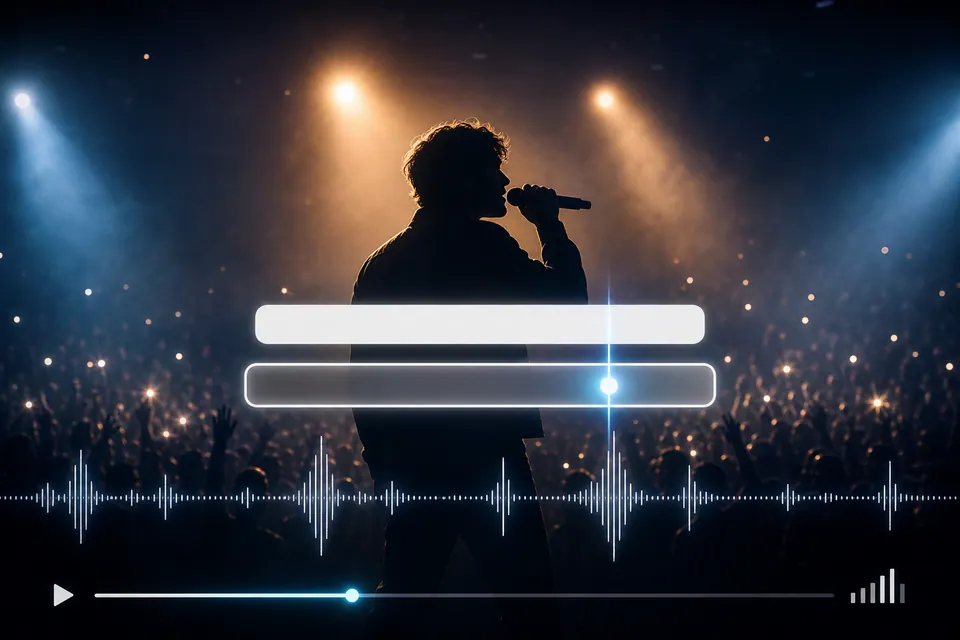
Creatune 제작 보드
음원 선택
MP3/M4A를 올리거나 Creatune 라이브러리의 사용 가능한 곡을 선택합니다.
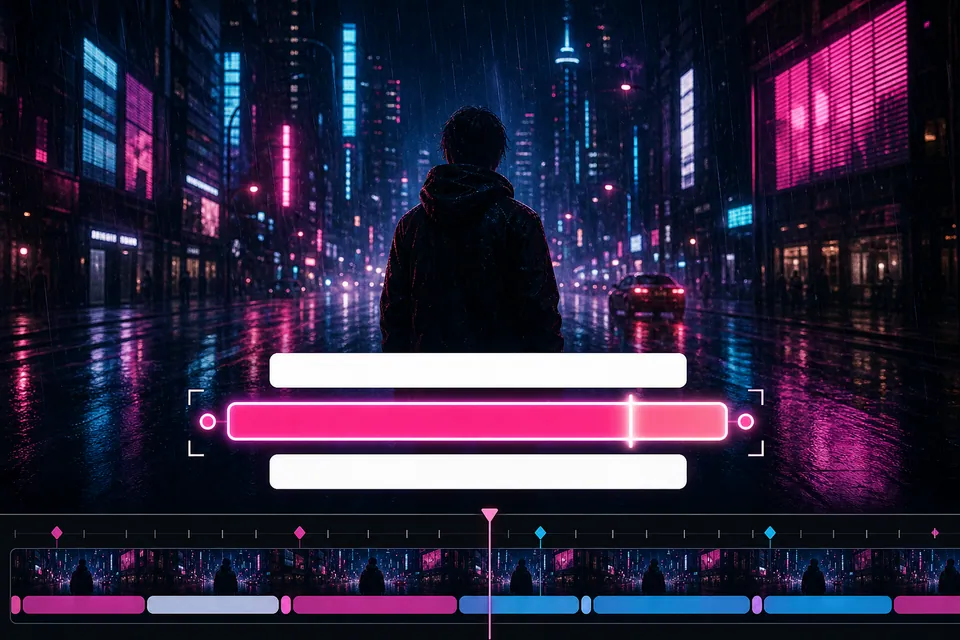
편집 가능한 타이밍
인식 결과 교정
자동 인식은 초안입니다. 표기와 줄 타이밍을 직접 수정할 수 있습니다.
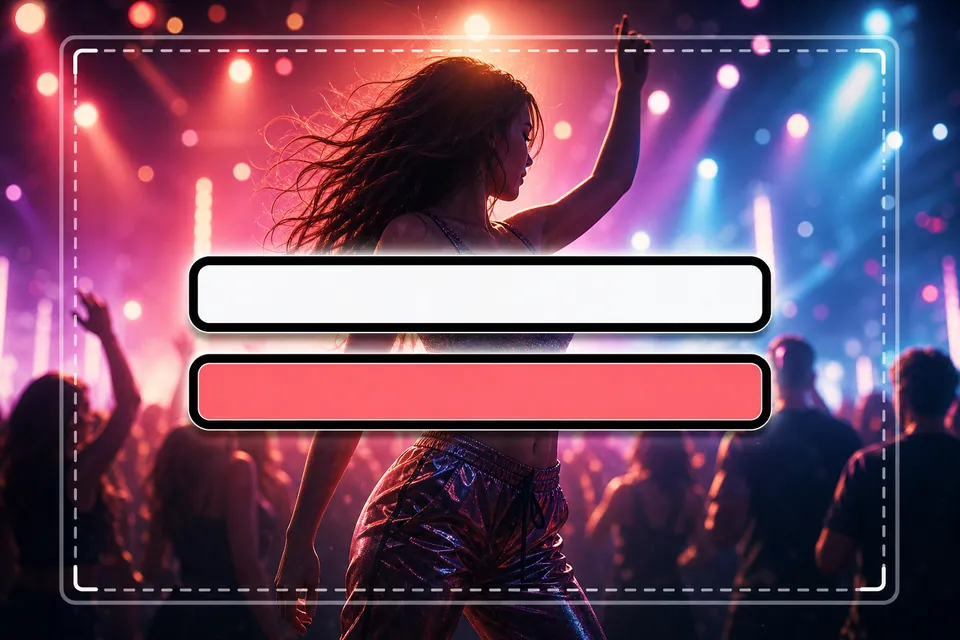
실제 캔버스
실제 화면에서 배치
16:9 또는 9:16을 먼저 고르고 배경 위에서 가사 상자를 조정합니다.
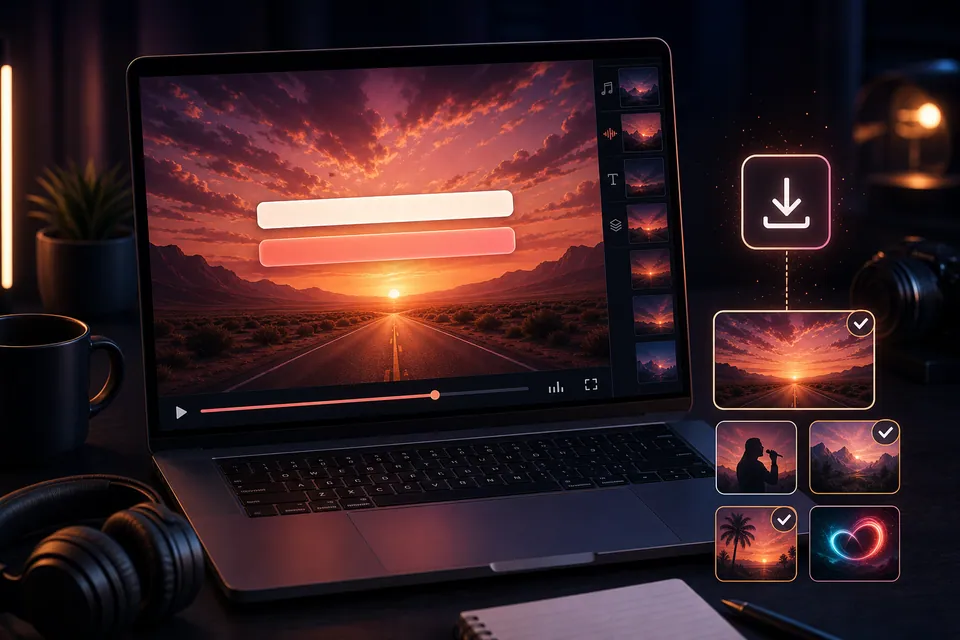
언제든 교정
다시 고칠 수 있게 저장
오타나 싱크 문제를 처음부터 만들지 않고 프로젝트에서 바로잡습니다.
비주얼 방향
실제 가사 영상 표현 여섯 가지
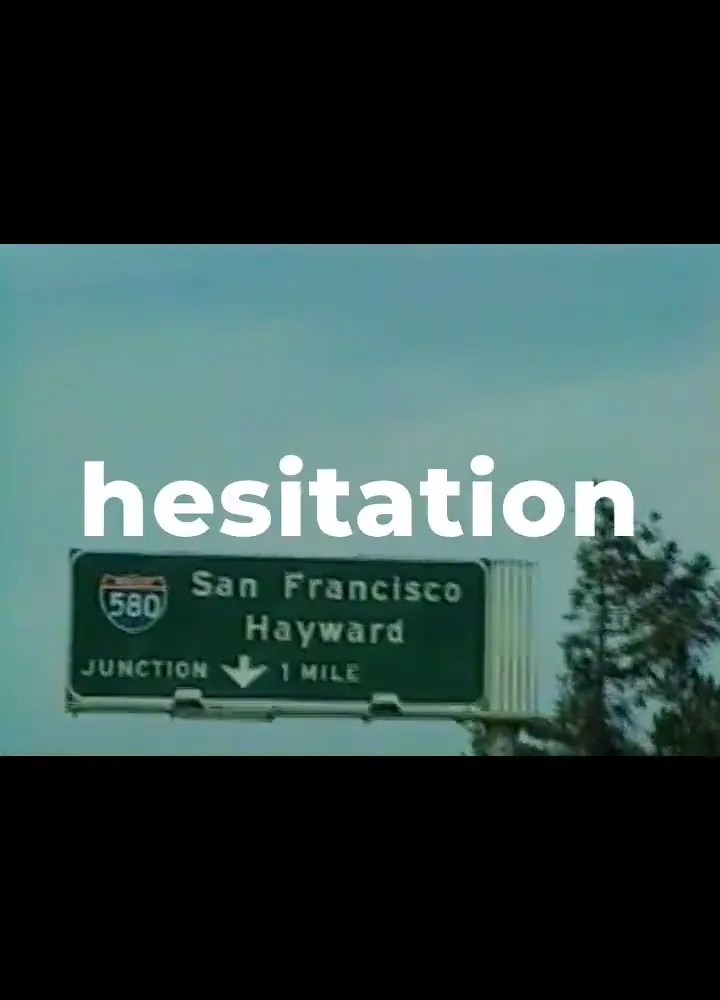
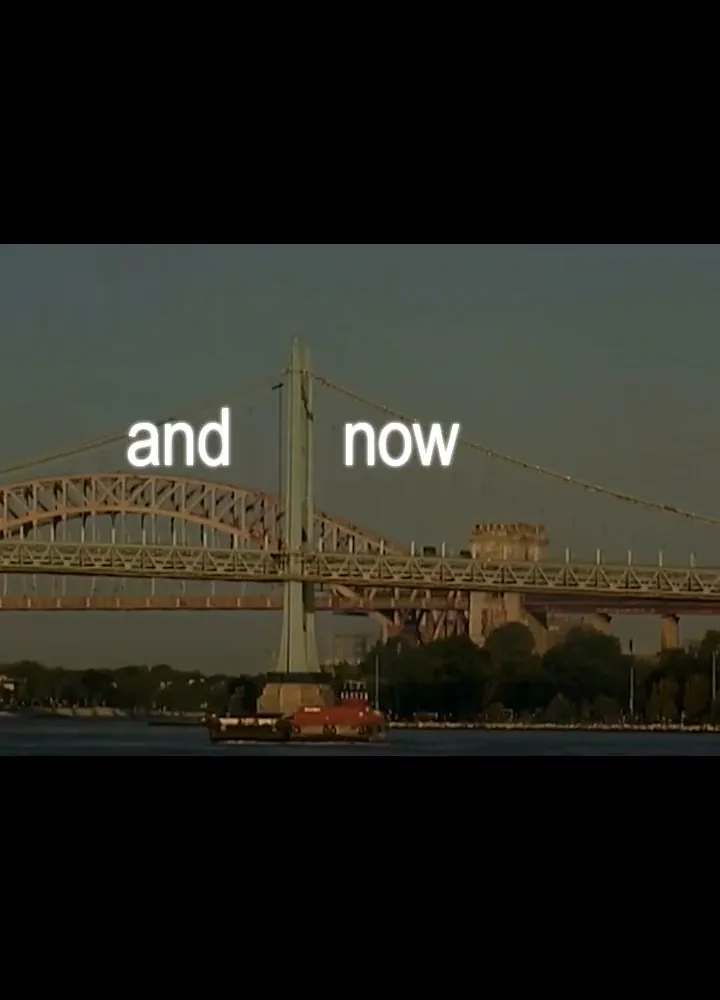
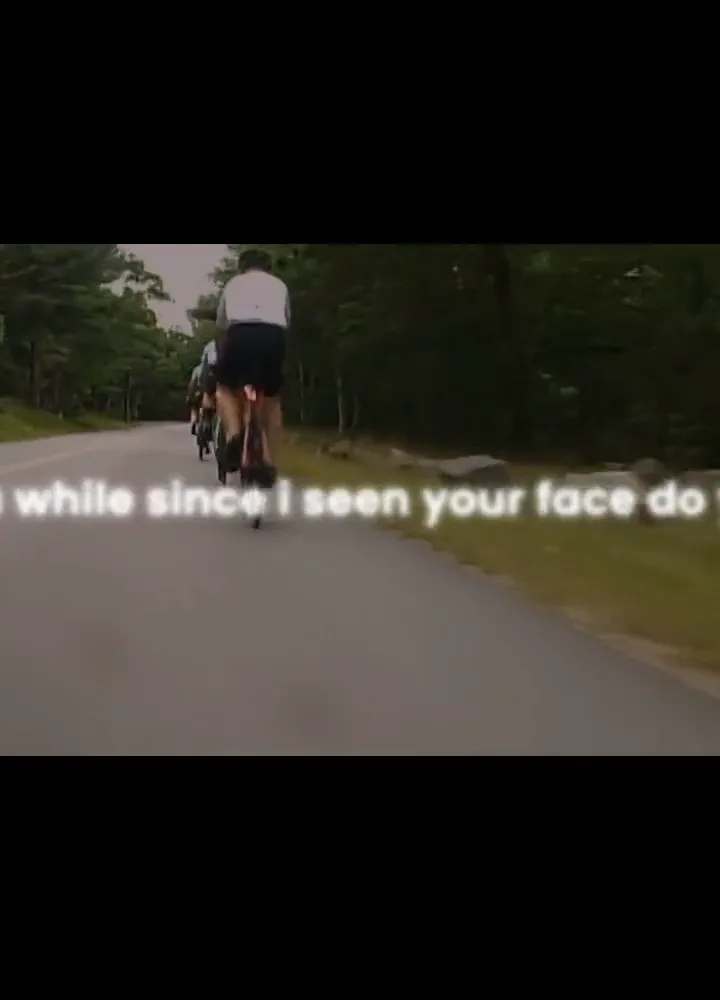
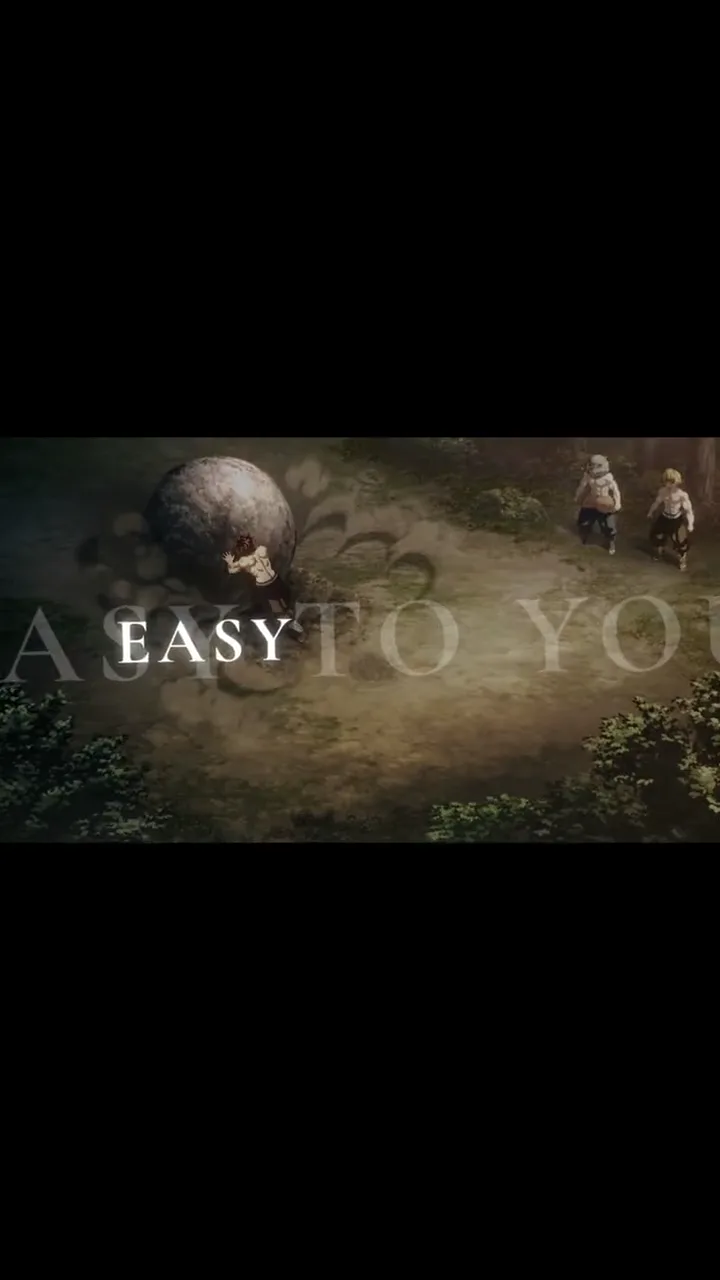
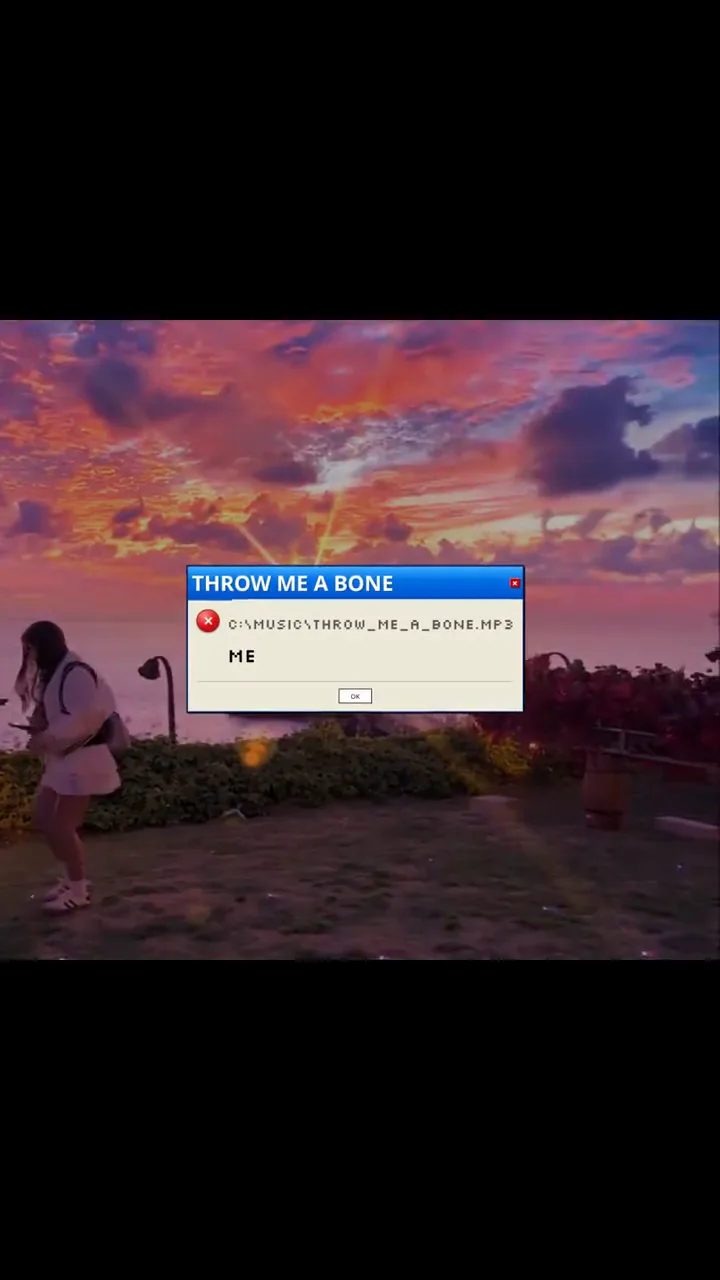
영상, 타이밍과 타이포그래피가 만나는 서로 다른 방식을 보여 줍니다. Creatune의 자동 템플릿을 주장하는 대신 제작 방향을 비교하는 참고 사례입니다.
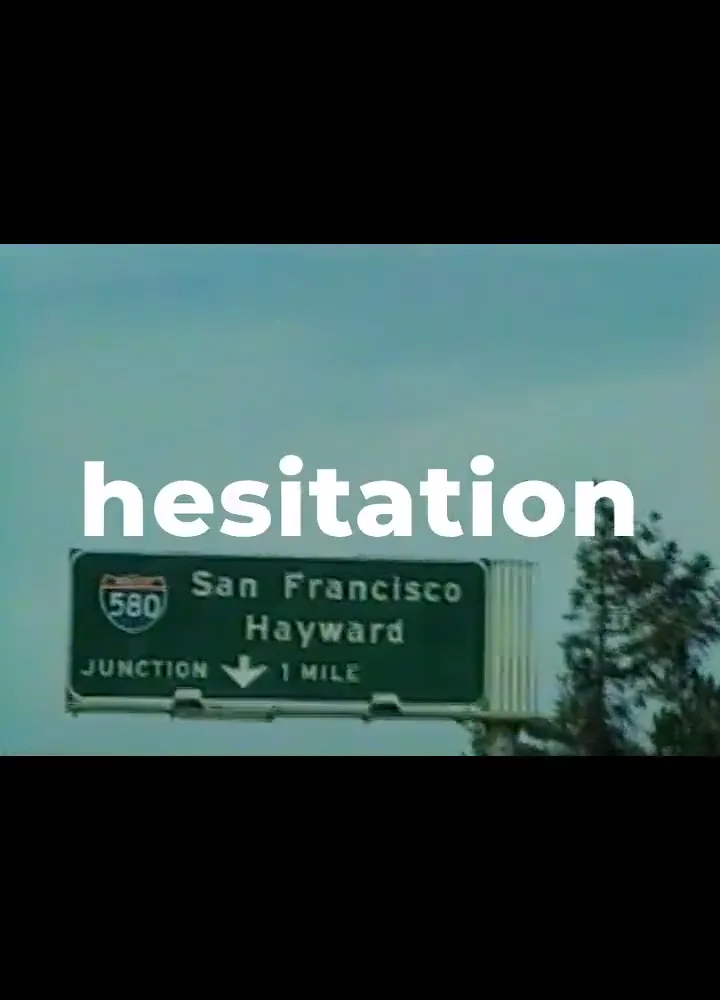
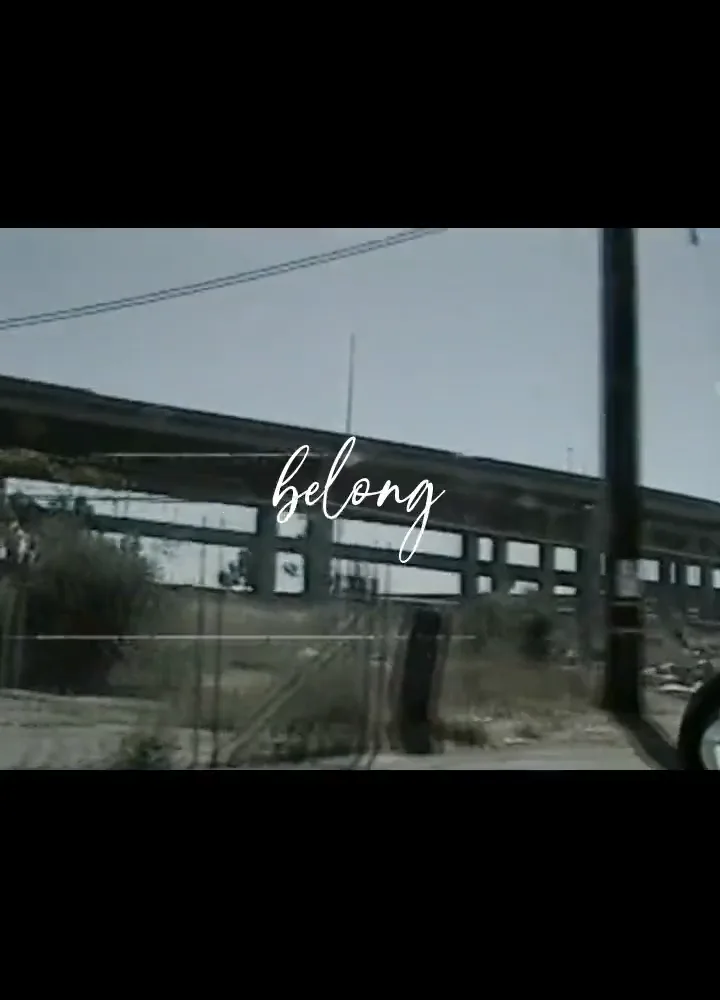
비주얼 방향720:1000
큰 글자의 시티 훅
이 예시에서 살펴볼 수 있는 비주얼 선택: 큰 글자의 시티 훅.
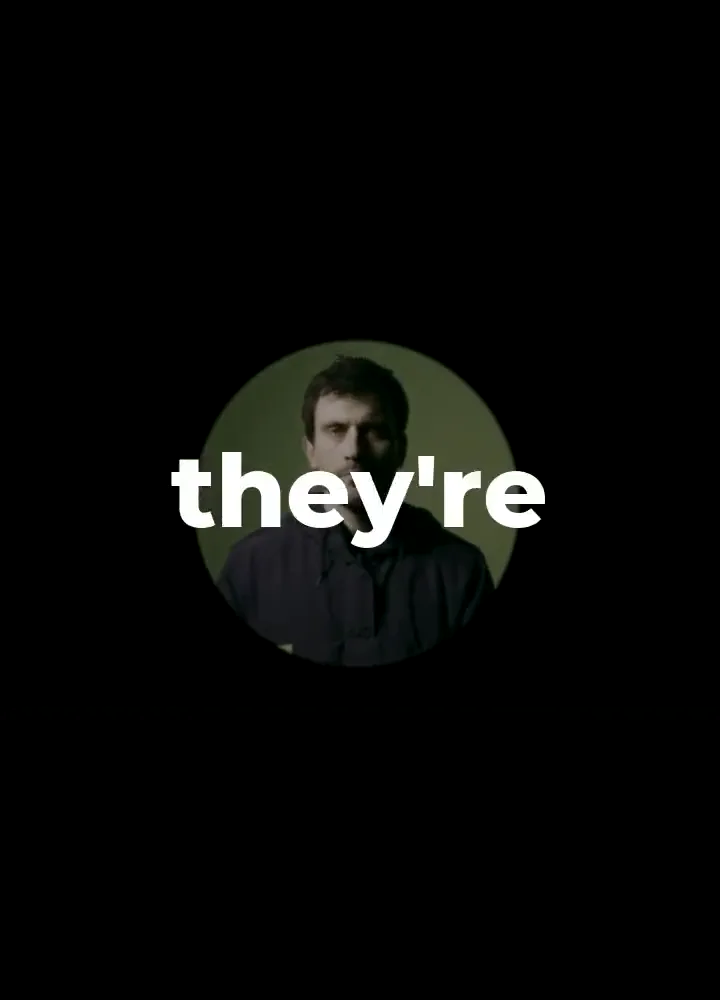
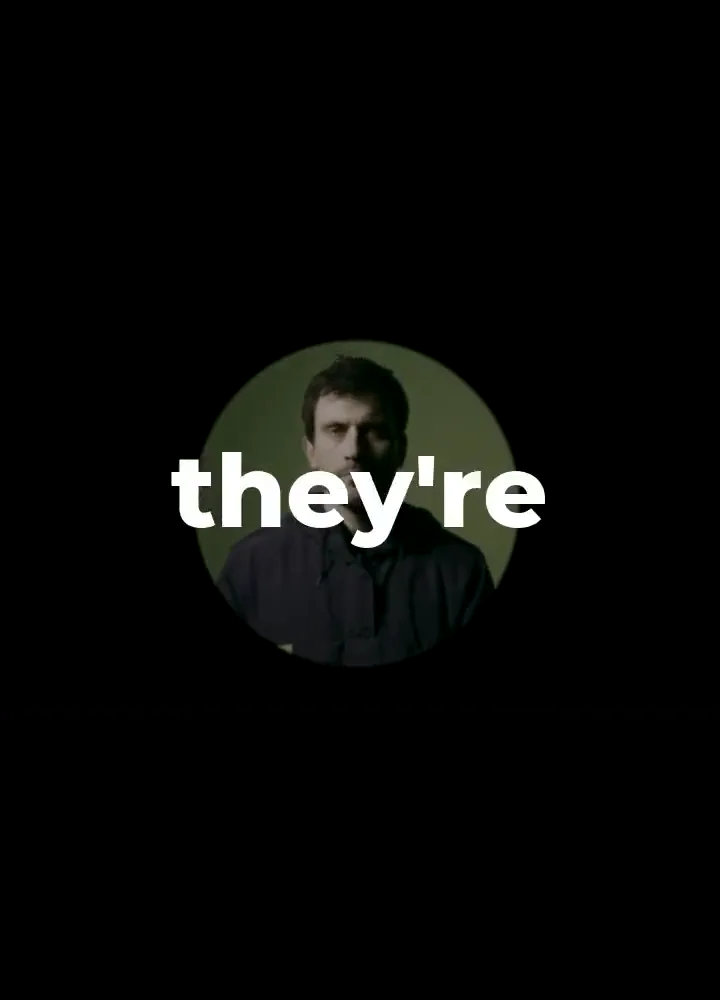
비주얼 방향720:1000
원형 가사 스포트라이트
이 예시에서 살펴볼 수 있는 비주얼 선택: 원형 가사 스포트라이트.
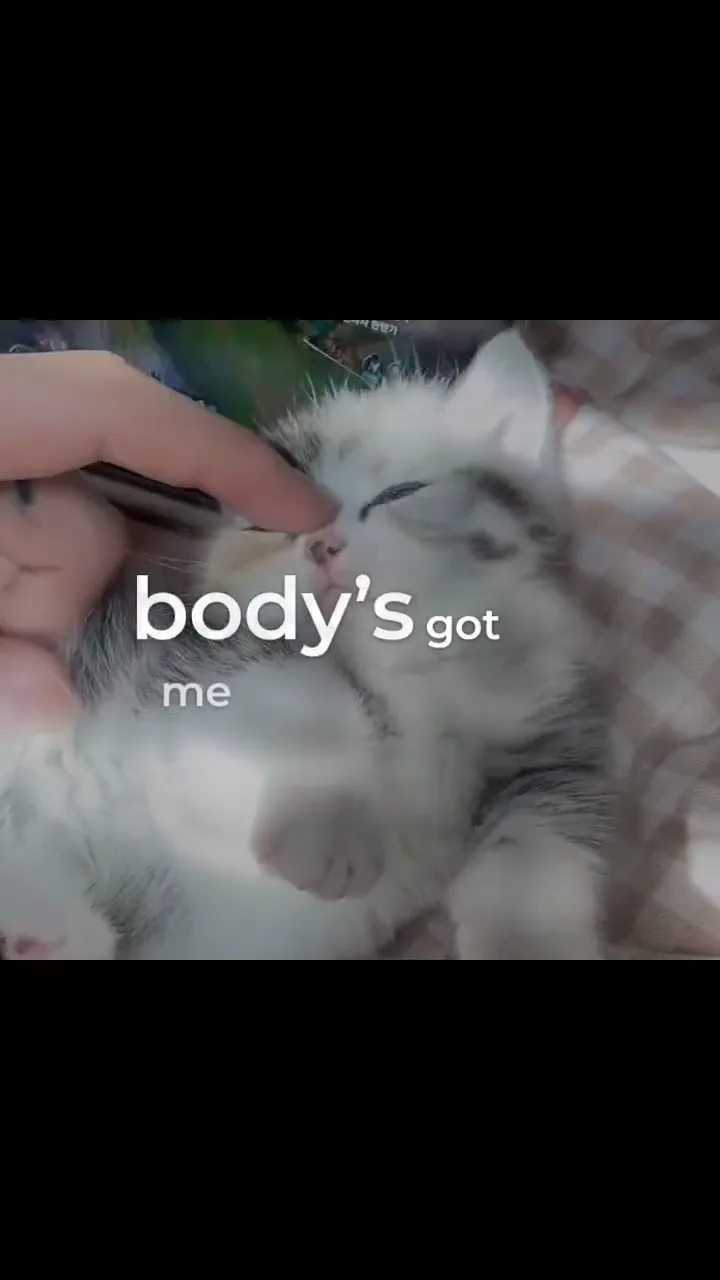
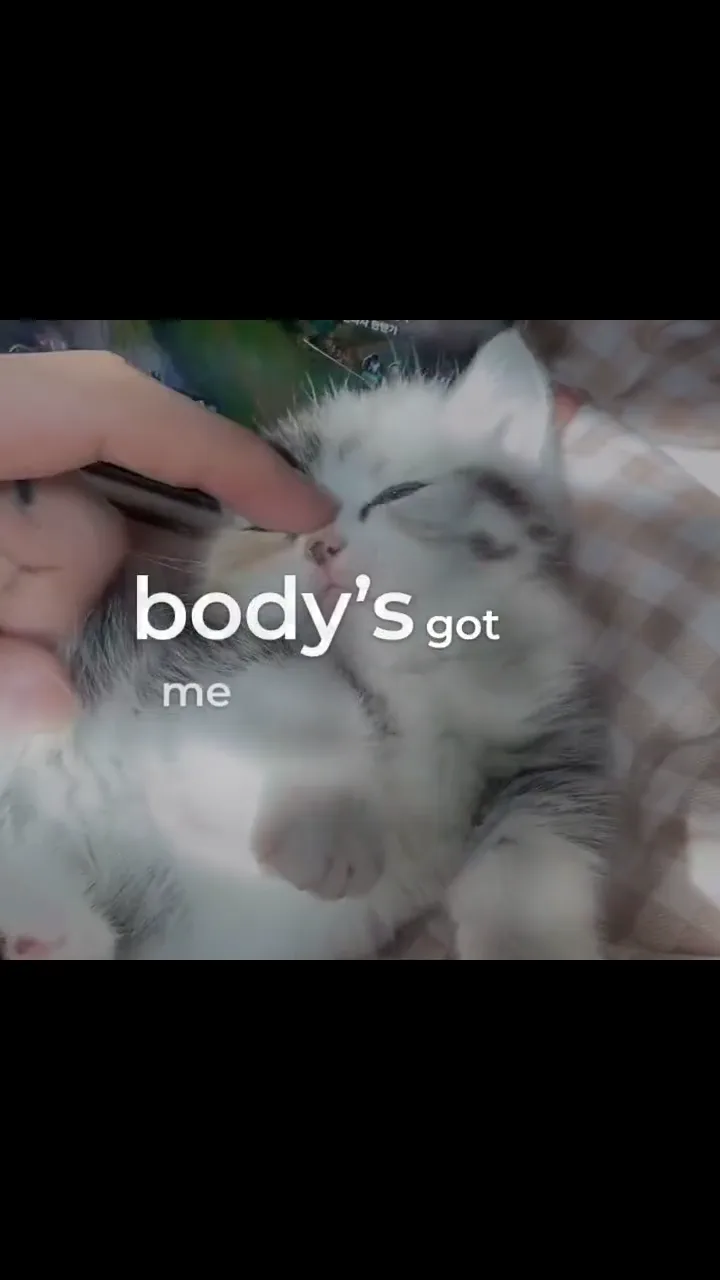
비주얼 방향720:1280
고양이 플레이풀 몽타주
이 예시에서 살펴볼 수 있는 비주얼 선택: 고양이 플레이풀 몽타주.
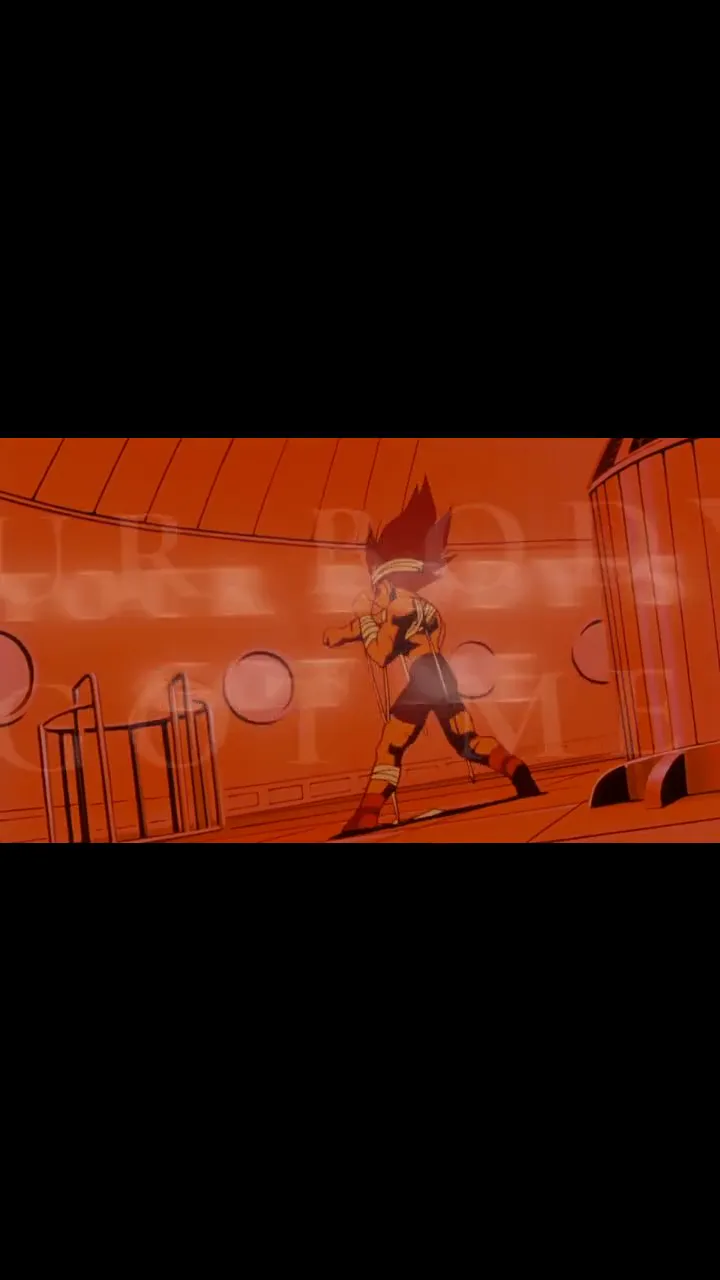
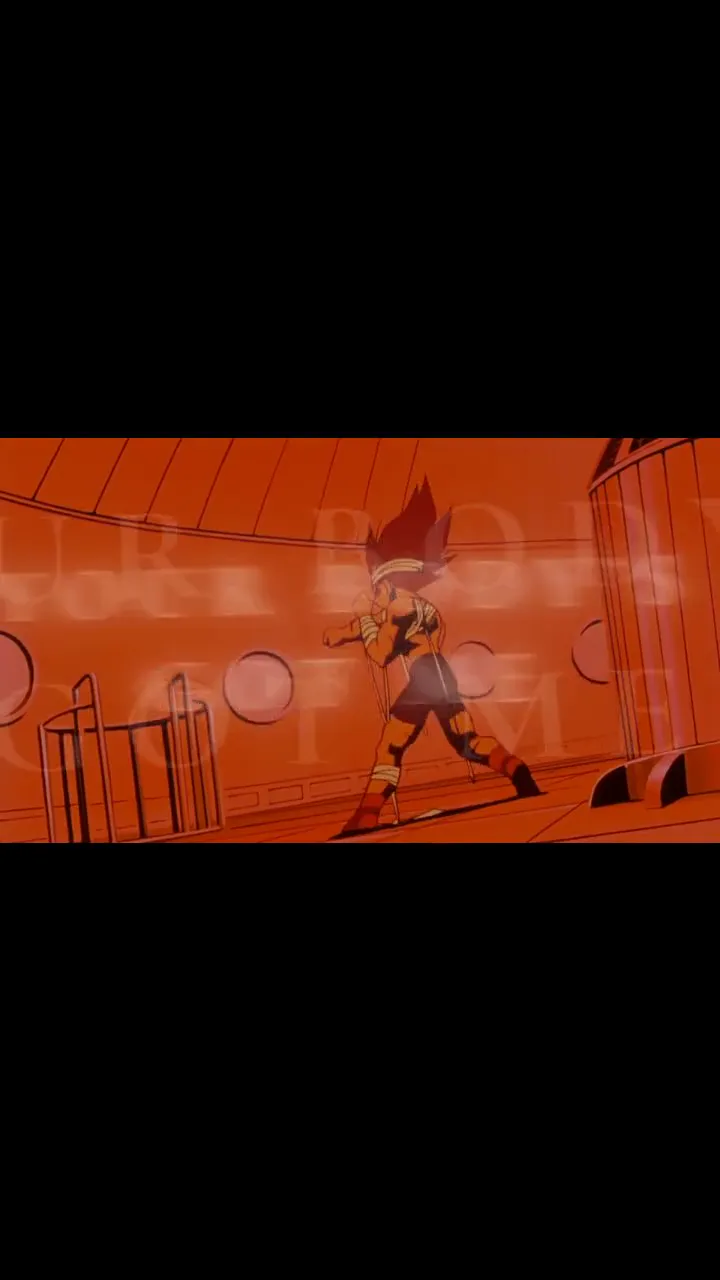
비주얼 방향720:1280
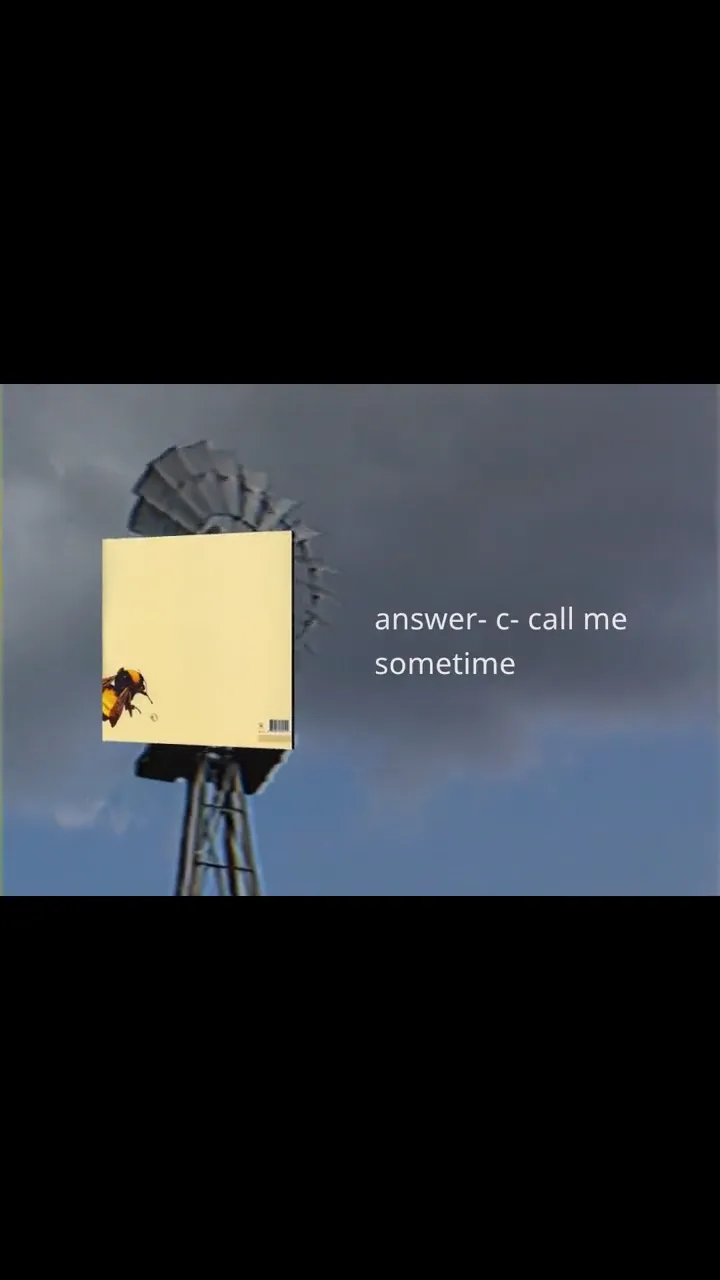
세리프 애니메이션 시퀀스
이 예시에서 살펴볼 수 있는 비주얼 선택: 세리프 애니메이션 시퀀스.
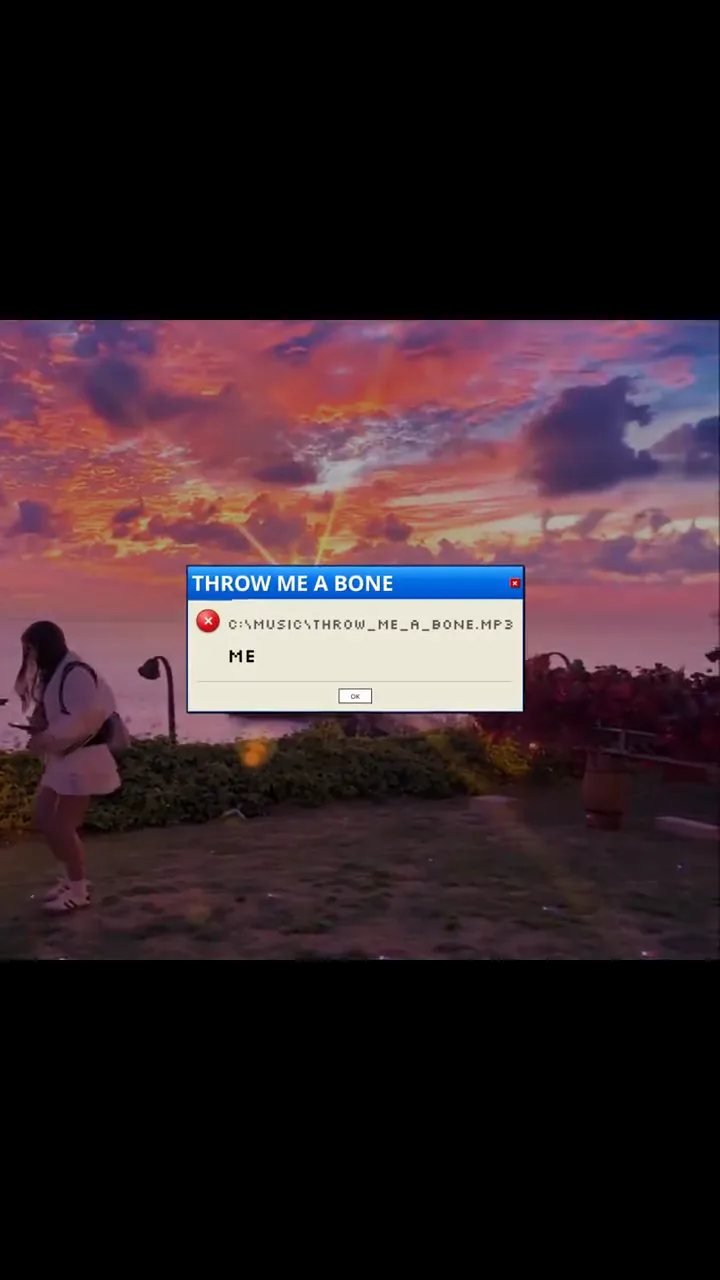
비주얼 방향720:1280
노을 데스크톱 콜라주
이 예시에서 살펴볼 수 있는 비주얼 선택: 노을 데스크톱 콜라주.
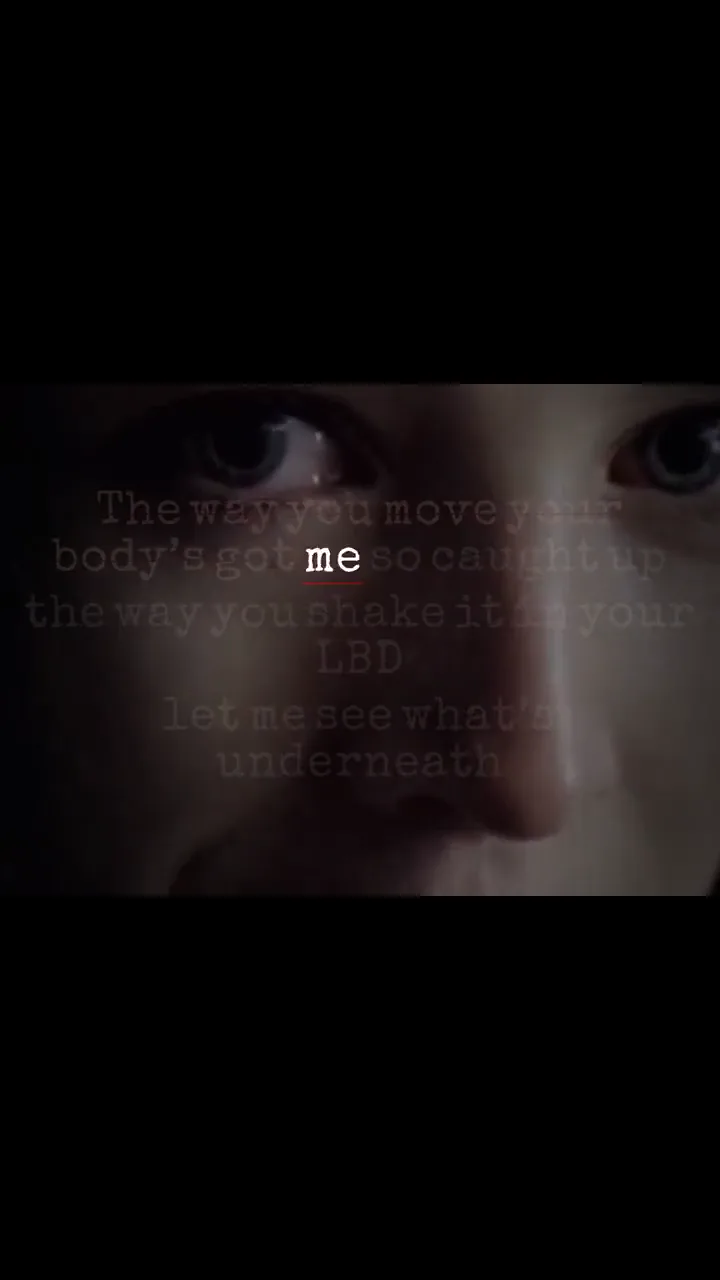
비주얼 방향720:1280
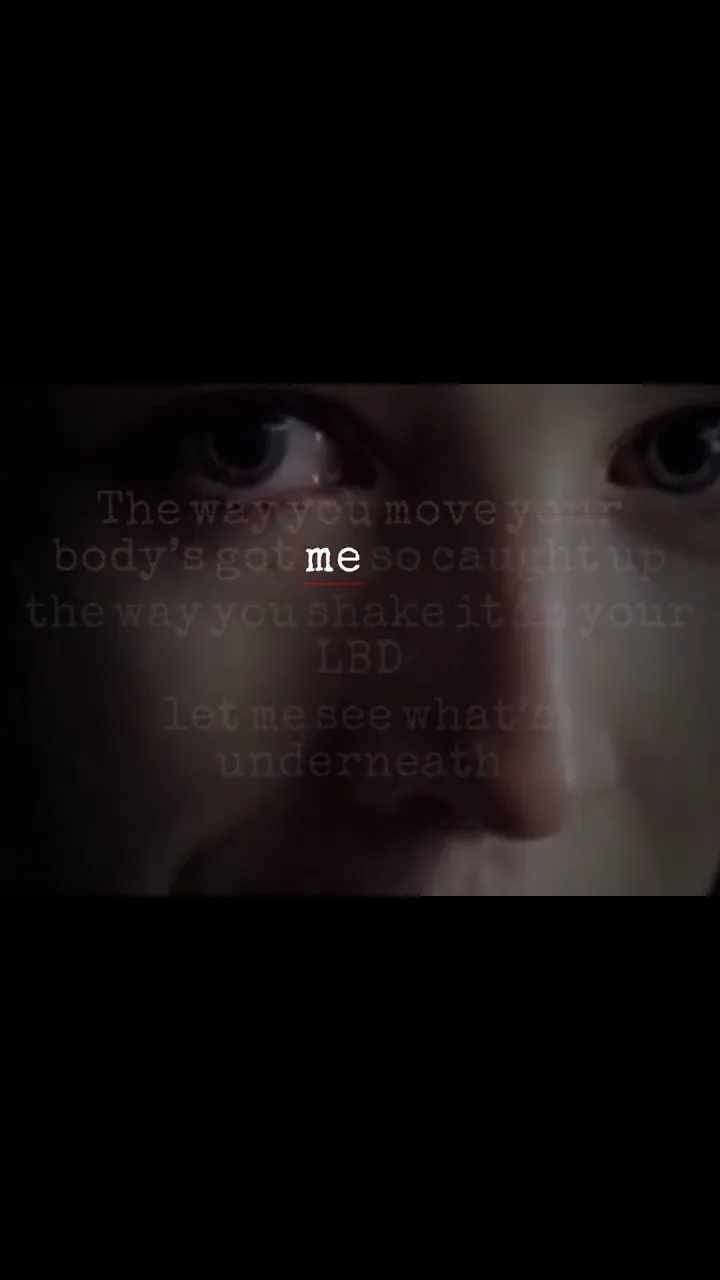
타자기 가사 페이지
이 예시에서 살펴볼 수 있는 비주얼 선택: 타자기 가사 페이지.
배포 목적별 선택
만들려는 영상과 가장 가까운 워크플로로 시작하세요
각 페이지는 서로 다른 제작 결정을 설명하고 같은 편집기에 알맞은 프리셋을 전달합니다.
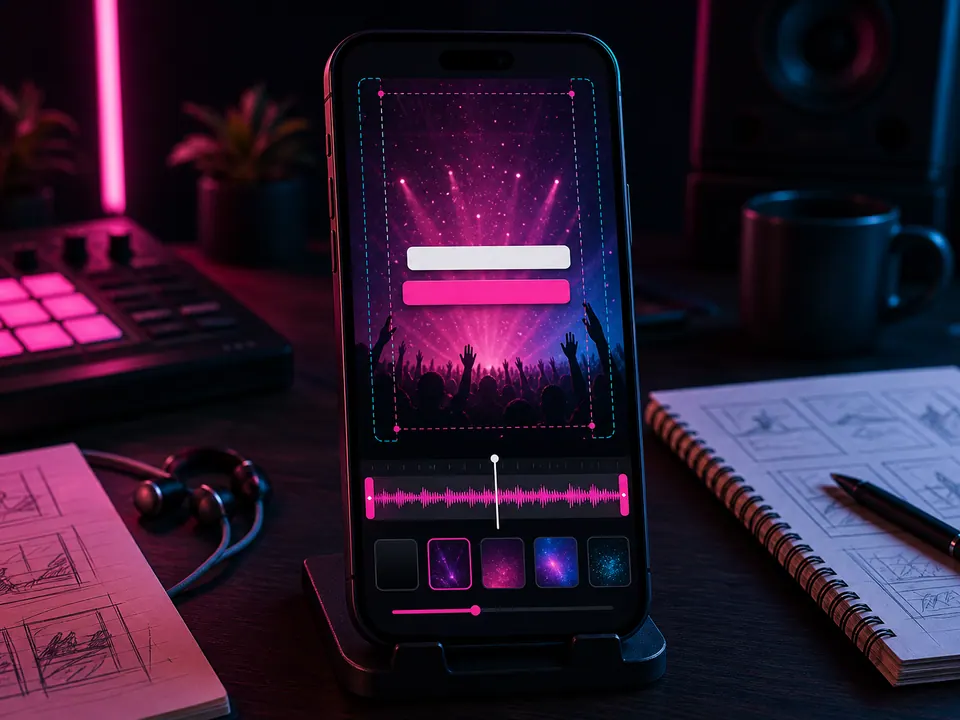 9:16 · TikTok · 릴스 · 쇼츠
넘기기 전에 읽히는 TikTok 가사 영상
곡 전체를 줄이지 말고 훅을 고른 뒤 플랫폼 UI를 피해 짧은 가사 줄을 배치합니다.
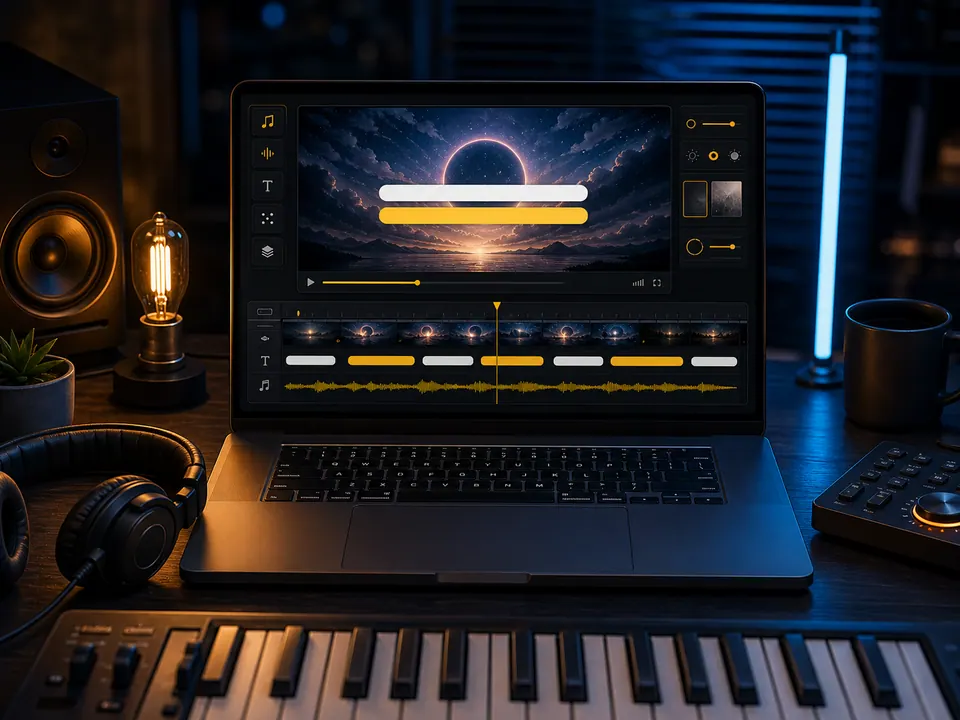 16:9 · 전체 곡 · 와이드
한 곡 끝까지 견디는 YouTube 가사 영상
와이드 화면에서 벌스, 후렴, 브리지, 간주와 마지막 줄까지 모두 검수합니다.
인식 · 교정 · 렌더가사를 자동 싱크한 뒤 중요한 오차를 직접 교정
인식 결과를 잠긴 자막이 아닌 편집 가능한 줄로 타임라인에 배치합니다.
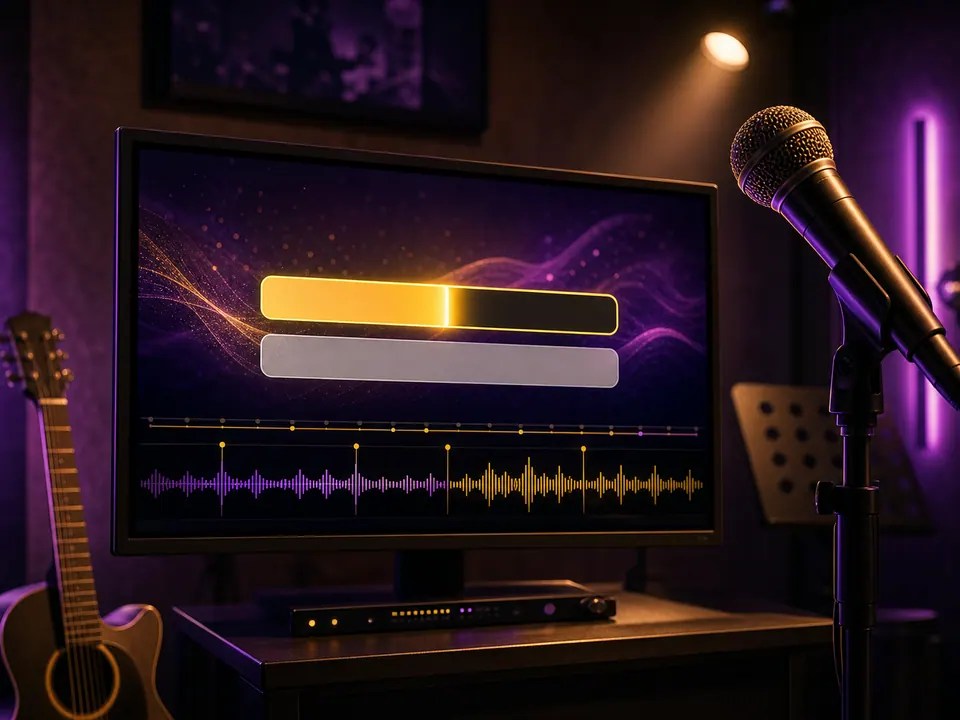 줄 싱크 · 고대비 · 싱어롱
다음 구절을 놓치지 않는 노래방 스타일
큰 고대비 글자와 예측 가능한 위치, 충분한 표시 시간으로 노래를 따라가게 합니다.
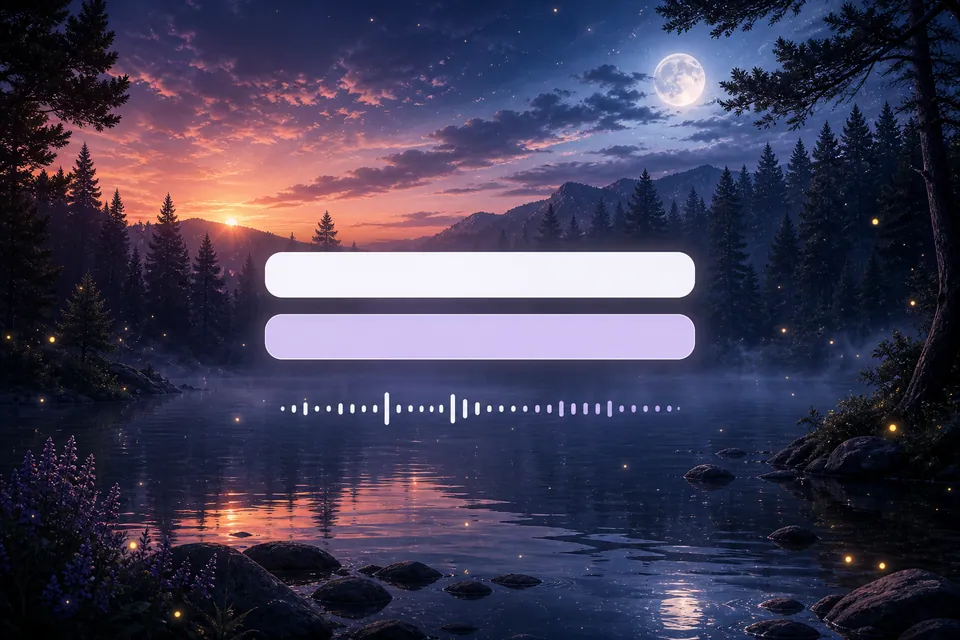 이미지 · 영상 · 자유 배치
실제 배경 위에서 가사 위치를 결정하세요
아트워크, 사진 또는 허가받은 영상을 올리고 밝기와 움직임을 보며 가사 상자를 놓습니다.