AI Music Extender
Extend your songs from any timestamp
 Examples
Sunset Surge
 Examples
Velvet Glasses
 Examples
Fuego en la Marea
 Examples
Blurred Red Lights
 Examples
Midnight Overdrive
 Examples
Back Road to Your Porch Light
Hear the Difference — Original vs. Extended
Every example shows a Creatune-generated track before and after extension. Listen for seamless transitions where the extension begins.
City Lights
Electric Pulse
Autumn Letters
Iron & Gold
How to Extend a Song with AI
Pick a track, choose a timestamp, and let AI compose a seamless continuation.
Choose Your Track
Open any song you've generated on Creatune. Navigate to the track in your library and click "Extend."
Pick Your Timestamp
Drag the marker to the exact point where you want the extension to begin. Extend from the end of verse 1, the middle of a chorus, or wherever you want.
Generate the Extension
Optionally add lyrics for the new section, adjust the style, or let the AI continue naturally. The AI analyzes everything before your timestamp and composes a seamless continuation.
AI Music Extension Features
More than just making songs longer — precise timestamp control, style matching, and full creative freedom.
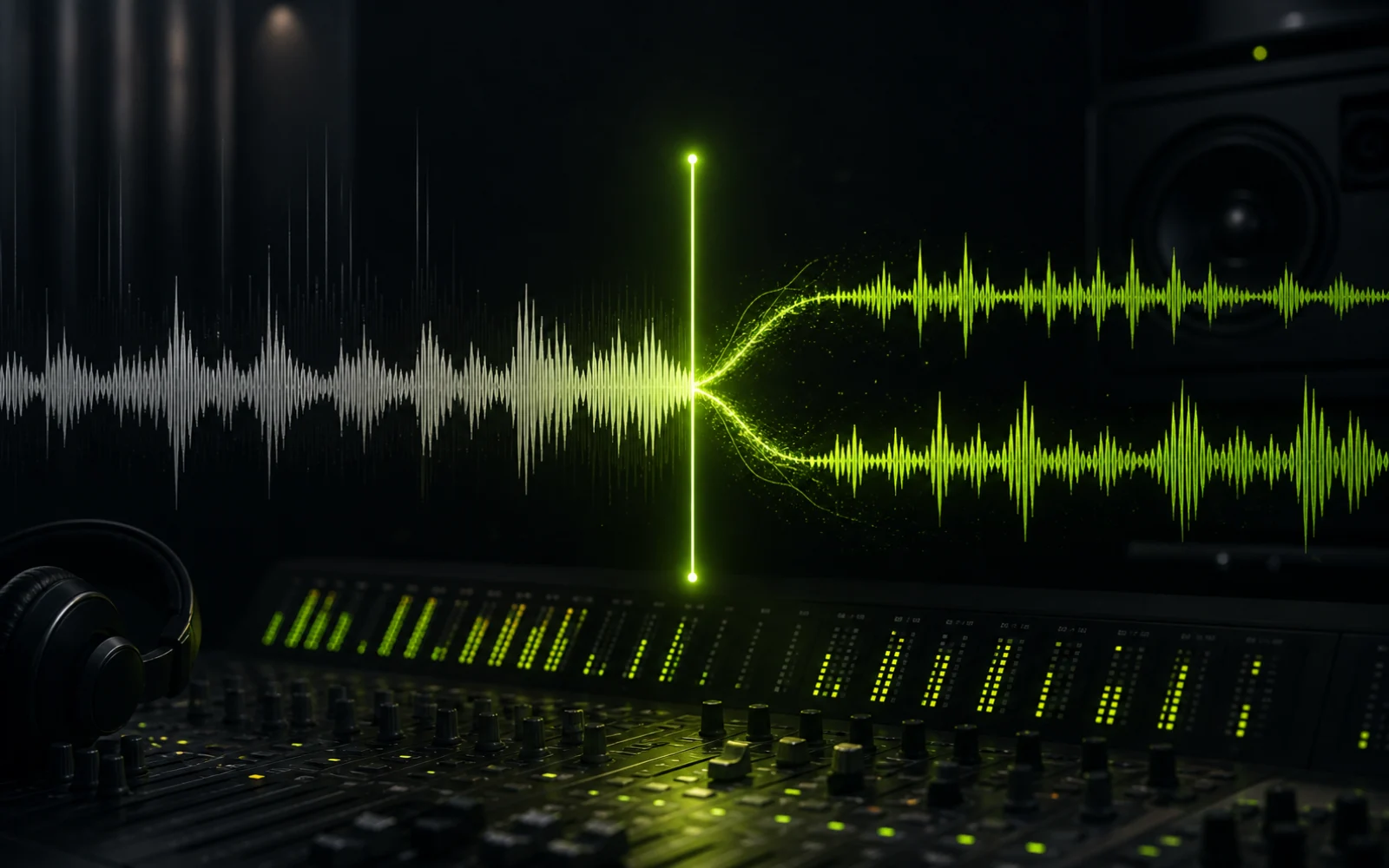
Extend from Any Timestamp
Choose any point in your track as the starting point. Branch off from verse 1, replace a weak chorus, or continue from the bridge. Full control over where the new music begins.
- ✓Precise timestamp selection
- ✓Branch from any point
- ✓Replace or continue sections

Style-Consistent Continuation
The AI analyzes the genre, tempo, key, instrumentation, mood, and vocal style of everything before your extension point — and composes new content that sounds like a natural continuation.
- ✓Matches genre and tempo
- ✓Preserves vocal style
- ✓Natural transitions

Add New Lyrics or Go Instrumental
Input new lyrics for the extended section and the AI matches them to the existing vocal style. Or leave lyrics blank for an instrumental extension.
- ✓Custom lyrics for new sections
- ✓Instrumental extensions
- ✓Auto-match vocal style
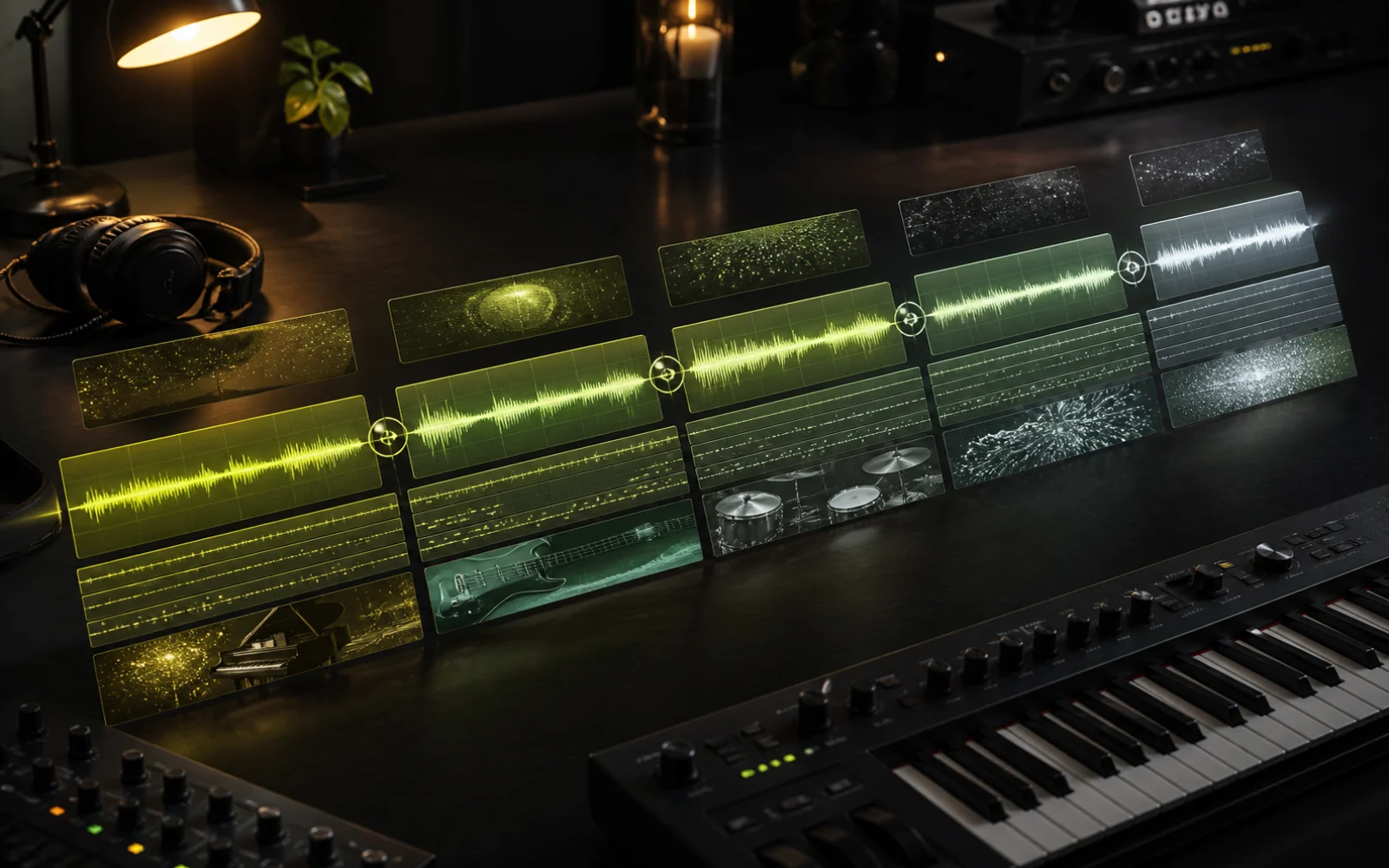
Build Full Songs Section by Section
Generate a short track, then extend repeatedly — verse 2, bridge, final chorus, outro. Each extension builds on the last, giving you much more control than a single generation.
- ✓Iterative song building
- ✓Full song structures
- ✓More control per section
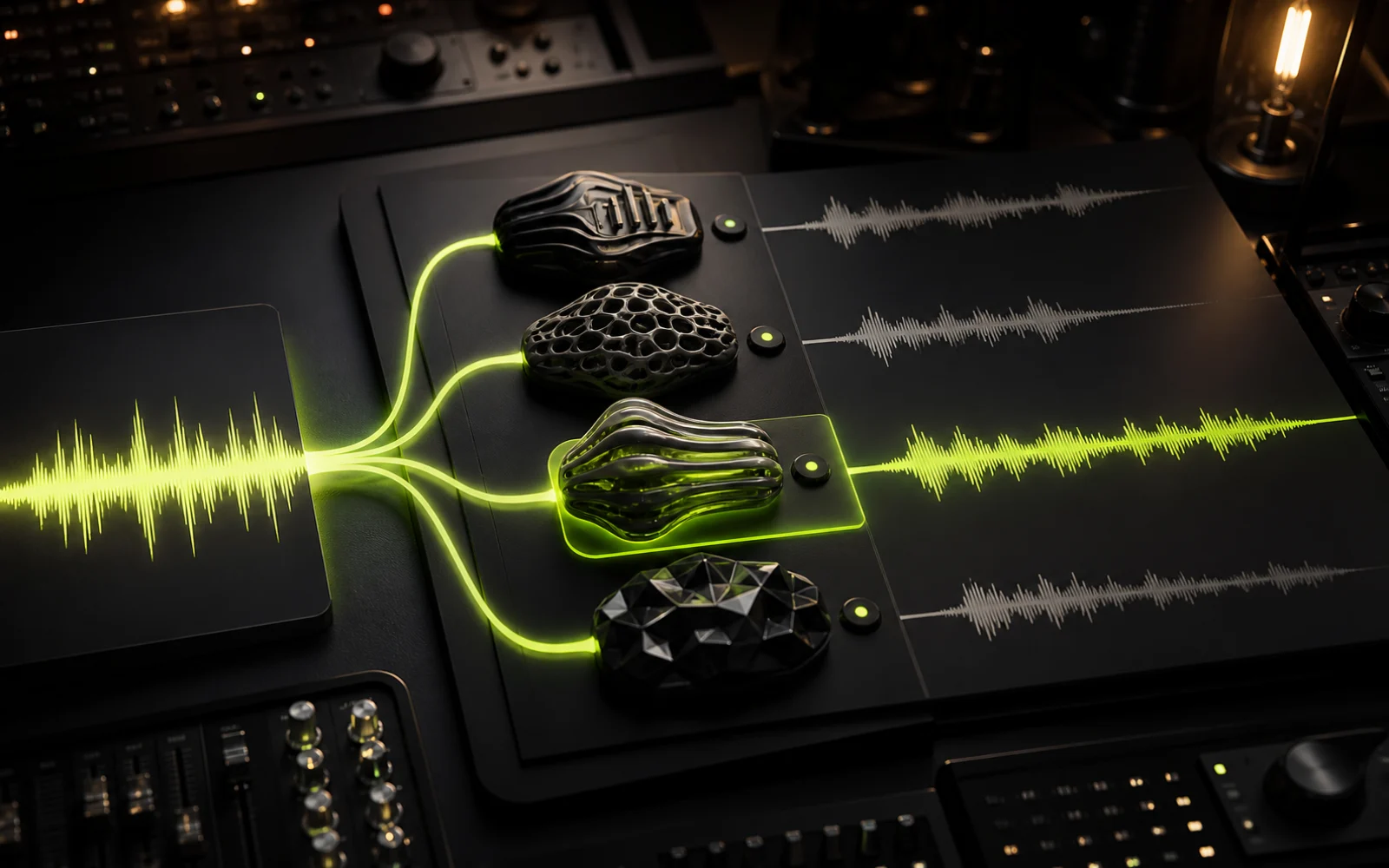
Multiple Model Options
Choose between Omni for the latest sound quality or V5.5 for consistency with older tracks. Use the same model that generated the original for best results.
- ✓Omni and V5.5
- ✓Model matching
- ✓Consistent output quality

Royalty-Free Extended Tracks
Extended tracks carry the same commercial license as the original generation. On paid plans, your extended songs are 100% royalty-free for any use.
- ✓Same license as original
- ✓Full commercial rights
- ✓No additional fees
When Do You Need an AI Music Extender?
From matching video length to building complete songs — here's when extension makes the difference.
Video Editors — Match Music to Scene Length
Your video is 3:30 but the track is 1:45. Extend to match your video's exact timing. The AI maintains the emotional arc so the music builds with your story.
Songwriters — Build a Complete Song Structure
AI generators often produce a great verse and chorus but stop at 1–2 minutes. Add verse 2, a bridge, a key change, a final chorus, and an outro.
Content Creators — Consistent Background Music
Podcasters, streamers, and TikTok creators need music that fits exact time slots. Extend a 1-minute intro to 2 minutes, or stretch background music for a 10-minute segment.
Musicians — Experiment with Song Directions
Extend from a timestamp before the chorus and let AI compose an alternative. Compare multiple extensions and pick the best direction for your song.
Tips for Seamless AI Music Extensions
Get better results with these practical techniques.
Extend in Short Sections
Instead of extending 1 minute to 4 minutes in one go, extend in 30–45 second increments. Each shorter extension maintains better quality and coherence.
Set Timestamp a Few Seconds Before the Transition
Don't extend from the exact last second. Back up 2–3 seconds so the AI has musical context for a smoother handoff.
Use Song Structure Tags in Lyrics
When adding lyrics to an extension, include [Chorus], [Bridge], or [Outro] to guide the AI's composition for more intentional song structure.
Keep the Same Model Version
If you generated on V5, extend on V5. Mixing model versions can cause subtle style shifts or vocal inconsistencies.
Use the Style Consistency Slider
Keep it at 70–90% for extensions. 100% can sound repetitive; below 50% may drift too far from the original feel.
AI Music Extension vs. Manual Methods
See how AI extension compares to traditional approaches.
| Criteria | Creatune AI Extender | DAW Manual Editing | Loop/Copy-Paste | Hiring a Producer |
|---|---|---|---|---|
| Speed | Seconds | Hours | Minutes | Days–weeks |
| Skill Required | None | Advanced audio skills | Basic audio skills | None (outsourced) |
| Creates New Content | Yes — original new sections | No — rearranges existing | No — repeats existing | Yes — original |
| Maintains Style | AI matches genre/mood/tempo | Manual — depends on skill | Same audio repeated | Depends on producer |
| Cost | 10 credits (~$0.50) | DAW license ($0–$600) | Free with any editor | $500–$5,000+ per track |
| Seamless Transitions | AI-generated crossfade | Manual crossfade | Often audible seams | Professional quality |
More AI Music Tools
Start with generation, refine with lyrics, then extend to full length.
Plans and credits
Choose a plan for AI Music Extender
Use AI Music Extender with flexible monthly, annual, or one-time credits shared across Creatune.
Basic
12,000 credits/year
billed annually
Save 33% — Limited Time Offer!
- 12,000 credits/year
- Up to 1,200 standard music generations
- Up to 800 premium music generations
- 3,376 seconds Music Video
- MP3 Downloads
- Creatune Omni Model Access
- Commercial License
- 365-day Cloud Storage
Pro
30,000 credits/year
billed annually
Save 50% — Limited Time Offer!
- 30,000 credits/year
- Up to 3,000 standard music generations
- Up to 2,000 premium music generations
- 8,296 seconds Music Video
- Everything in Basic
- Creatune Omni Model Access
- Commercial License
- 30-day Cloud Storage
Max
84,000 credits/year
billed annually
Save 56% — Limited Time Offer!
Credits per year
84,000
- 84,000 credits/year
- Up to 8,400 standard music generations
- Up to 5,600 premium music generations
- 23,640 seconds Music Video
- Everything in Pro
- Creatune Omni Model Access
- Commercial License
- Priority Queue
- Unlimited Cloud Storage
- Priority Email Support
Secure checkout by Stripe
After payment, credits activate automatically for Creatune AI music, lyrics, audio editing, and music video workflows.
The payment methods shown at checkout vary by country, device, currency, and your Stripe configuration.
AI Music Extender — Frequently Asked Questions
Everything you need to know about extending AI-generated music.
Creatune gives you 15 free credits on signup — no credit card required. Each music extension costs 10 credits. You can try one extension for free, or use your credits for a full song generation (10 credits, 2 variants) and lyrics (1 credit) instead.
Yes. Creatune's AI music extender lets you choose any timestamp as the starting point. Drag the marker to the exact second, and the AI composes new content continuing from that point.
No. The extended section is generated at the same quality as the original track. The AI composes new audio matching the original's production quality — it's not stretching or time-stretching existing audio.
There's no hard limit. Extend multiple times, building section by section. Many users extend a 1–2 minute base to 3–5 minutes. For best results, extend in shorter increments (30–60 seconds at a time).
Yes. Enter new lyrics for the extension and the AI matches the vocal style, melody patterns, and delivery of the original track. Leave lyrics blank for an instrumental extension.
Yes. Choose Upload Music to extend an external MP3, WAV, or M4A file up to 8 minutes. Uploading is free for any signed-in account. Each extension costs 10 credits, and without an active plan or remaining paid credits the result plays as a half-length preview.
Regenerate from the same timestamp — each generation produces a different variation (10 credits each). Try adjusting the timestamp by a few seconds, or add structure tags like [Bridge] or [Outro] to guide the AI.
Yes. On paid plans, extended tracks carry the same 100% royalty-free commercial license as the original generation. Use them on YouTube, in podcasts, games, ads, or streaming platforms.
Don't Let Your Best Song End Too Soon
Extend any AI-generated track from any timestamp. Add verses, bridges, solos, and outros in seconds.