Choose authorized audio
Select an eligible Creatune track or upload a file you are allowed to process. Use the highest-quality version available and avoid recordings that have already been heavily recompressed.
Two-track separation
An AI vocal remover separates a mixed song into two useful outputs: the lead vocal material and the instrumental backing. It analyzes patterns associated with singing and accompaniment, then estimates which audio belongs in each track. The result can support karaoke, rehearsal, remix preparation, transcription, sampling, and closer study of a performance.
Vocal removal is not the same as muting a center channel or filtering a frequency range. Voices overlap with guitars, keys, cymbals, reverbs, and stereo effects, so simple cancellation often removes wanted music or leaves obvious vocal traces. AI separation uses learned musical context to make a more informed split, although no model can perfectly recover parts that were permanently blended in the master.
Use Vocal Remover when the immediate decision is voice versus backing track. If you need drums, bass, guitar, piano, and other parts as independent files, use the AI Stem Splitter instead. Choose audio you own or are authorized to process, and review the output before relying on it for a performance or commercial production.
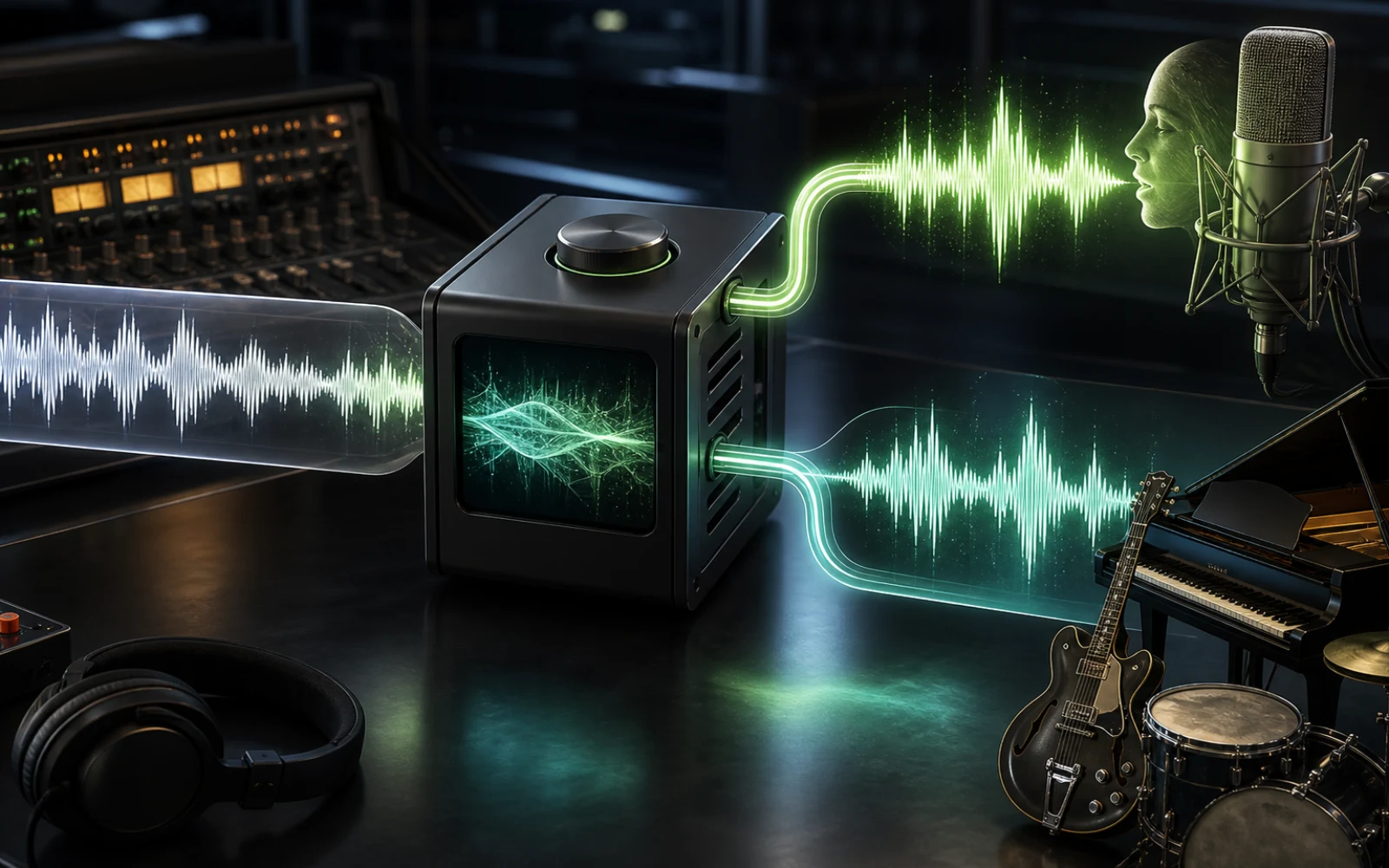
From mix to two tracks
The workflow is simple, but source quality, musical overlap, and a realistic review of artifacts determine how useful the separated tracks will be.
Select an eligible Creatune track or upload a file you are allowed to process. Use the highest-quality version available and avoid recordings that have already been heavily recompressed.
The dedicated mode asks the model for a vocal-and-instrumental split rather than a full production stem set. This keeps the output aligned with karaoke and isolation tasks.
The model identifies vocal timbre, phrasing, spatial cues, and accompaniment patterns across the song, then estimates two synchronized audio streams from the combined master.
Listen to quiet verses, dense choruses, backing vocals, reverb tails, and transitions. Decide whether the tracks are ready for your use or need editing, filtering, or a different separation mode.
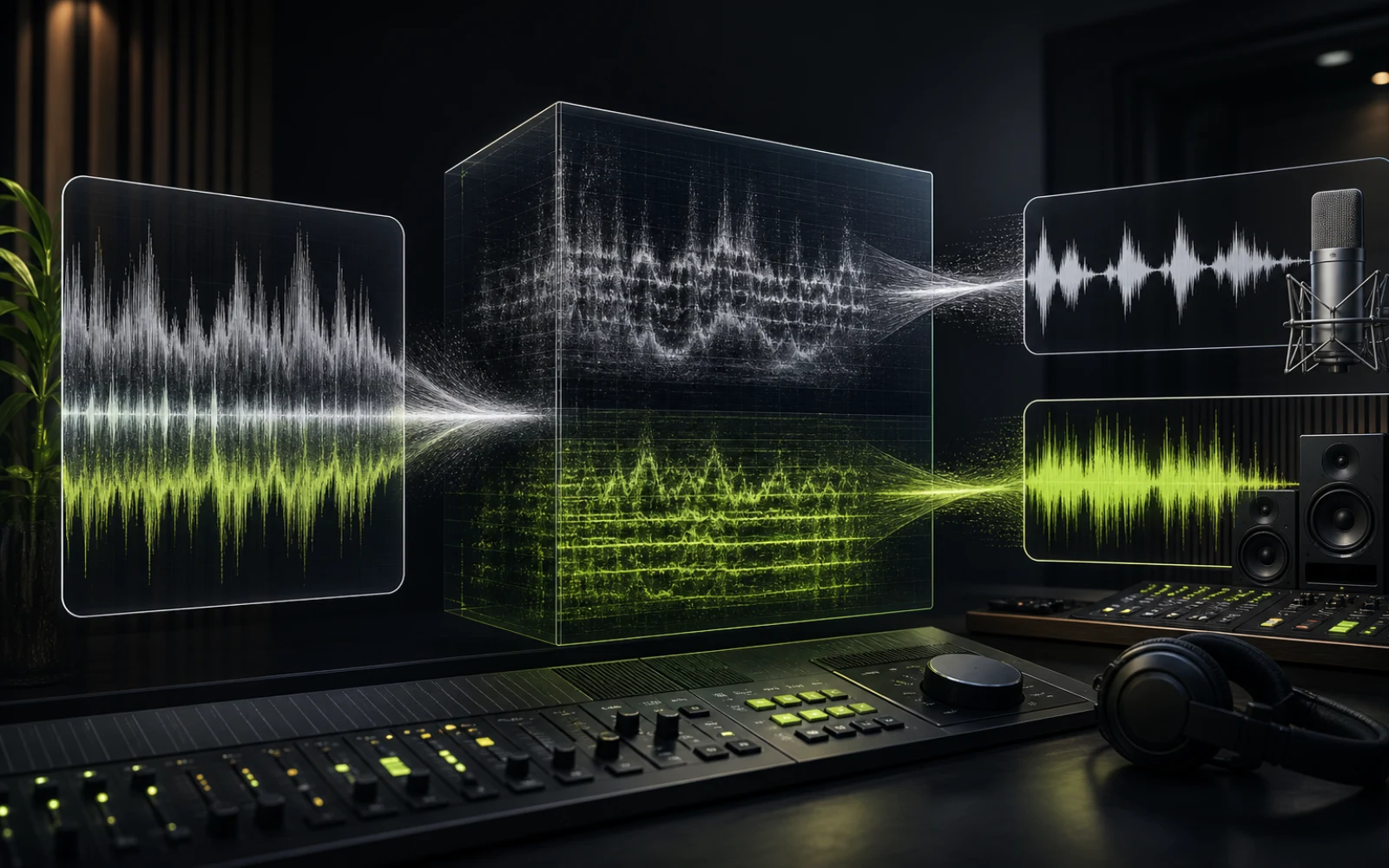
Select the right separation depth
More stems are not automatically better. Pick the smallest separation that gives you the control required for the next task.
| Mode | Typical output | Best for |
|---|---|---|
| Vocal Remover | Vocals + instrumental | Karaoke, a cappella, practice, quick remix prep |
| 4-Stem Splitter | Vocals, drums, bass, other | Balanced remix control with a compact stem set |
| Multi-stem Splitter | A wider set of instrument groups | Detailed production, study, and arrangement work |
| Add Instrumental | A newly generated musical layer | Creating a part rather than extracting one |
Practical uses
The two outputs are useful because they preserve timing while giving the voice and accompaniment independent roles in the next workflow.
Use the instrumental for rehearsal, live singing, classroom activities, or a private karaoke session. Preview the whole song first, especially sections with layered backing vocals or strong vocal reverb.
Listen to breath placement, timing, dynamics, vibrato, doubles, and harmony movement with less instrumental masking. Isolation can make arrangement and performance details easier to hear.
Use the vocal and instrumental as synchronized starting points for edits, transitions, mashup experiments, or new production around material you have permission to transform.
Lower the distraction from the voice when learning accompaniment, or focus on the vocal when transcribing melody and rhythm. Separation is a learning aid, not a guarantee of a perfectly clean studio stem.
Separation quality
A finished master contains permanent overlap. The model can estimate sources intelligently, but the recording, arrangement, effects, and compression still shape the result.
Lossless or high-bitrate audio generally preserves more detail than a repeatedly compressed copy. Clipping, aggressive noise reduction, and low-bitrate artifacts can be mistaken for vocal or instrumental texture.
Distorted guitars, bright synths, cymbals, choirs, and reverberant vocals can occupy similar frequencies and stereo space. Some bleed, softened transients, or effect tails may remain in either output.
Harmony stacks, vocal chops, delays, and reverb may be distributed differently from the lead. Review the intended use before assuming every human voice will appear exclusively in one track.
If the instrumental still contains parts you must edit separately, move to 4-stem or multi-stem separation. Vocal removal is optimized for a clear two-way decision, not detailed reconstruction of every instrument.
Plans and credits
Use AI Vocal Remover with flexible monthly, annual, or one-time credits shared across Creatune.
12,000 credits/year
billed annually
Save 33% — Limited Time Offer!
30,000 credits/year
billed annually
Save 50% — Limited Time Offer!
84,000 credits/year
billed annually
Save 56% — Limited Time Offer!
Credits per year
84,000
After payment, credits activate automatically for Creatune AI music, lyrics, audio editing, and music video workflows.
The payment methods shown at checkout vary by country, device, currency, and your Stripe configuration.
Vocal isolation questions
It produces an estimated vocal track and an estimated instrumental track from a mixed song. The outputs stay aligned in time, making them useful for karaoke, rehearsal, remix preparation, transcription, and study. They are AI-separated results and may not equal the original studio stems used during production.
AI can often reduce the lead vocal substantially, but complete removal is not guaranteed. Vocal frequencies and effects overlap with instruments in the finished master. Dense choruses, reverb, backing vocals, distortion, and compression may leave traces or remove small amounts of wanted accompaniment.
Vocal Remover is a focused two-track workflow: vocals and instrumental. Stem Splitter creates a broader set such as vocals, drums, bass, and other instrument groups. Use Vocal Remover for karaoke or quick isolation; use stems for detailed remixing and production control.
Use the highest-quality authorized file available, with no clipping and as little repeated compression as possible. Clear lead vocals and a balanced mix are easier to separate than recordings with heavy distortion, large choirs, dense stereo effects, or vocals embedded deeply in similar-sounding instruments.
Yes, karaoke is a common use. Preview the entire instrumental before performing because backing vocals, echoes, and reverb tails may remain. Also make sure you have the rights required to use the source and any public or commercial performance permissions relevant to your event or platform.
No. The original source remains available and the separation is stored as a separate result. You can listen to the vocal and instrumental outputs, compare them with the master, and choose another separation mode without destructively editing the source recording.
Choose audio you can process, run the focused vocal-and-instrumental split, and preview both outputs before moving into karaoke, practice, or production.
Remove vocals with AI