Choose a stable source
Select a library song or upload audio you can edit. A complete file with a clear pulse and recognizable sections helps the generated layer follow changes rather than behaving like a disconnected loop.
Add new instruments, accompaniments, and production layers to an existing song
 Examples
 Examples
 Examples
 Examples
 Examples
 Examples
Arrangement for existing audio
AI Add Instrumental generates a new musical layer that follows an existing song. You can ask for guitar, piano, drums, bass movement, strings, brass, synth textures, orchestral support, or another clearly described part. Creatune analyzes the source context and creates a new result intended to fit its tempo, structure, mood, and production character.
This is an additive workflow. It does not split the mix into stems and it does not replace the original file. Use it when a song already works but needs accompaniment, a solo, a transition, rhythmic lift, harmonic color, or a fuller arrangement. The source remains available so you can compare the added layer with the original direction.
The most useful prompt explains the instrument's job. A request for muted electric guitar answering the vocal in the verses is clearer than add guitar. Name the instrument family, performance style, density, register, section, and emotional role that matter, while leaving unimportant details open for the model to interpret.
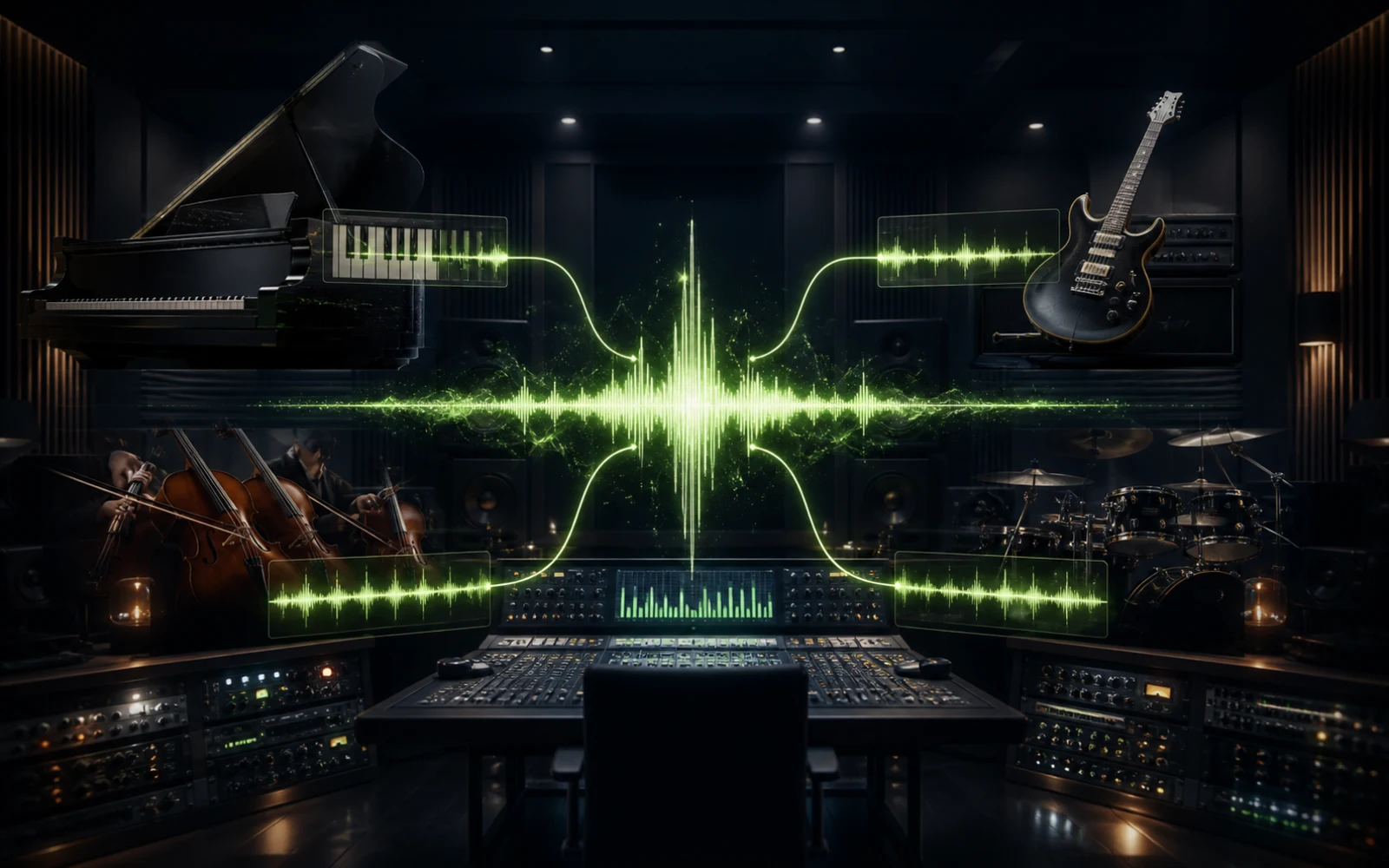
Arrangement workflow
A successful added part has a defined role, respects the existing arrangement, and leaves room for the elements that already carry the song.
Select a library song or upload audio you can edit. A complete file with a clear pulse and recognizable sections helps the generated layer follow changes rather than behaving like a disconnected loop.
Specify acoustic or electric guitar, piano, drum kit, strings, brass, synth pad, orchestral percussion, or another practical target. Add tone and playing style only when they affect the role.
Describe register, density, rhythm, and relationship to the vocal or lead. Ask for support, response phrases, a solo, a chorus lift, or subtle texture instead of simply requesting more sound.
Listen for timing, harmonic fit, masking, and whether the new layer improves section contrast. If the part is too busy, reduce its role before changing the whole genre or source.
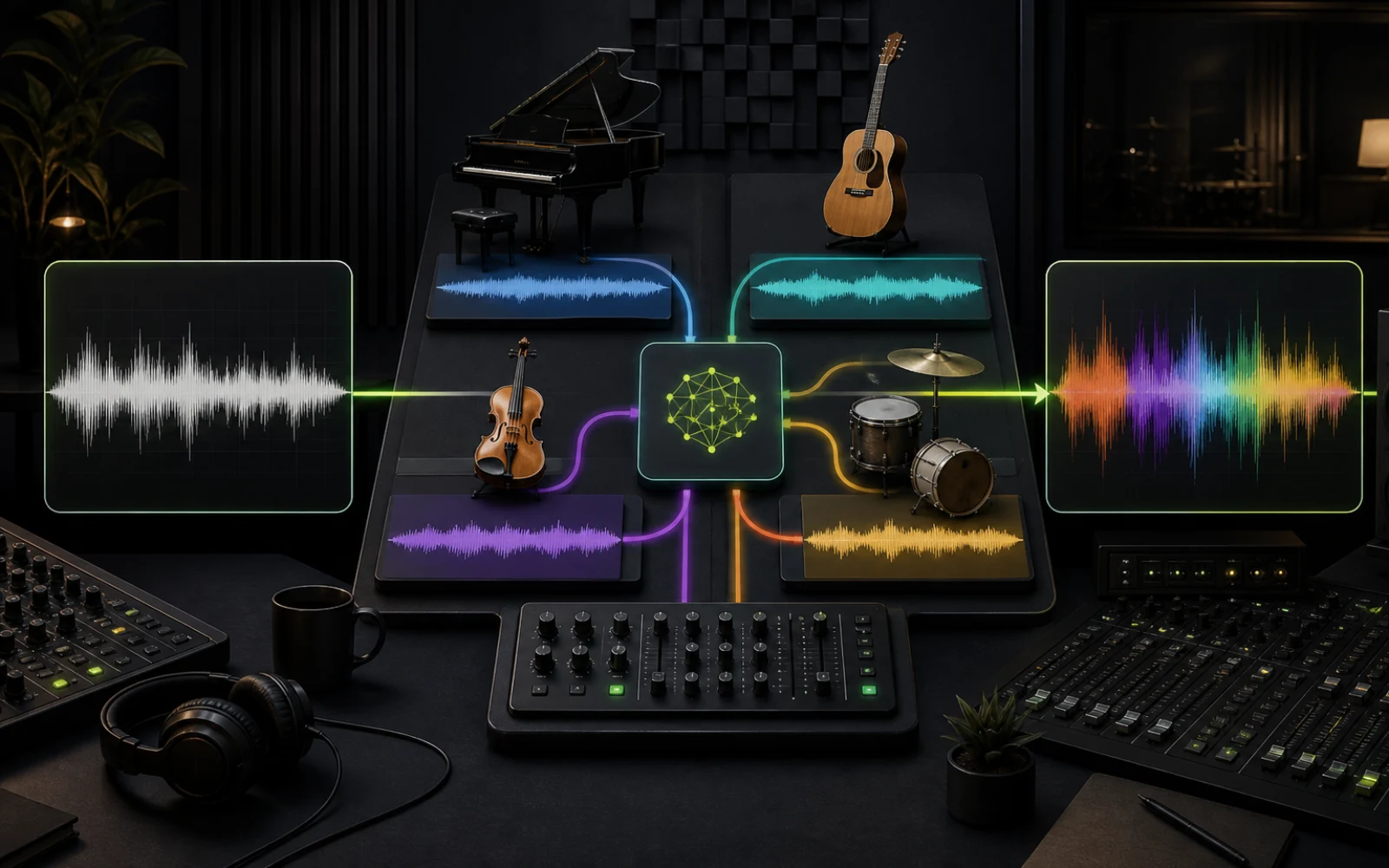
Addition or separation
Choose based on whether you want to create a new part, extract existing parts, or reinterpret the entire song.
| Workflow | Action | Choose it when |
|---|---|---|
| AI Add Instrumental | Generates a compatible new musical layer | The arrangement needs an instrument, texture, or section lift |
| AI Stem Splitter | Separates parts already present in the mix | You need vocals, drums, bass, or other stems for editing |
| AI Vocal Remover | Creates a vocal and instrumental split | The immediate goal is karaoke or two-track isolation |
| AI Song Cover | Reinterprets the song as a new performance | Genre, voice, mood, or the complete arrangement should change |
Practical arrangement ideas
Add only the layer that solves the production problem. A purposeful small part often improves a song more than a second full arrangement competing with the first.
Introduce wider guitars, stronger drums, strings, brass, or a brighter synth layer when the chorus needs contrast. Describe how the new part should grow from the verse instead of requesting maximum energy everywhere.
Generate a melodic guitar, piano, saxophone, synth, or string response for a gap between vocal lines or a dedicated instrumental section. Define the space so the part can contribute without masking the lead.
Add rhythmic or harmonic foundation to a vocal-and-chords sketch. A restrained bass line, percussion bed, pad, or arpeggio can help reveal whether the composition is ready for a larger production.
Create a more acoustic, cinematic, electronic, rhythmic, or atmospheric layer for your own project. Use the generated version as a production option while retaining the original song for comparison.
Instrument prompt guidance
Instrument name matters, but placement and behavior tell the model how the new layer should cooperate with the song.
State whether the instrument should enter in the intro, support verses, answer the lead, expand the chorus, or carry a bridge. Section language gives the layer a narrative purpose and reduces constant, undifferentiated playing.
Use terms such as sparse, sustained, syncopated, low-register, high counterline, or occasional fills. These relationships help avoid collisions with vocals, bass, drums, and existing harmony more effectively than generic quality adjectives.
A jazz guitar solo, orchestral percussion, and lo-fi synth pad imply different harmonic and production behavior. Choose a coherent direction or describe a specific fusion instead of combining multiple genres without explaining their relationship.
A beautiful instrument can still be wrong for the song. Compare the new result with the source at equal volume and listen for clearer transitions, stronger emotion, and preserved lead focus—not simply more sonic activity.
Plans and credits
Use Add Instrumental with flexible monthly, annual, or one-time credits shared across Creatune.
12,000 credits/year
billed annually
Save 33% — Limited Time Offer!
30,000 credits/year
billed annually
Save 50% — Limited Time Offer!
84,000 credits/year
billed annually
Save 56% — Limited Time Offer!
Credits per year
84,000
After payment, credits activate automatically for Creatune AI music, lyrics, audio editing, and music video workflows.
The payment methods shown at checkout vary by country, device, currency, and your Stripe configuration.
AI instrument questions
Yes. AI Add Instrumental analyzes an existing recording and generates a new musical layer intended to follow its structure, tempo, mood, and production context. You can request an instrument, playing style, section role, density, and emotional purpose while keeping the original source as a separate version.
You can describe guitar, piano, drums, bass, strings, brass, synths, orchestral elements, percussion, pads, textures, and other recognizable musical roles. Results are easier to guide when the request includes how the instrument should behave, not only its name.
No. Add Instrumental generates a new layer. It does not isolate a guitar, drum, bass, or piano already embedded in the recording. Use AI Stem Splitter or Vocal Remover when the job is separation rather than creation.
No. The source stays available and the generated arrangement is saved as a separate result. This makes it possible to compare versions, try another instrument, or return to the original direction without a destructive edit.
Define a smaller role: occasional fills, sustained support, chorus-only lift, verse response, or a dedicated solo section. Also specify register and density. A focused part is less likely to mask the vocal, bass, or rhythmic elements already carrying the song.
Technical upload capability does not provide editing or distribution rights. Use audio you own or are authorized to transform, and confirm permissions for the recording and composition before publishing, monetizing, or distributing a generated arrangement.
Choose a song you can edit, define one instrument and its musical role, then generate a new version while preserving the source.
Add an instrument with AI