Select the source music
Choose an eligible song from your library or upload audio you are allowed to edit. Instrumentals with a stable tempo, audible harmonic movement, and space for a lead usually provide the clearest foundation.
Add a new vocal performance with lyrics, style, and gender controls
 Examples
 Examples
 Examples
 Examples
 Examples
 Examples
Vocals for existing music
AI Add Vocal creates a new sung performance for an existing piece of music. Start with an instrumental, demo, beat, or eligible Creatune song, then guide the vocal with lyrics, style, optional gender direction, and production controls. The result is a new track that combines the source music with generated singing rather than replacing the original file.
This workflow is designed for a different problem than making a full song cover. A cover reinterprets an existing song, while Add Vocal begins with music that needs a lead, hook, harmony concept, or complete vocal part. It is also different from voice cloning: Add Vocal creates the performance, whereas Voice Clone first creates an authorized reusable voice identity.
Good results come from matching the vocal request to the space already present in the arrangement. A sparse instrumental may support intimate verses and a larger chorus; a dense production may need a simpler melody and clearer register. Describe the role the singer should play, not just a list of moods, and use only lyrics and audio you are entitled to use.
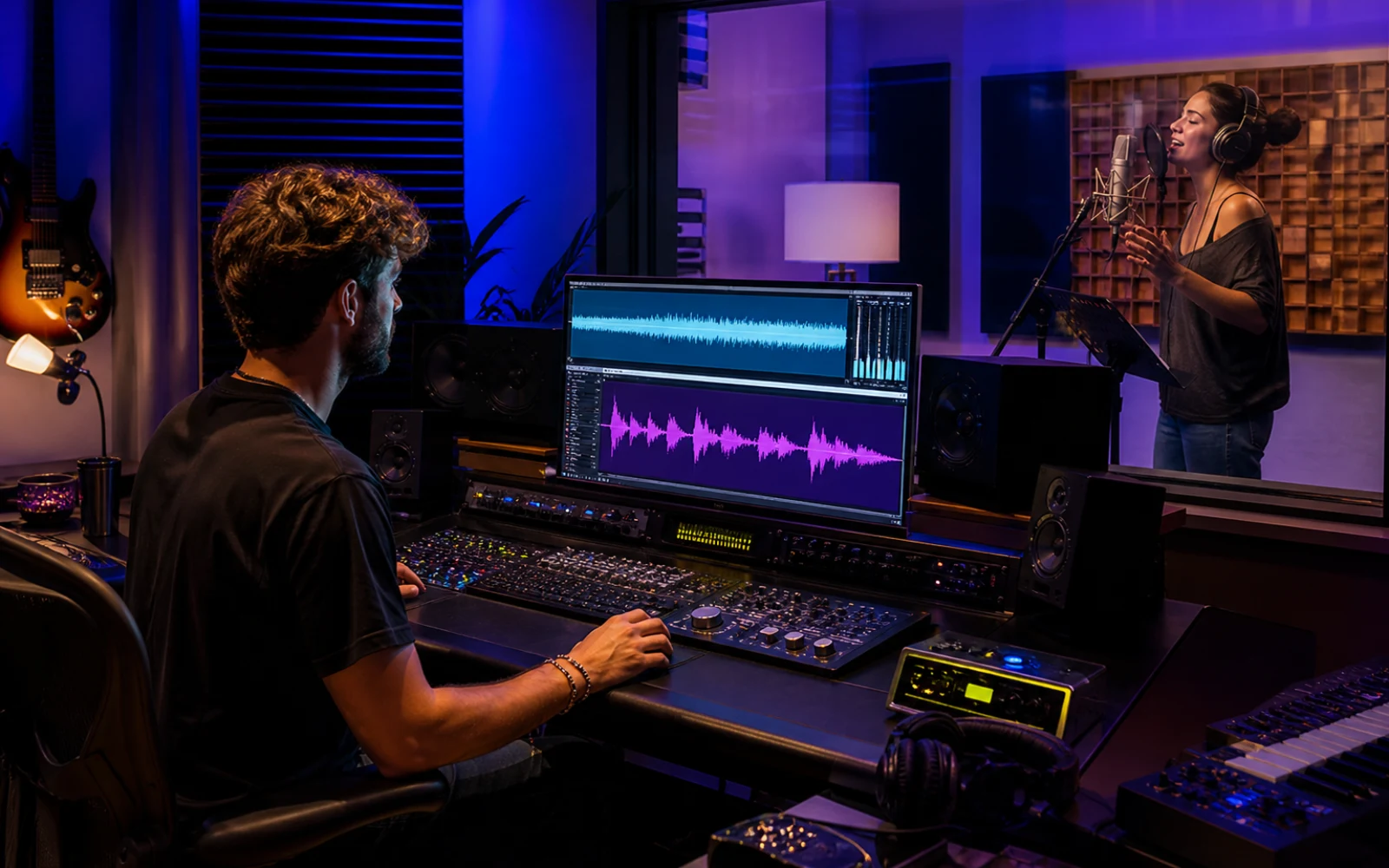
From instrumental to vocal song
The source arrangement, lyric shape, vocal role, and final review each influence whether the result feels written for the music rather than placed on top of it.
Choose an eligible song from your library or upload audio you are allowed to edit. Instrumentals with a stable tempo, audible harmonic movement, and space for a lead usually provide the clearest foundation.
Provide lyrics when exact wording matters, or keep the direction broader when you want exploratory results. Organize verses, hooks, and repeated lines so the model can understand where ideas should return.
Specify tone, intensity, register, delivery, and genre in relation to the track. Terms such as restrained verse, bright hook, breathy lead, or stacked harmony communicate a musical job.
Listen for phrasing, lyric clarity, pitch relationship, and whether the voice competes with the arrangement. Refine the vocal brief or simplify crowded lyrics before changing the source music.

Match the tool to the job
These tools can appear related, but they begin at different points in the creative process and produce different kinds of control.
| Tool | What it creates | Best starting point |
|---|---|---|
| AI Add Vocal | A new sung performance over existing music | Instrumental, beat, demo, or song needing vocals |
| AI Song Cover | A reinterpreted version of an existing song | Completed song with a recognizable melody and structure |
| AI Voice Clone | An authorized reusable voice model | Clean singing sample plus verification recording |
| AI Add Instrumental | A new instrument layer without making vocals the focus | Song that needs arrangement or accompaniment |
Songwriting and production
Use Add Vocal when the music already carries an idea and the missing decision is how a singer should complete, demonstrate, or develop it.
Add a lead vocal to a beat, chord progression, or backing track so collaborators can hear how the composition might function as a finished song instead of evaluating an abstract instrumental.
Hear whether a chorus line is memorable, whether syllables fit the groove, and where a melody needs space. A generated performance can expose writing issues before a recording session.
Compare intimate, energetic, airy, rhythmic, soulful, or layered approaches over the same source. Keep the strongest arrangement and use the vocal versions as references for later production decisions.
Develop music for videos, games, podcasts, or social projects when a vocal hook would add identity. Confirm rights for the source and lyrics before distributing the result commercially.
Better vocal generations
The model needs both musical room and a clear role. Improving either the source arrangement or the vocal brief can matter more than adding more adjectives.
Dense midrange instruments can mask the vocal, while an arrangement without clear sections can make phrasing feel random. Use a source where verses, transitions, and hooks are audible and the intended lead register is not already overcrowded.
Read lines aloud and check syllable count, repeated sounds, breath length, and section changes. Shorter phrases often produce clearer results than prose. Mark repeated choruses consistently so the structure is easy to infer.
Use musical characteristics such as warm low register, crisp consonants, relaxed timing, or powerful sustained chorus. This provides actionable direction without asking the model to impersonate a real performer.
If diction is clear but the emotion is wrong, revise delivery. If the vocal is right but the arrangement is crowded, try a cleaner source or use Add Instrumental separately. Controlled revisions make it easier to understand what improved the result.
Plans and credits
Use Add Vocals with flexible monthly, annual, or one-time credits shared across Creatune.
12,000 credits/year
billed annually
Save 33% — Limited Time Offer!
30,000 credits/year
billed annually
Save 50% — Limited Time Offer!
84,000 credits/year
billed annually
Save 56% — Limited Time Offer!
Credits per year
84,000
After payment, credits activate automatically for Creatune AI music, lyrics, audio editing, and music video workflows.
The payment methods shown at checkout vary by country, device, currency, and your Stripe configuration.
Adding vocals with AI
Yes. AI Add Vocal is designed to generate a sung performance over an existing instrumental, beat, demo, or eligible song. The source should have a stable musical structure and enough space for a lead. You can guide the result with lyrics, vocal style, delivery, and available advanced controls.
Provide lyrics when the exact message, hook, or section structure matters. Clear verse and chorus formatting helps the model understand repetition. If you are exploring a vocal texture rather than final words, you can use a broader brief, but you will have less control over the resulting language and phrasing.
No. Add Vocal generates a new vocal performance for a piece of music. AI voice cloning creates a reusable voice identity from authorized recordings and a verification process. One answers what should be sung over the track; the other establishes which authorized voice model can be used.
No. The original source stays available and the vocal version is created as a separate result. You can compare versions, return to the instrumental, or try a new lyrical and vocal direction without destructively editing the track that began the session.
The arrangement may occupy the same frequency and rhythmic space as the singer, the lyrics may contain too many syllables, or the style request may conflict with the music. Simplify the lyric, identify a clear register and delivery, and start with a source that leaves room for the vocal.
Commercial use depends on your plan terms and the rights attached to the source audio, lyrics, composition, and any voice involved. Use material you own or are authorized to edit, then confirm that your permissions cover the intended platform, territory, and type of distribution.
Choose music you are authorized to use, shape a singable lyric and vocal role, then generate a new performance without replacing the source track.
Add vocals with AI