Select authorized audio
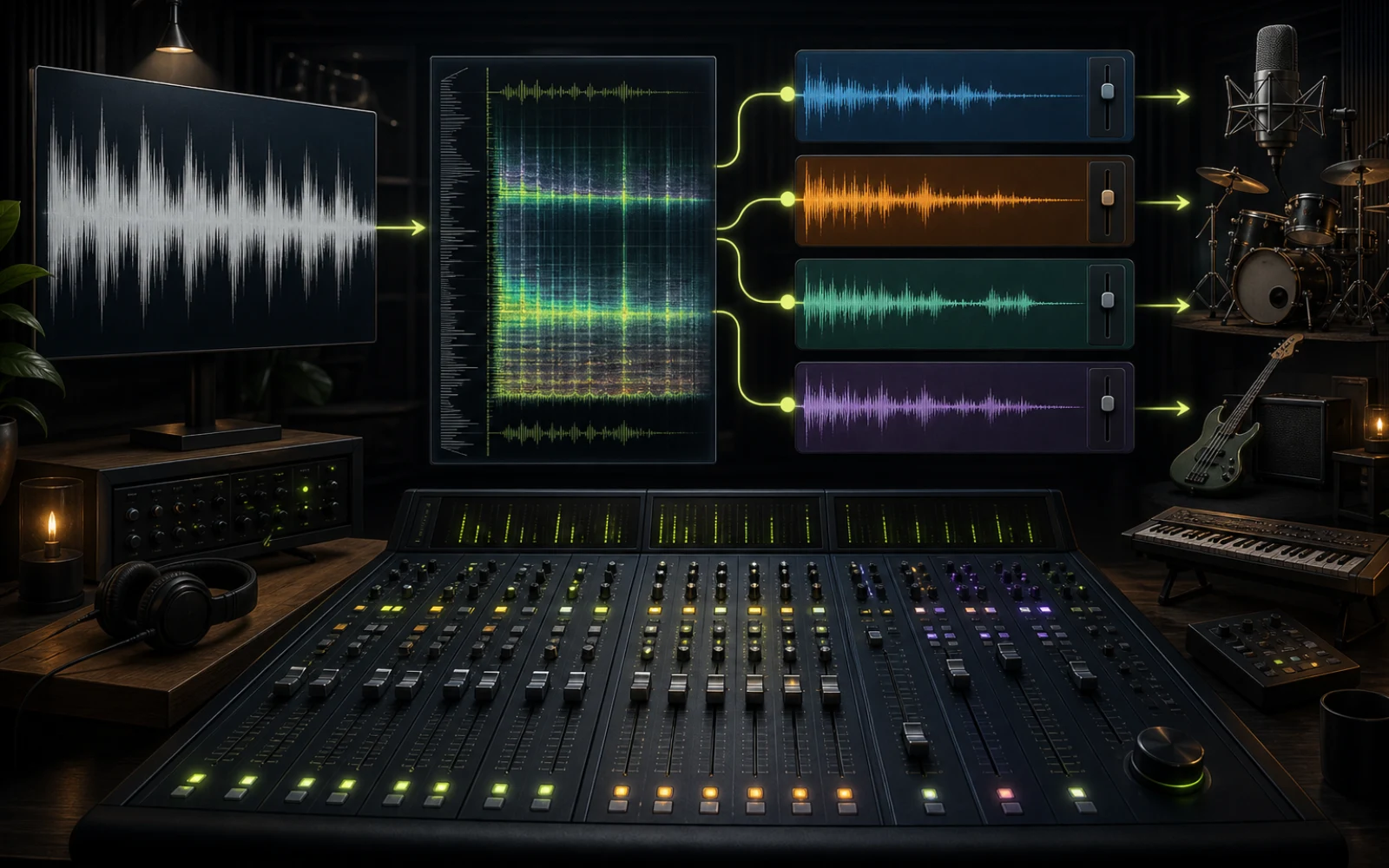
Choose an eligible library song or upload a recording you can process. A high-quality master without clipping or repeated transcoding preserves more detail for the separation model.
Multi-track music separation
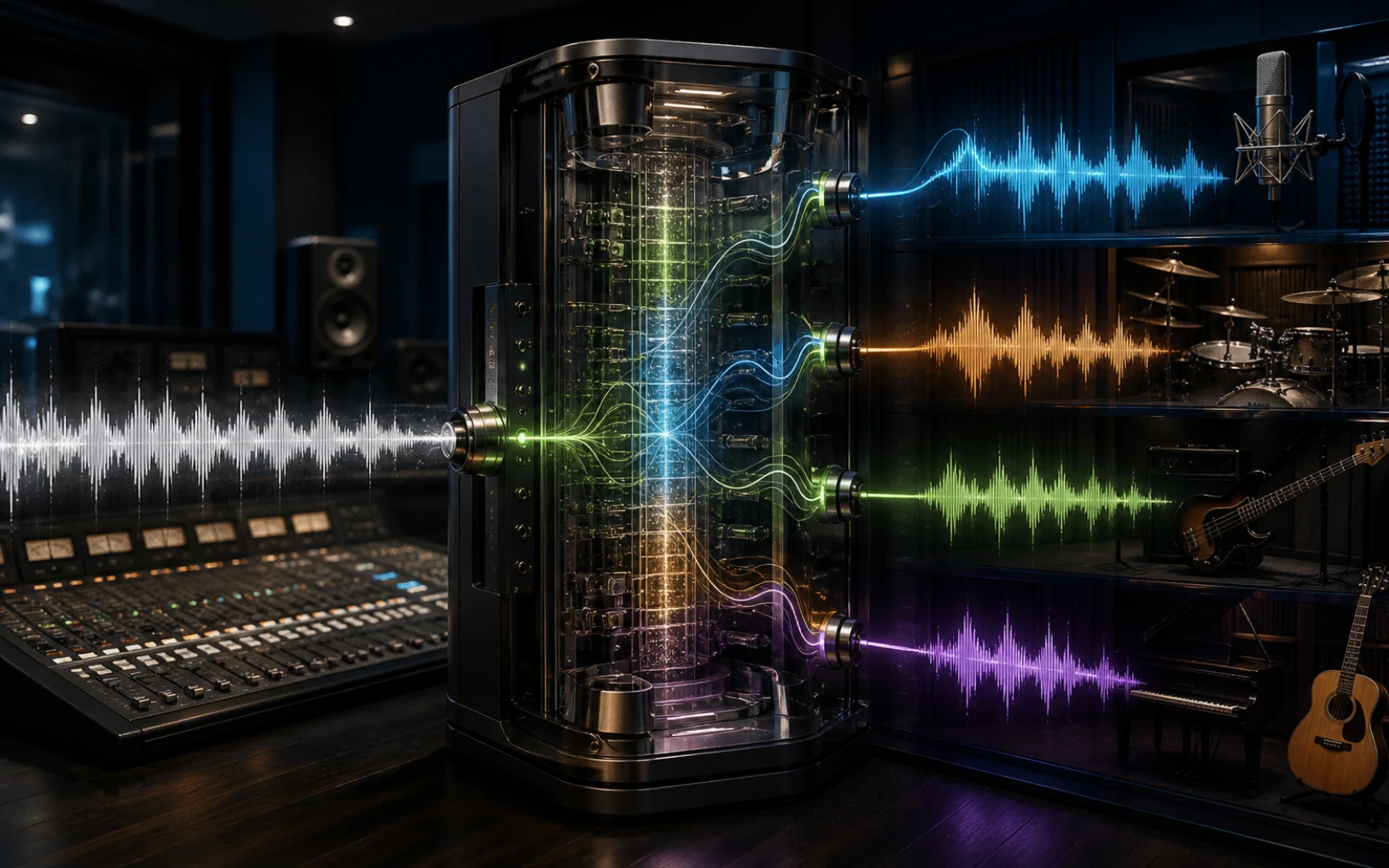
An AI stem splitter separates a finished song into synchronized musical groups such as vocals, drums, bass, and other instruments. These outputs are called stems. They let you listen, mute, study, or process parts of a mix independently even when you do not have the original multitrack recording used to produce the song.
Creatune offers different separation depths because not every task needs the same number of files. A 4-stem split provides vocals, drums, bass, and a combined other stem for practical remix control. A broader multi-stem workflow targets more instrument families when arrangement analysis or detailed production matters. Vocal removal remains available for the simpler vocals-versus-instrumental job.
AI stem separation estimates sources from a master; it cannot reverse mixing perfectly. Reverb, distortion, shared frequencies, stereo processing, and mastering compression can place the same sonic information across several stems. Start with high-quality audio you are authorized to process, choose the smallest useful mode, and review every stem before treating it as production-ready material.
Multi-stem workflow
Choose the output based on the next task, not the largest number of stems. Fewer coherent tracks can be more useful than many uncertain ones.
Choose an eligible library song or upload a recording you can process. A high-quality master without clipping or repeated transcoding preserves more detail for the separation model.
Use 4-stem for vocals, drums, bass, and other. Choose a broader split for instrument-specific work, or Vocal Remover when only voice and accompaniment are required.
The model follows timbre, rhythm, pitch, spatial cues, and musical context over time to estimate synchronized source groups from the combined mix.
Listen for bleed, missing attacks, ambience, and phase-like texture. A stem may sound unusual alone yet recombine well, so judge both isolation and how the parts work together.
Choose the useful output
The right mode balances speed, cost, clarity, and the amount of control you genuinely need for the next stage.
| Mode | Output focus | Best next step |
|---|---|---|
| Vocal Remover | Vocals + instrumental | Karaoke, a cappella, fast two-track editing |
| 4-Stem | Vocals, drums, bass, other | Remixing, practice, arrangement balance |
| Multi-stem | More instrument families | Detailed production, transcription, and study |
| Add Instrumental | A newly generated part | Expanding the arrangement instead of separating it |
Production and learning
Stems turn one fixed master into a more inspectable musical system. Use that control to understand, practice, or rebuild material you are allowed to work with.
Lower, mute, rearrange, or process musical groups independently. Vocals can sit over a new rhythm; drums can be replaced; bass can be studied against the harmony without forcing every change through the full master.
Mute the instrument you play, keep the remaining arrangement as accompaniment, and hear how your part relates to the groove. Teachers can also isolate examples of rhythm, harmony, and orchestration.
Reduce masking while identifying bass motion, drum patterns, chord voicings, vocal phrasing, or instrument entrances. For melodic material, a clean stem can also be a better source for Audio-to-MIDI than the full mix.
Inspect textures, transitions, and section density, or create authorized edit material. Separation helps reveal production choices, but confirm rights before sampling, redistributing, or publishing any extracted content.
Stem quality guidance
The model works with information preserved in the master. File quality and arrangement overlap set practical limits on what any separator can recover.
Use the best available authorized file. Low-bitrate encodes, clipped masters, phone-speaker recordings, and files converted through several formats contain artifacts that can spread across the estimated stems.
Kick and bass share low frequencies; guitars, piano, and vocals meet in the midrange; cymbals and vocal consonants share high-frequency transients. Bleed or softened detail is normal where sources occupy the same spectral and spatial region.
A compact 4-stem result can be clearer for remixing than a broader split with uncertain boundaries. Choose multi-stem output when isolating specific instrument families has real value for the next task.
Trim silence, clean artifacts, balance levels, and check alignment before production. AI separation provides a strong working draft, not guaranteed access to the pristine recordings captured before the song was mixed.

Plans and credits
Use AI Stem Splitter with flexible monthly, annual, or one-time credits shared across Creatune.
12,000 credits/year
billed annually
Save 33% — Limited Time Offer!
30,000 credits/year
billed annually
Save 50% — Limited Time Offer!
84,000 credits/year
billed annually
Save 56% — Limited Time Offer!
Credits per year
84,000
After payment, credits activate automatically for Creatune AI music, lyrics, audio editing, and music video workflows.
The payment methods shown at checkout vary by country, device, currency, and your Stripe configuration.
Music stem questions
Stems are synchronized groups of audio from a song, commonly vocals, drums, bass, and other instruments. They provide more control than a single master but are broader than every individual microphone or track in the original project. AI estimates these groups when original production files are unavailable.
It analyzes timbre, pitch, rhythm, spatial cues, and patterns over time to estimate which sounds belong to different musical sources. The model then writes synchronized audio outputs. Because a master permanently blends instruments and effects, the stems are useful estimates rather than guaranteed original multitracks.
Choose 4-stem when vocals, drums, bass, and other provide enough control for remixing or practice. Choose multi-stem when a specific instrument family must be studied or processed independently. More outputs increase detail but may also expose uncertain boundaries in dense arrangements.
The process does not intentionally lower quality, but estimated sources can contain bleed, softened attacks, or watery and phase-like artifacts where sounds overlap. A high-quality input helps. Judge stems in context as well as soloed, because some artifacts are less noticeable when tracks recombine.
Yes, when the stem contains a clear monophonic melody such as a vocal line, bass, whistle, or simple lead. Send authorized audio to AI Audio-to-MIDI, then refine timing and extra notes in the MIDI Editor. Dense chords and residual bleed generally need more cleanup.
Separation does not create new rights in the recording or composition. Only process and reuse material you own or are authorized to edit. Before sampling, sharing, monetizing, or distributing stems, confirm that your permissions cover the recording, composition, performers, territory, and intended platform.
Choose the smallest useful separation, process audio you are authorized to use, and preview every stem before remixing, studying, or converting notes.
Split stems with AI