Opening image
Sets person, era, occasion, tone, and the first musical texture without explaining the whole archive.
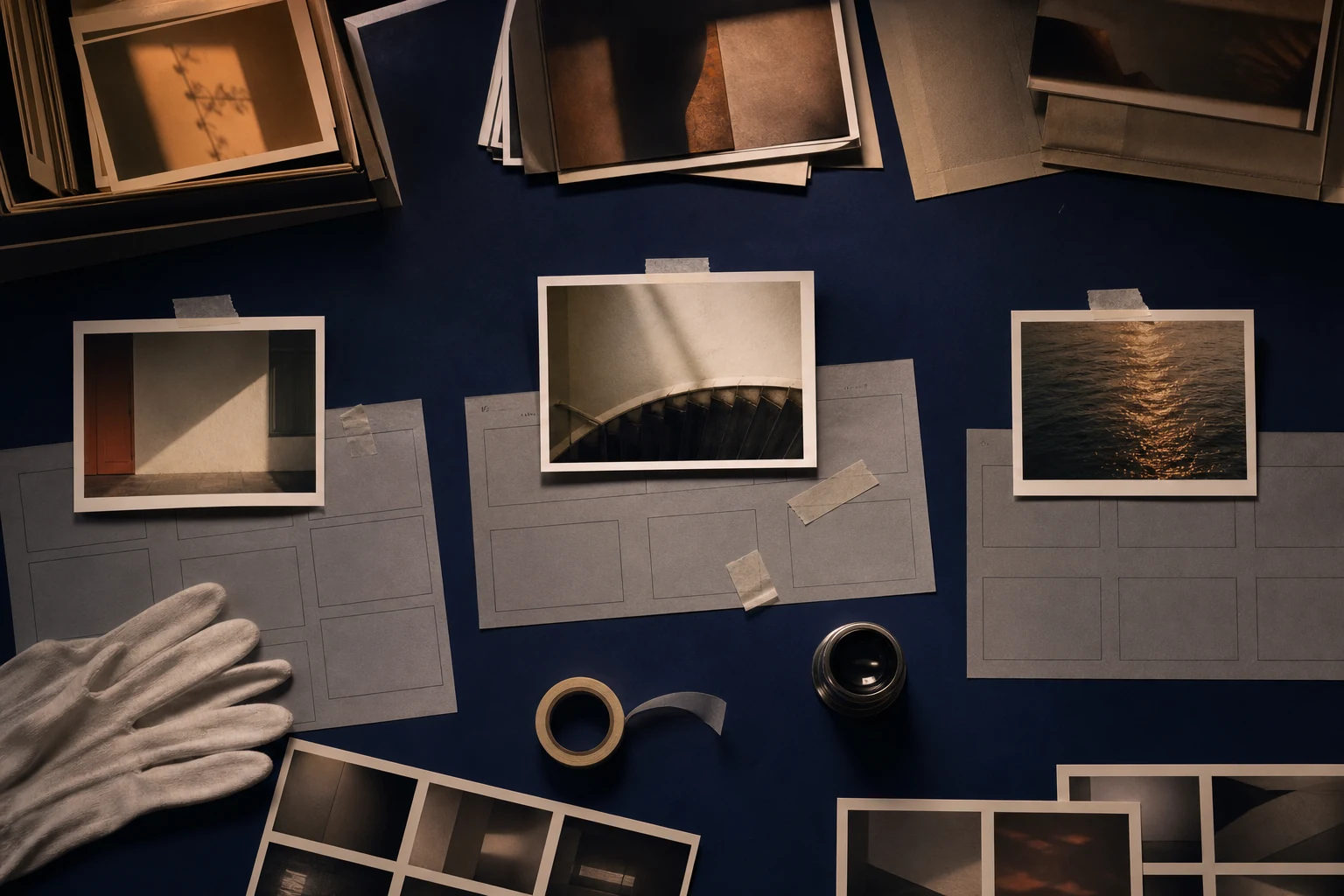
Three anchor images can organize hundreds
Choose the opening image, turning-point photo, and final frame, then shape era transitions, lyric density, instrumental space, and the moment viewers should finally understand.
Start the song
Replace each blank with real names, moments, and details—the more specific you are, the less generic the song. Everything stays editable in the studio before anything is generated.
What you are making
A slideshow may mark a birthday, wedding, anniversary, family history, retirement, memorial, or another transition. The images already show faces, places, clothes, and time. A useful song names the connection viewers cannot see: why the first kitchen mattered, what changed after the move, which quality survived several eras, or why the final image carries the message.
Creatune begins with three anchors: first image, turning-point image, and final frame. The Agent then maps eras, image count, target duration, captions, voiceover, audience, privacy, and emotional turn. Dense photo runs receive instrumental space; slower holds can carry lyrics. The montage structure changes with the occasion, so a memorial does not inherit birthday uplift and a wedding slideshow does not overwrite family history with romantic language.
Opening → turn → final frame
Anchor photos provide narrative decisions; the rest of the archive supplies evidence.
The opening image establishes the viewing contract. A childhood doorway says this is a history; an empty chair may signal remembrance; a chaotic first apartment can promise humor. The turning-point image should change scale, relationship, location, or understanding. It may be a move, graduation, first shared holiday, recovery, reunion, new family member, or an ordinary image that viewers only later understand.
The final image is not simply the newest photograph. Choose the frame that answers the montage's emotional question. It may return to the opening place, show several generations, hold on an unfinished road, or leave a portrait in quiet. Decide how many seconds the final image remains after the last lyric. A visual hold lets recognition settle and prevents the projection from collapsing immediately into menus or desktop clutter.
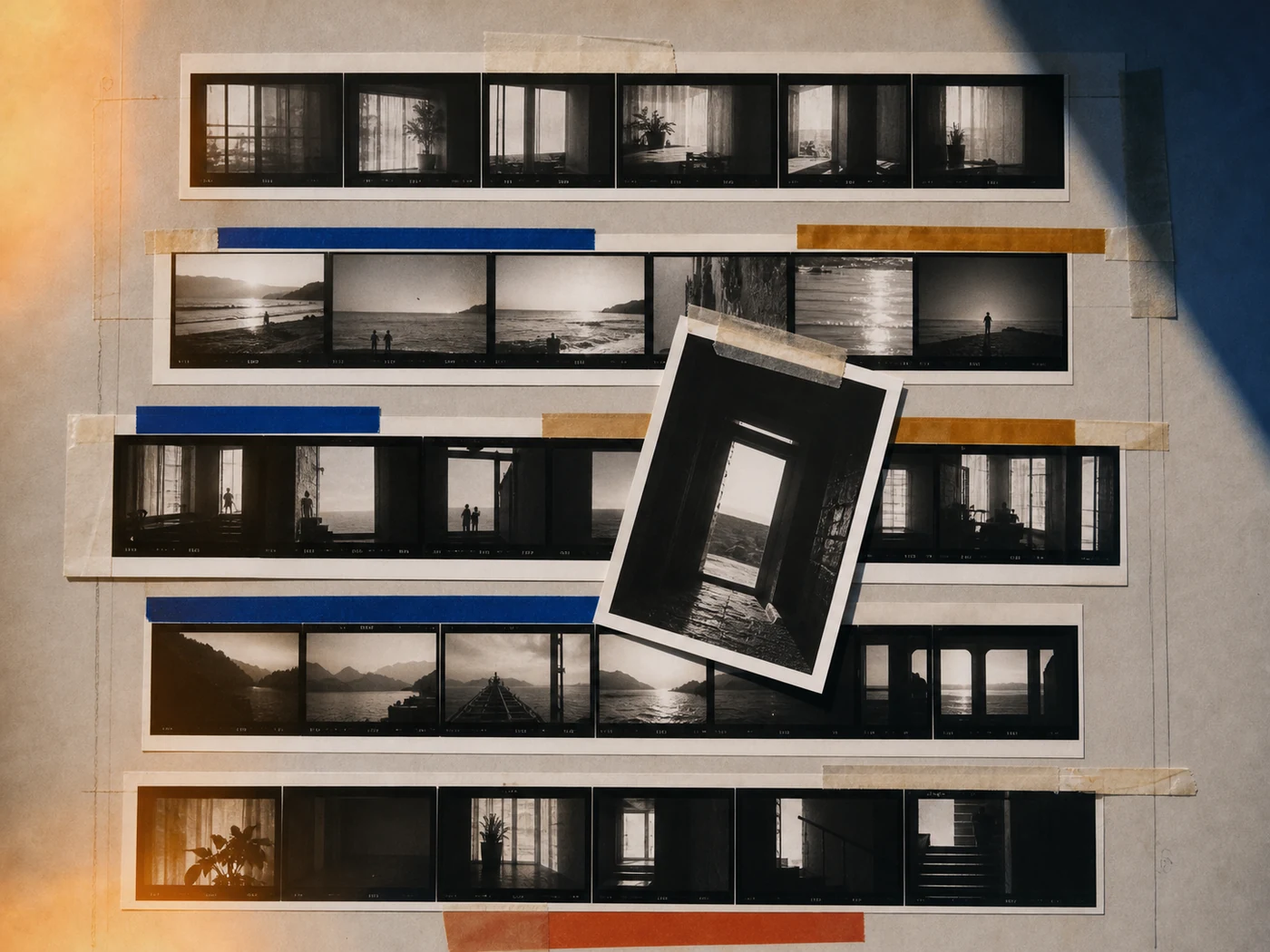
Sets person, era, occasion, tone, and the first musical texture without explaining the whole archive.
Changes the interpretation through a move, relationship, challenge, choice, or newly understood ordinary scene.
The strongest combination of image pace, musical lift, and message—not automatically the most dramatic photograph.
Answers the story and holds long enough for the last lyric, chord, silence, and viewer response.
Photo rhythm and lyric room
Count the images, group them into eras or themes, and assign approximate duration. Fast sequences work for repeated gestures, changing hairstyles, travel, teams, or growing children. Slow holds suit one portrait, handwritten note, reunion, empty place, or final frame. Avoid using every available photograph. Repetition, poor resolution, unapproved faces, and images that require long explanation weaken the sequence.
Map where captions and voiceover already provide language. The song should not repeat names, dates, and visible locations at the same time. Use instrumental sections under dense image runs, simpler chorus lines over familiar faces, and silence or sustained harmony beneath important voiceover. If the montage must hit an exact duration, edit the image plan and music plan together instead of stretching photographs after the track is finished.
Select enough images to prove the story while removing duplicates, weak frames, and material without permission.
Fast and slow sections reflect the meaning and available evidence of each chapter, not equal calendar time.
On-screen text gets visual and linguistic space rather than competing with a dense sung verse.
Important recorded speech receives instrumental support and a clean transition back to the song.
One tool, different emotional contracts
A birthday montage can move from playful early photos to present identity and a future-facing chorus. An anniversary montage benefits from paired objects, places, and ordinary rituals rather than a complete chronology. A wedding slideshow may need two family histories that meet without implying either begins only at the relationship. A family-history montage should label uncertain facts and avoid turning one branch into the whole story.
A memorial montage needs source care, living-family consent, and space for grief without claiming closure. Retirement or graduation can emphasize contribution and agency without treating the person as finished. Nostalgic indie supports textured eras and human imperfection. Cinematic piano creates controlled emotional space. Upbeat scrapbook pop works for celebratory image runs. Choose the style from audience, occasion, pace, and final message—not from the age of the photographs alone.
Textured acoustic sound, gentle build, and room for imperfect archives, travel, friendship, or everyday family scenes.
Clear emotional contour, long photo holds, voiceover corridors, and a restrained final-frame resolution.
Bright rhythm, quick era transitions, playful details, and a chorus suitable for a celebratory audience.
Birthday, wedding, anniversary, family history, and memorial each set different promises, privacy, and endings.
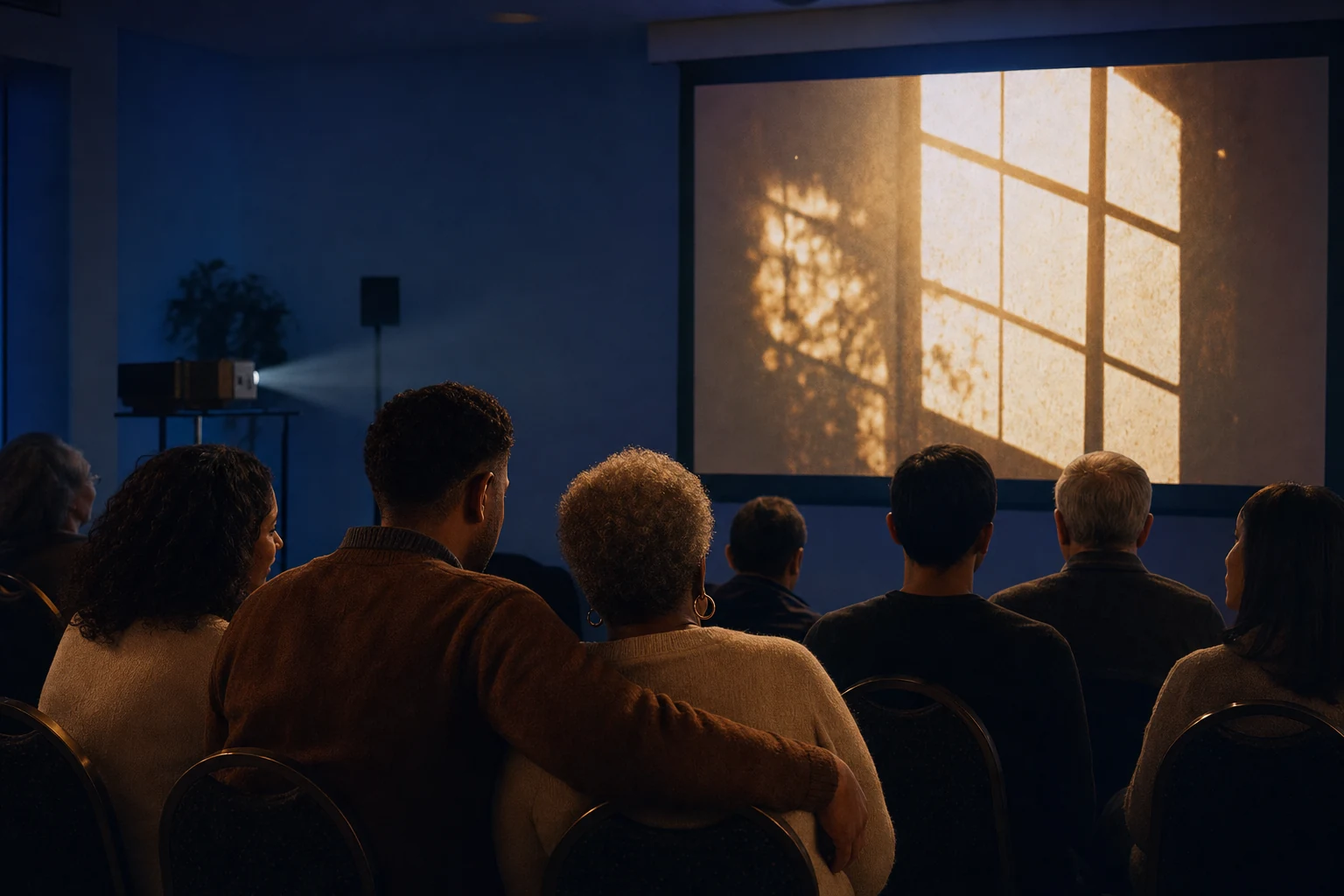
The room completes the montage
Confirm aspect ratio, resolution, projector brightness, screen position, speaker placement, cable path, power, playback device, and whether the room will be seated or moving. Export one self-contained file when possible so audio and photos cannot drift. Disable notifications and screen sleep. Use a neutral desktop and full-screen playback so private folders and editing software do not appear after the final frame.
Review every visible person, especially children, absent relatives, former partners, health events, workplaces, uniforms, homes, and memorial images. Secure permission appropriate to the audience and publishing plan. Keep the final file on two offline devices. Write the start cue, expected duration, pause plan, and what follows the ending. Hold the final frame deliberately, then fade to black or a chosen neutral screen instead of returning to a player interface.
Picture and music stay synchronized in the exact file, player, aspect ratio, and device used in the room.
People, children, private messages, homes, documents, and sensitive events are approved for the intended audience.
A second device and file protect the moment from Wi-Fi, account, battery, or cable failure.
Final-frame hold, fade, applause, speaker, next slide, or room transition is planned rather than exposed by the player.
Story examples
These are transparent story examples, not fake audio demos. They show how real details become a creative direction and a singable lyrical moment.
Story Example
The first photo shows Amina in a red childhood coat; the turning point is her opening a neighborhood clinic; the final image shows her in the same color with grandchildren in a garden. Use 92 photos across four eras in 4:10. Keep patient faces and health details out. A recorded daughter speaks for 18 seconds before the final chorus.
Direction: Nostalgic indie with acoustic guitar, soft drums, bass, and warm vocal. Use instrumental motion through dense work-era photos, duck fully under the daughter's voice, and return the red color only in the final lyric.
Story Example
Two family albums begin separately, meet at the couple's first shared holiday, and end on a rehearsal-dinner long table. The montage has 140 photos in 5:00, with quick childhood runs and slower parent portraits. Do not use deceased relatives as a surprise; their approved images appear in a quiet instrumental bridge.
Direction: Upbeat scrapbook pop with dry drums, piano, bass, claps used sparingly, and a concise chorus. Give each family equal musical space, quiet the memorial bridge, and let the final table image hold for eight seconds.
Story Example
The opening is a rainy apartment window, the turning photo is a station reunion, and the final image is a new window in the couple's current city. Use 48 photos and three short silent video clips over 3:20. Captions identify dates, so lyrics should not repeat them. The final frame holds twelve seconds.
Direction: Cinematic piano with subtle strings, a low pulse after the station image, and restrained vocal. Leave video clips instrumental and mirror the opening piano at the final window without claiming distance is permanently over.
Keep exploring
Compose for the edit, not an imaginary highlight reel
The life between the milestones
A birthday song that knows the person
Questions before you create
It is an original track structured around a specific slideshow's opening image, eras, turning point, emotional peak, and final frame. The song adds meaning between photographs, leaves instrumental space for dense sequences or voiceover, and adapts its emotional promise to the occasion instead of narrating every visible image.
Use the number that proves the story within the available duration, not every photo in the archive. Group images into eras, remove duplicates and weak frames, vary fast runs and slow holds, and reserve more time for anchor images. Test whether captions and faces remain readable at the chosen pace.
Usually not. Viewers can already see a cake, doorway, station, or family portrait. Lyrics should explain why the image matters, connect distant eras, or name the message that the final frame resolves. Avoid repeating visible captions, dates, and actions; use instrumental space when the screen is linguistically dense.
The technical storyboard can be shared, but the emotional contract must change. Birthdays can look forward, weddings may braid two family histories, anniversaries use relationship evidence, and memorials require grief, source, and living-family consent. Do not reuse uplift, closure, or romantic promises merely because the image timeline looks similar.
Export one synchronized file, test it on the actual screen and speakers, confirm aspect ratio and brightness, disable notifications and sleep, and store two offline copies. Review image permissions, write the exact start cue, hold the final frame deliberately, and fade to black rather than exposing the playback interface.
Your turn
Bring the occasion, three anchors, photo count, captions or voiceover, audience, and final hold. The Agent will turn the archive into a storyboard for music.
Create a photo montage song