Upload or record
Start with a short MP3, WAV, M4A, FLAC, OGG, WebM, or a microphone take captured directly in the browser.
Convert MP3, WAV, FLAC, OGG, M4A, or a microphone recording into a downloadable MIDI file in your browser.
Drag and drop your audio file here, or click to browse
Supported formats: .wav, .mp3, .m4a, .flac, .ogg, .webm
Audio to editable notes
An AI audio to MIDI converter listens for pitch, timing, and note length in a recording, then writes those musical events into a MIDI file. It is useful when an idea starts as a hummed hook, guitar riff, piano sketch, or rough demo and you want to edit the notes instead of redrawing them by hand.
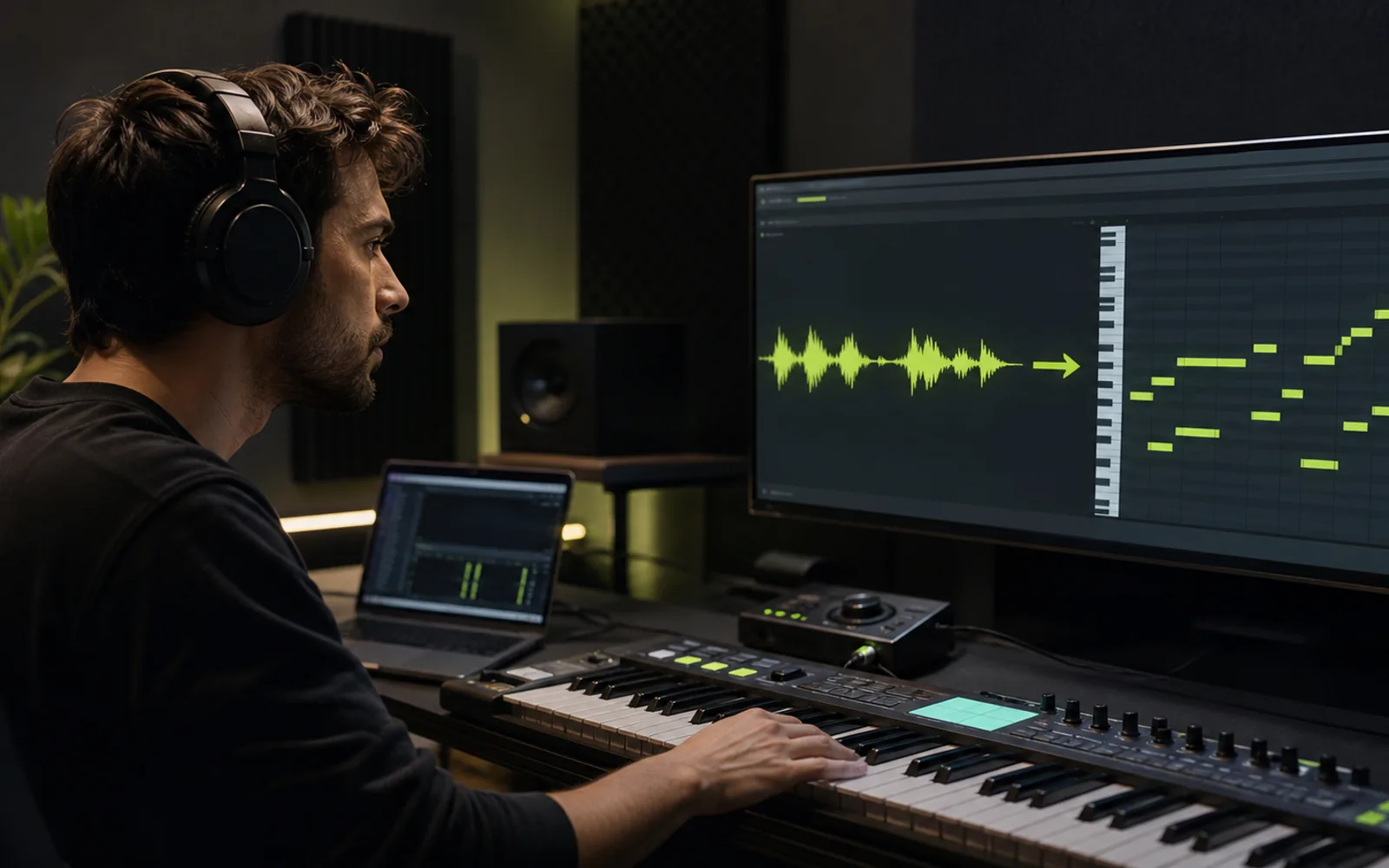
How it works
Keep the first capture fast, then refine the musical idea after the notes are editable.
Start with a short MP3, WAV, M4A, FLAC, OGG, WebM, or a microphone take captured directly in the browser.
The converter analyzes pitch movement, onset timing, and note duration to turn the performance into structured MIDI data.
Save the MIDI file, or send it straight into Creatune’s online MIDI editor to clean timing, length, and phrasing.

Edit the result
Audio-to-MIDI is strongest when it becomes the start of a workflow. After conversion, open the MIDI editor to correct note boundaries, test chords, move phrases, and shape the part before bringing it into a DAW.
Open MIDI editorUse cases
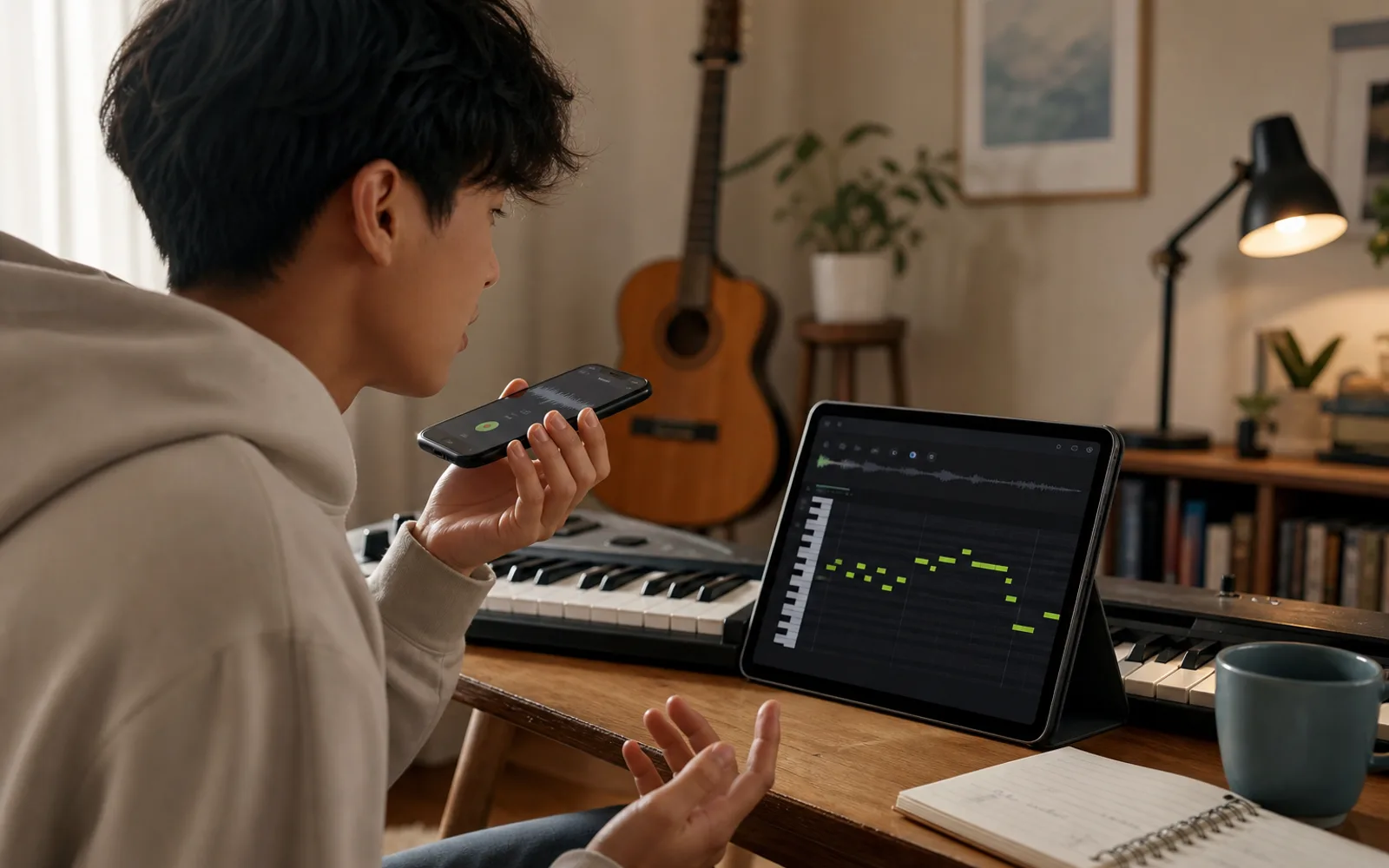
Record a vocal melody, convert it to MIDI, then test it with synths, piano, or other instruments.
Turn guitar, piano, or simple instrumental ideas into editable notes for production and arrangement.
Use MIDI output to inspect timing, pitch movement, and phrase shape in a more visual way than audio alone.
Better results
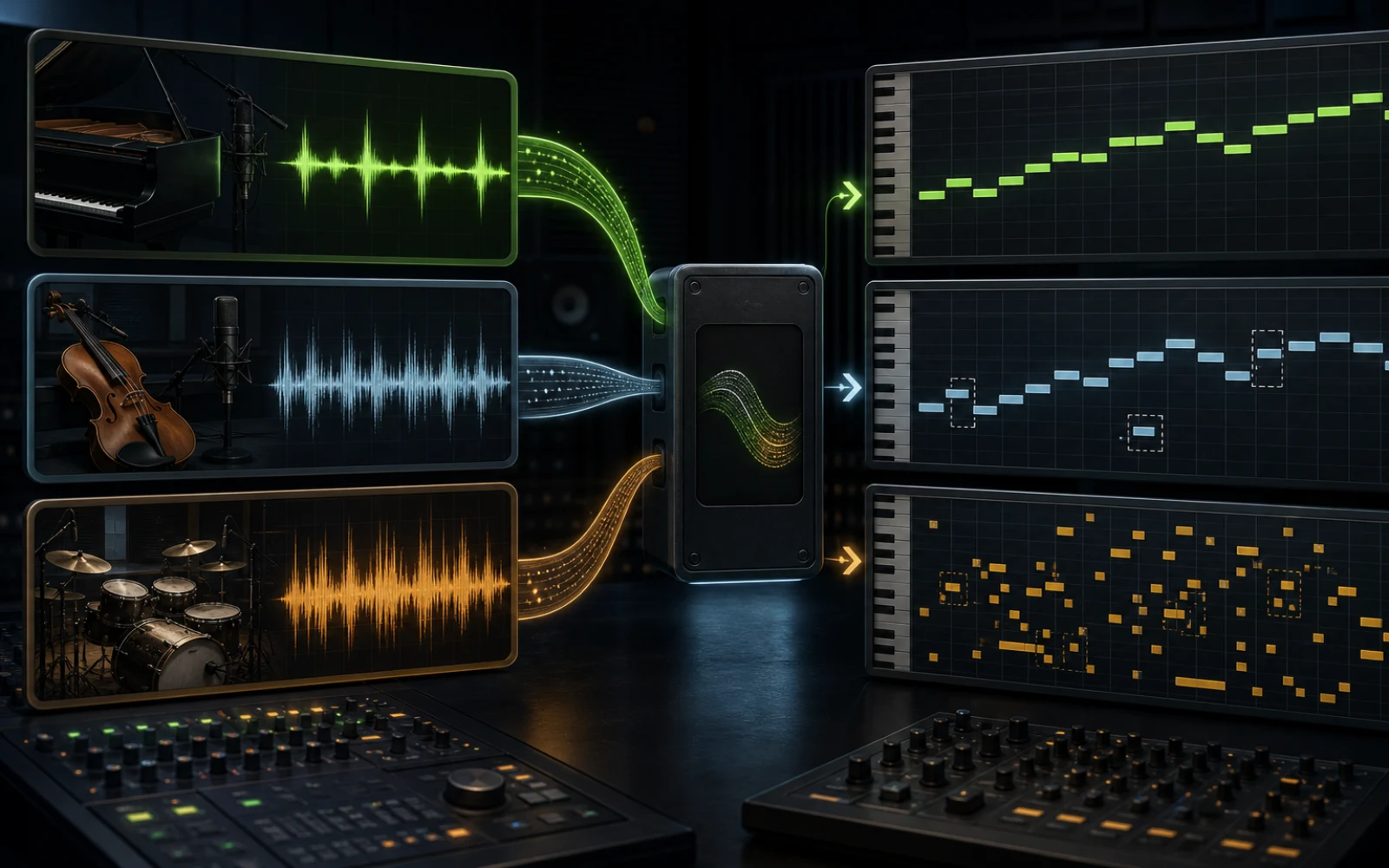
Melodies, bass lines, whistles, and simple leads usually convert more cleanly than dense full mixes.
Trim silence and background noise so the model can focus on the musical phrase you care about.
Expect to polish timing, note length, and extra notes in the editor, especially after expressive performances.
Source suitability
Audio-to-MIDI estimates musical events from sound, so the amount of overlap in the recording shapes how much cleanup the draft will need.
After conversion
The useful result is not just a download. Review the detected phrase, make intentional edits, then choose an instrument and production context.
Remove short false notes, join broken sustains, and compare the contour with the source. Correct obvious pitch errors before tightening the rhythm.
Quantize selectively instead of forcing every note to the grid. Adjust duration and velocity so the part keeps the musical character of the original performance.
Try the phrase with a new instrument, build harmony around it, or export MIDI to a DAW. Keep the audio as a reference when the original articulation matters.
Open the browser MIDI editor to correct pitch, timing, duration, velocity, and phrase structure before arranging the part.
When the source is a full mix, split it into production stems first and convert the most focused melody or bass track.
Follow the MP3-focused workflow, with tips on trimming, bitrate, and choosing the part of a song that converts cleanly.
Plans and credits
Use Audio to MIDI with flexible monthly, annual, or one-time credits shared across Creatune.
Cancel anytime
12,000 credits/year
billed annually
Save $60/year · 33% off
$0.099 per 10 credits
30,000 credits/year
billed annually
Save $240/year · 50% off
$0.080 per 10 credits
84,000 credits/year
billed annually
Save $612/year · 56% off
$0.057 per 10 credits
Credits per year
84,000
After payment, credits activate automatically for Creatune AI music, lyrics, audio editing, and music video workflows.
The payment methods shown at checkout vary by country, device, currency, and your Stripe configuration.
FAQ
AI audio to MIDI converts a recording into MIDI note data. Instead of editing a waveform, you get notes that can be moved, shortened, quantized, or assigned to virtual instruments.
Yes. Upload an MP3 or another supported audio format, run the converter in your browser, and download the MIDI file when the analysis finishes.
Yes. Short hummed or sung melodies are a practical source for voice-to-MIDI capture, especially when the recording is clean and focused on one melody.
No converter is perfect. AI gives you a strong editable draft, and the best workflow is to clean timing, note length, and stray notes in the MIDI editor.
Upload a file or record a quick take, then turn the result into MIDI you can edit, arrange, and reuse.
Start audio to MIDI