Sketch notes quickly
Place melodies, chords, bass movement, or rhythmic ideas without opening a full production session.
MIDI Editor
Visual note editing
Use the piano roll as a focused place to compose, correct, and understand MIDI. It keeps note pitch, timing, velocity, and phrase shape visible, so you can move from a quick idea to a part that is ready for production or practice.
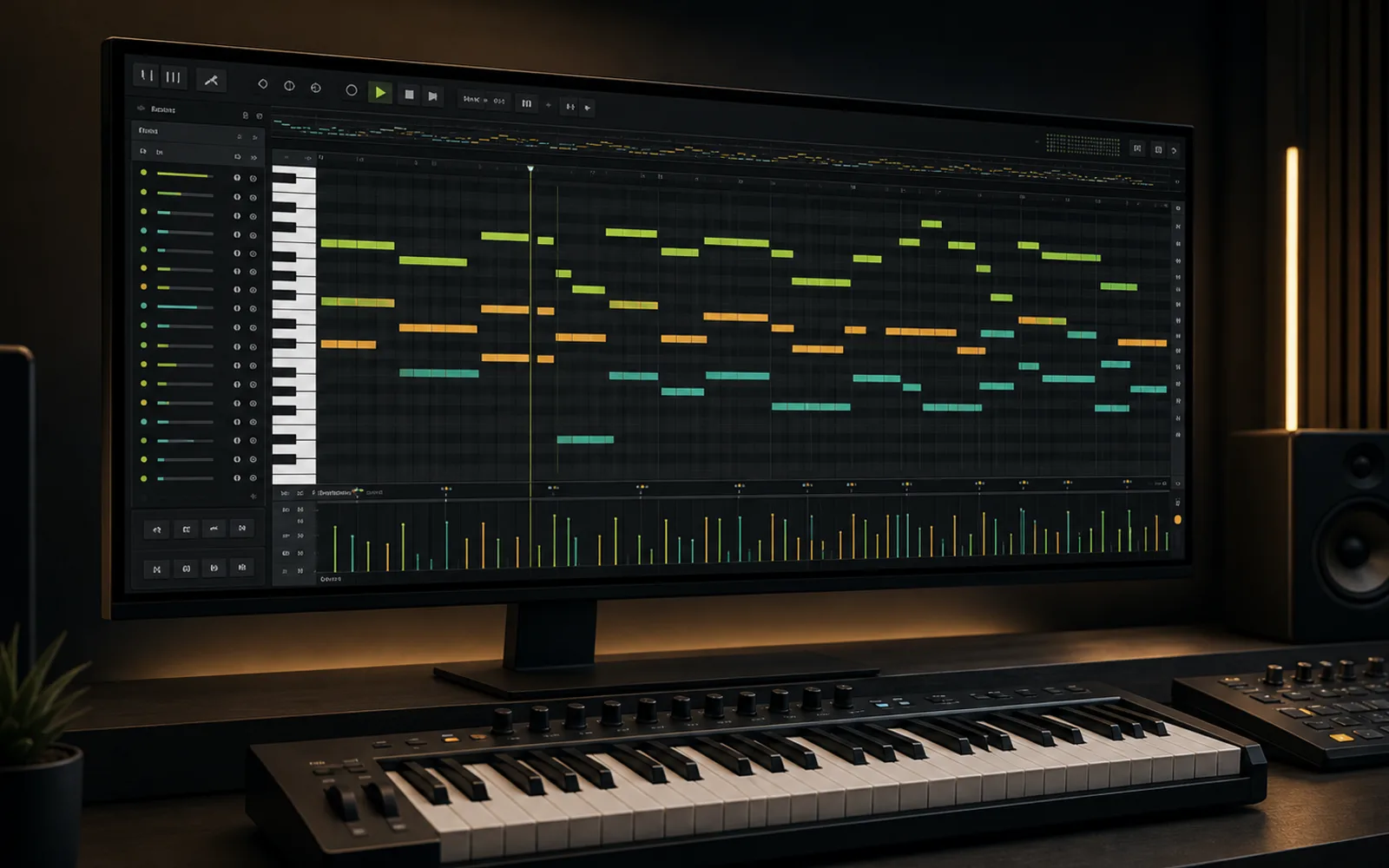
Place melodies, chords, bass movement, or rhythmic ideas without opening a full production session.
Move notes, stretch phrases, refine velocity, and tighten rhythm until the part feels intentional.
Use MIDI as a portable bridge between recording, songwriting, arrangement, learning, and DAW production.
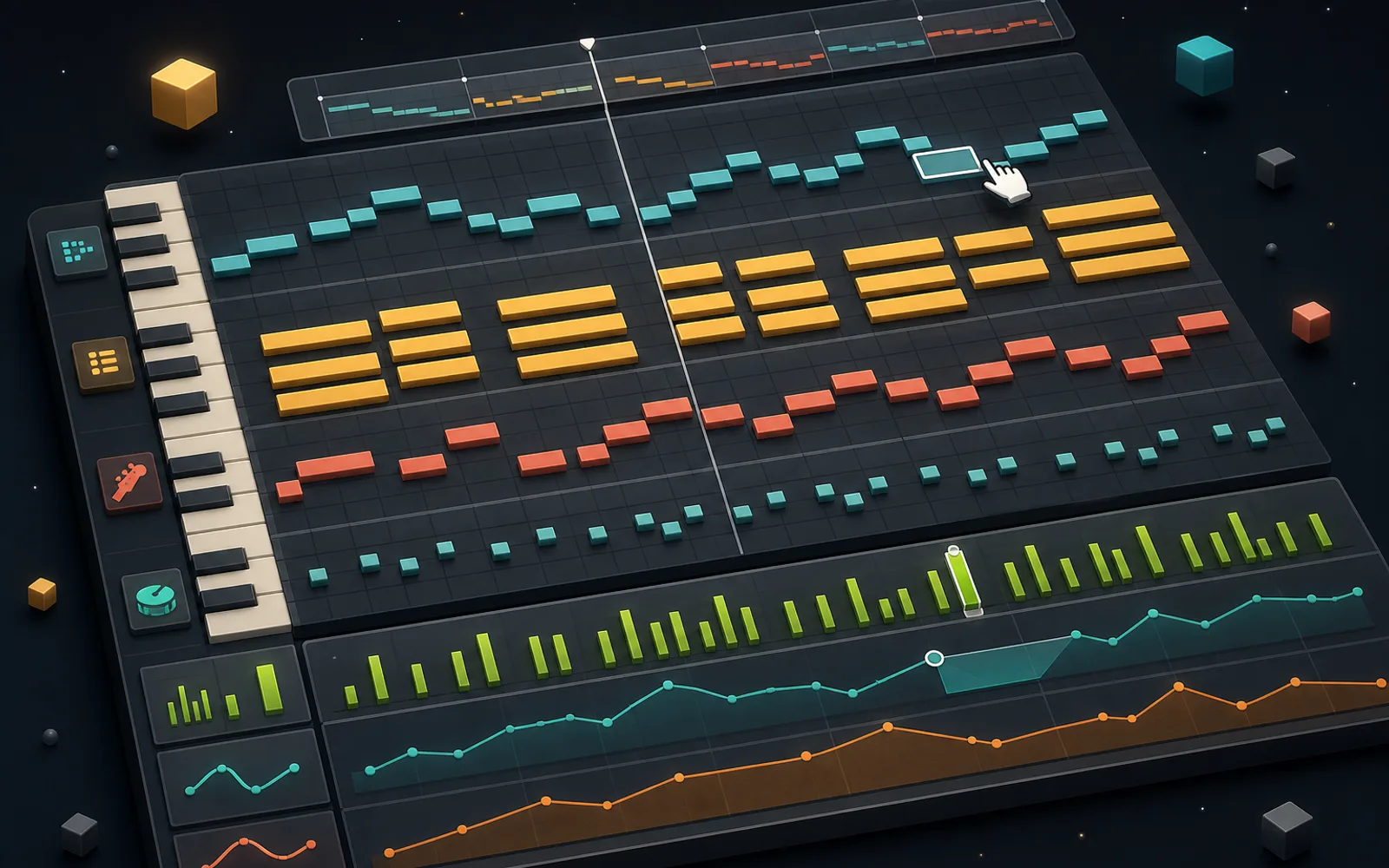
Editing tips
Start by cleaning starts, endings, and accidental overlaps so the phrase plays clearly.
Small velocity changes can make a simple pattern feel performed rather than programmed.
When editing converted MIDI, keep the audio memory nearby and preserve the phrase that made the idea work.
Audio-to-MIDI handoff
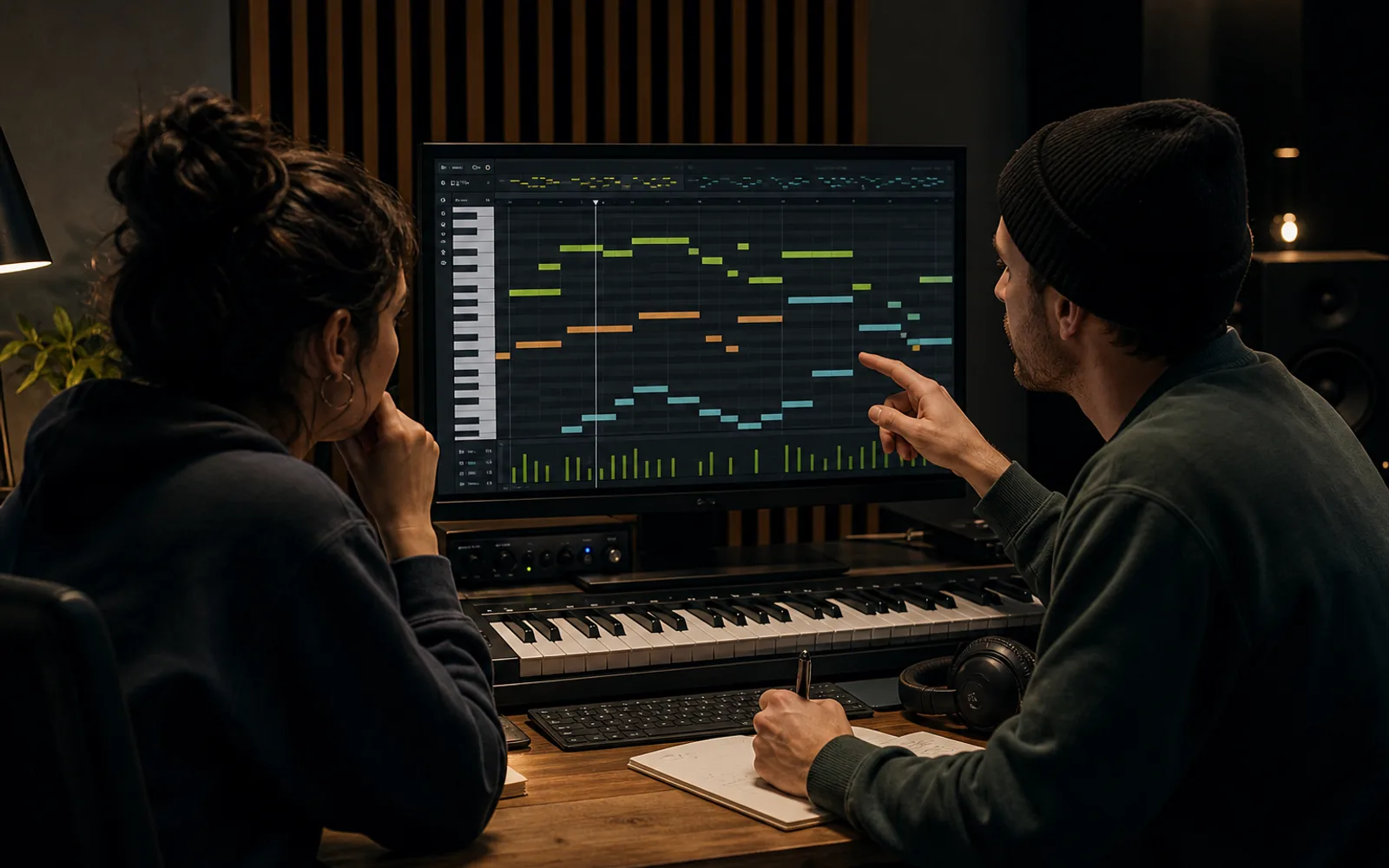
If a melody began as audio, convert it first, then open the result here. The editor lets you fix extra notes, align timing, and reshape the phrase while keeping the original musical idea intact.
Convert audio to MIDITurn a melody sketch into notes you can revisit, transpose, and develop into a full song.
Draft bass lines, chord movement, counter-melodies, and transitions before committing them to an arrangement.
See pitch, timing, and note length visually so practice material is easier to understand and adjust.
Note editing glossary
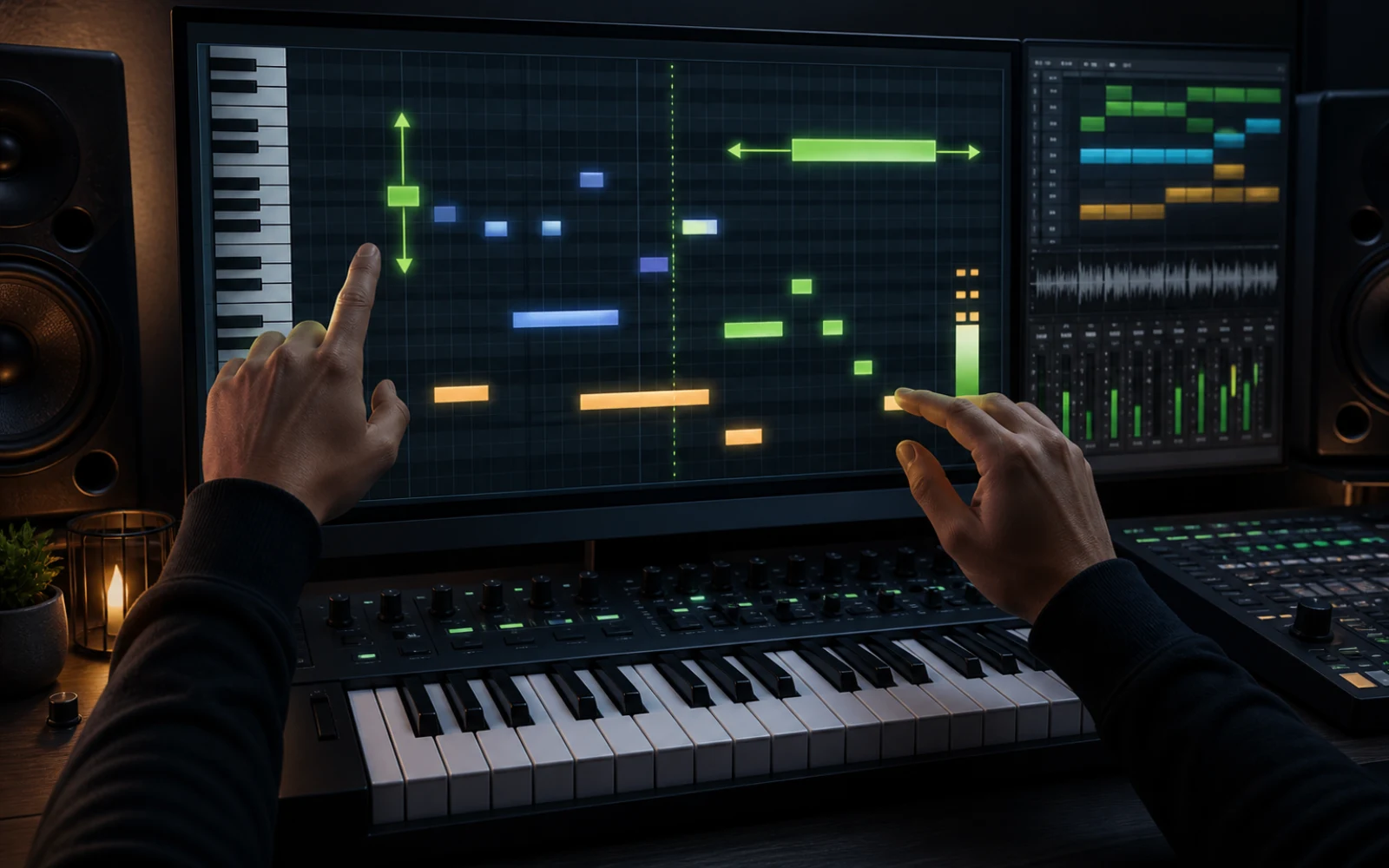
A piano roll is more than a note grid. Each edit changes a different part of how the listener hears the performance.
Move a note vertically to correct the melody, transpose a phrase, rebuild a chord, or fit a bass line to the harmony.
Move a note horizontally to repair an early or late entrance. Preserve small offsets when they are part of the groove.
Shorten overlaps for clarity or extend sustained notes so the phrase connects naturally. Note endings often matter as much as attacks.
Vary note intensity to create accents, shape a crescendo, and avoid the mechanical sound of every event playing at one level.
From capture to arrangement
Use the editor as the decision point between a rough capture and a part that is ready to orchestrate, share, or produce.
Begin with converted audio or draw a melody, chord sequence, or bass line directly. Keep the first pass focused on the core musical idea.
Fix wrong notes and awkward overlaps before adjusting groove and velocity. Apply quantization selectively so precision does not erase expression.
Choose an instrument, listen against the rest of the song, and revise register or density. Export the MIDI when the part supports the production rather than competing with it.
Turn a clean vocal, melody, or instrumental performance into a MIDI draft, then open it here for detailed correction.
Separate a busy mix into focused production tracks when you need a cleaner source for audio-to-MIDI tracing.
Convert an MP3 song, riff, or melody into MIDI notes for free, then bring the file back here to edit it.
Plans and credits
Use MIDI Editor with flexible monthly, annual, or one-time credits shared across Creatune.
Cancel anytime
12,000 credits/year
billed annually
Save $60/year · 33% off
$0.099 per 10 credits
30,000 credits/year
billed annually
Save $240/year · 50% off
$0.080 per 10 credits
84,000 credits/year
billed annually
Save $612/year · 56% off
$0.057 per 10 credits
Credits per year
84,000
After payment, credits activate automatically for Creatune AI music, lyrics, audio editing, and music video workflows.
The payment methods shown at checkout vary by country, device, currency, and your Stripe configuration.
FAQ
An online MIDI editor is a browser workspace for creating and changing MIDI note data. You can use it to write melodies, edit chords, adjust rhythm, and prepare musical ideas for other tools.
Yes. After converting audio to MIDI, open the result in the editor to correct note timing, remove unwanted notes, and shape the musical phrase before exporting or producing.
No. This editor runs in the browser, so it is useful for quick note edits, learning, and early writing before you move into a full production setup.
It is useful for songwriters, producers, beat makers, music students, teachers, and collaborators who want a visual way to shape musical ideas.
Jump back to the piano roll whenever you need a clean place to test a part, fix a rhythm, or polish converted MIDI.
Back to editor