






A new voice, or a new musical world?
An AI cover starts with an existing recording. Choose what you want to change, then shape a new interpretation.
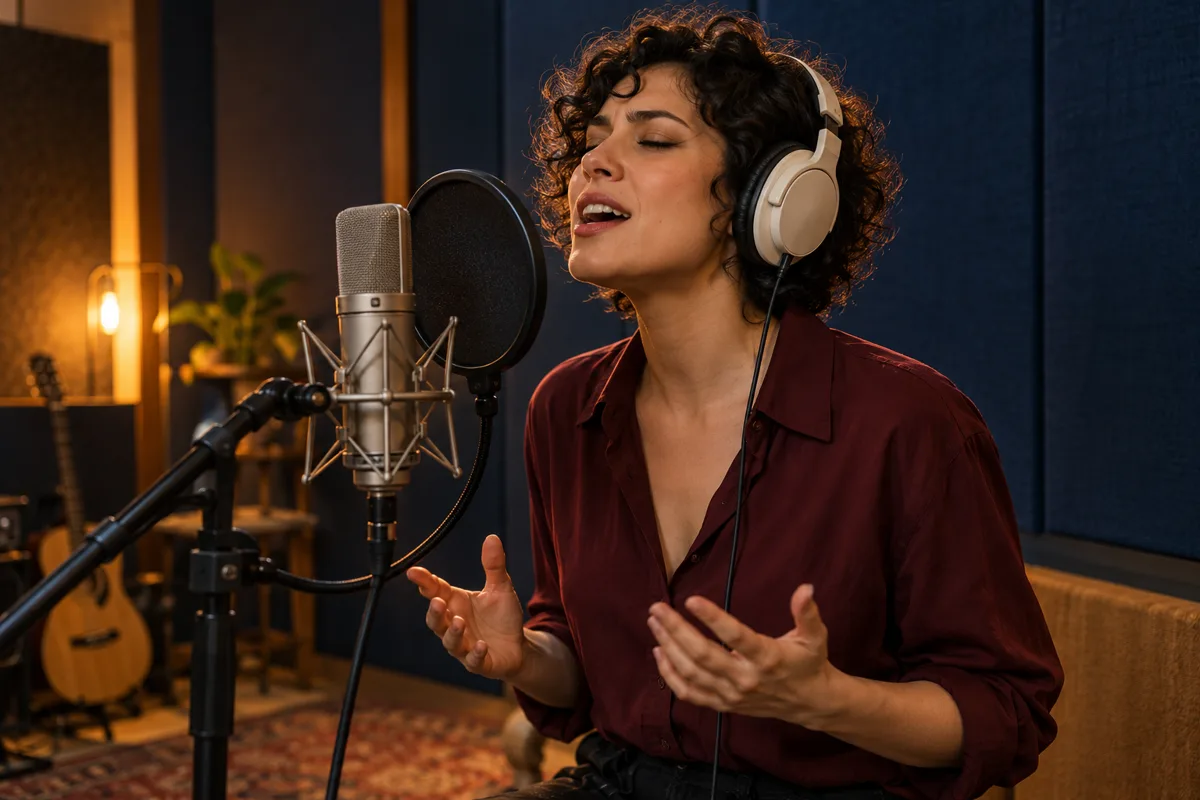
Voice Cover
Choose this when the voice is your focus. Select an available voice model or your authorized voice, then listen for tone and phrasing.
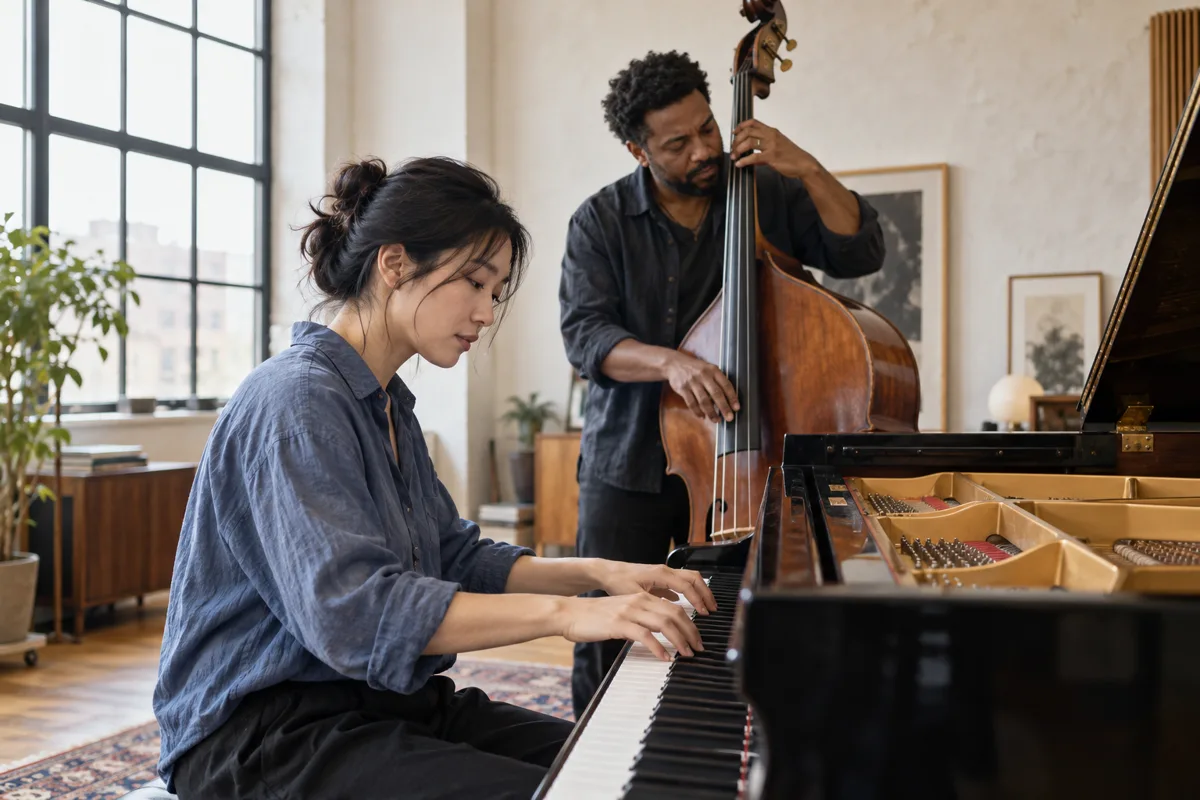
Style Cover
Choose this when the arrangement is your focus. Describe a genre, instruments and energy to explore another musical treatment.
Try: “Quiet jazz, soft piano, upright bass, brushed drums.”
From your recording to a new take
Bring your source
Upload compatible audio or select an eligible track from My Music. Check the requirements for your chosen mode.
Make one clear choice
In Voice Cover, select the voice. In Style Cover, describe the musical direction. Keep the first attempt focused.
Generate and compare
Listen to the new result beside your source. Check the words, melody and transitions before refining the request.
Keep what works. Change one thing.
Try a quiet arrangement for a personal demo, or a fuller sound for a film or rehearsal idea. A cover can help you explore a direction before producing it.
Listen for clarity
Start with clean audio. Check names, endings and vocal phrasing in the result.
Refine the energy
If the instruments work, keep them. Change “restrained” to “lively” and compare instead of rewriting everything.
Plans and credits
Choose a plan for AI Song Cover Generator
Use AI Song Cover Generator with flexible monthly, annual, or one-time credits shared across Creatune.
Cancel anytime
Basic
12,000 credits/year
billed annually
Save $60/year · 33% off
$0.099 per 10 credits
- 12,000 credits/year
- Up to 1,200 standard music generations
- Up to 800 premium music generations
- 2,480 seconds Music Video
- AI Music VideoPRO
- AI Lyric VideoPRO
- AI Song Cover Generator
- Private Songs
- Song Persona
- Voice Changer
- Extend Music
- Replace Section
- Vocal Remover
- MP3 & WAV Downloads
- Creatune Omni Model Access
- Commercial License IncludedYearly only
- Permanent Storage
Pro
30,000 credits/year
billed annually
Save $240/year · 50% off
$0.080 per 10 credits
- 30,000 credits/year
- Up to 3,000 standard music generations
- Up to 2,000 premium music generations
- 6,320 seconds Music Video
- AI Music VideoPRO
- AI Lyric VideoPRO
- AI Song Cover Generator
- Private Songs
- Song Persona
- Voice Changer
- Extend Music
- Replace Section
- Vocal Remover
- Everything in Basic
- Creatune Omni Model Access
- Commercial License IncludedYearly only
- Permanent Storage
Max
84,000 credits/year
billed annually
Save $612/year · 56% off
$0.057 per 10 credits
Credits per year
84,000
- 84,000 credits/year
- Up to 8,400 standard music generations
- Up to 5,600 premium music generations
- 17,832 seconds Music Video
- AI Music VideoPRO
- AI Lyric VideoPRO
- AI Song Cover Generator
- Private Songs
- Song Persona
- Voice Changer
- Extend Music
- Replace Section
- Vocal Remover
- Everything in Pro
- Creatune Omni Model Access
- Commercial License IncludedYearly only
- Priority Queue
- Permanent Storage
- Priority Support
Secure checkout by Stripe
After payment, credits activate automatically for Creatune AI music, lyrics, audio editing, and music video workflows.
The payment methods shown at checkout vary by country, device, currency, and your Stripe configuration.
AI cover song questions
What is an AI cover song?
An AI cover song is a newly generated performance based on an existing song. It can change the perceived singer, genre, instrumentation, mood, or arrangement while keeping enough melody and structure for the source idea to remain recognizable. It is a new output, not merely an effect placed on the original mix.
How do I make an AI song cover with Creatune?
Choose an eligible Creatune track or upload authorized audio, select Voice Cover or Style Cover, provide the required voice or musical direction, and generate. Listen for melody, lyric clarity, arrangement, and energy, then refine one part of the request at a time if the first version misses the intended result.
What is the difference between a voice cover and a style cover?
A voice cover mainly changes who the performance appears to be sung by, using an authorized voice model. A style cover changes the musical treatment around the song, such as genre, mood, instrumentation, vocal direction, and production. Choose the mode that matches the most important transformation.
Can I upload any song to an AI cover generator?
You should only upload a recording you own or have permission to transform. Technical compatibility does not grant copyright, composition, lyric, recording, publicity, or voice rights. If you plan to publish or monetize the cover, confirm that your permissions cover the intended use and distribution channels.
Why does my AI cover sound different from the prompt?
AI music generation interprets the source and prompt rather than executing a fixed multitrack edit. Conflicting genres, vague mood words, noisy audio, or too many requested changes can weaken control. Simplify the brief, identify the essential instruments and energy, and change one variable between attempts.
Does creating a cover replace my original song?
No. The source remains available and the generated cover is handled as a separate result. This lets you compare versions, return to the original, and explore another voice or style without destructively editing the recording that started the workflow.
Should I use an AI cover song generator or AI remix?
Choose Voice Cover here when you want to select a voice model. Choose Style Cover here when you want to describe a new musical treatment. AI Song Remix is a separate workflow for reinterpreting an eligible vocal track, with Simple style input and Advanced lyrics and title review. Pick one workflow and compare the result with your source before changing another variable. Use only audio and voice material you have permission to use.
Give your song another take.
Start with the voice or the style. Build from what you hear.