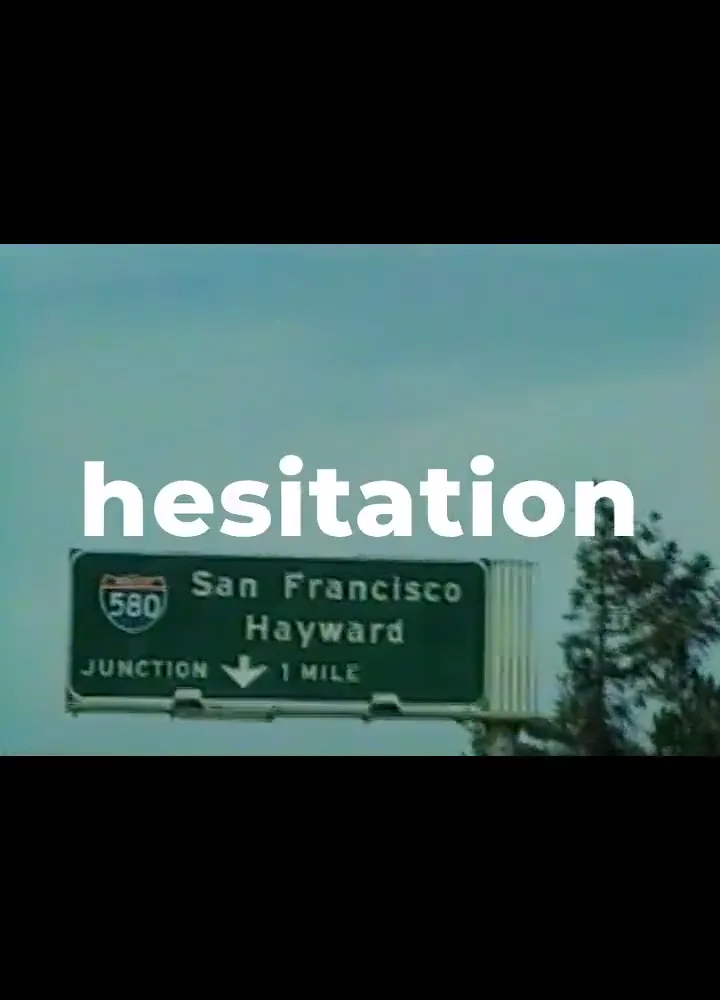
Visual direction720:1000
Bold city hook
Use this piece to study the visual decisions behind Bold city hook.
Upload a song, auto-sync lyrics, customize fonts and backgrounds, and export a share-ready lyric video.
Ready-to-use songs
Synced lyricsA fast way to turn a finished song into a readable, synced video for releases, teasers, and social posts.
A free AI lyric video generator helps you make a lyric video from a song without building every caption by hand.
Start with MP3 or M4A audio, or choose a finished Creatune track from your workspace.
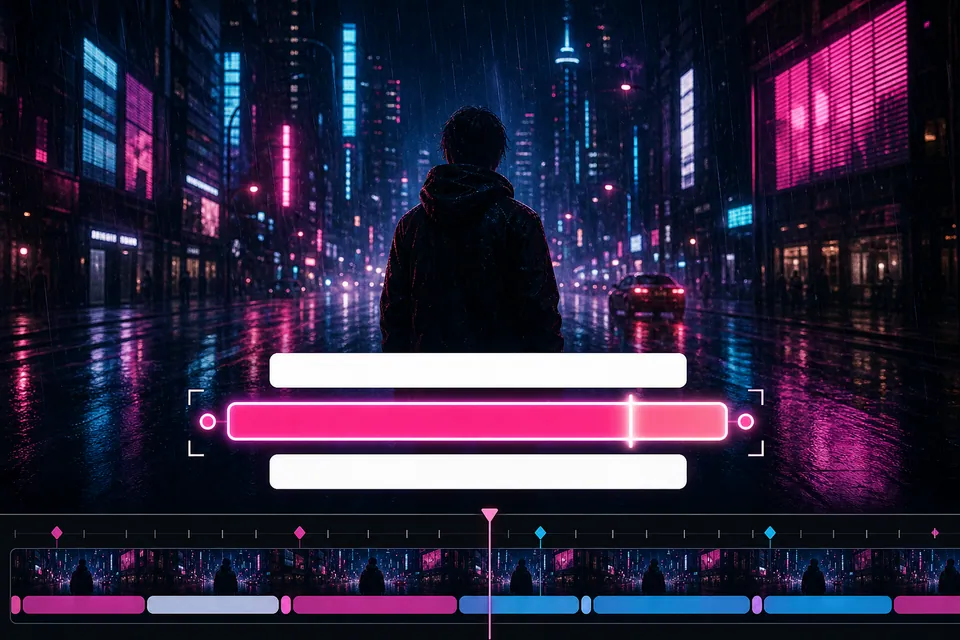
Use automatic lyric sync to create editable timed lines for the song.
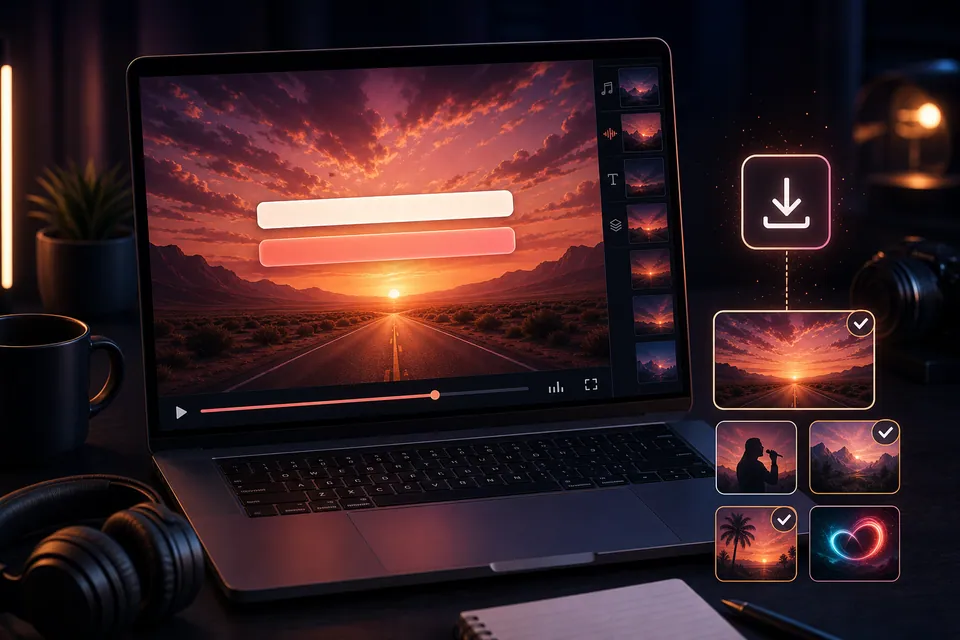
Adjust timing, fonts, colors, backgrounds, then export a share-ready lyric video.
The workflow follows the real search intent: upload a song, auto-sync lyrics, refine the look, then export.
Start with an MP3 or M4A file, or pick a ready Creatune song from your workspace.
Creatune analyzes the track and creates synced lyric lines you can review on the timeline.
Adjust text, timing, font, color, shadow, lyric box position, and the background behind your lyrics.
Render a lyric video that is ready for sharing, release promotion, social snippets, or fan engagement.
See how footage, timing, and typography can create distinct release identities without pretending they are one-click templates.
Use this piece to study the visual decisions behind Bold city hook.
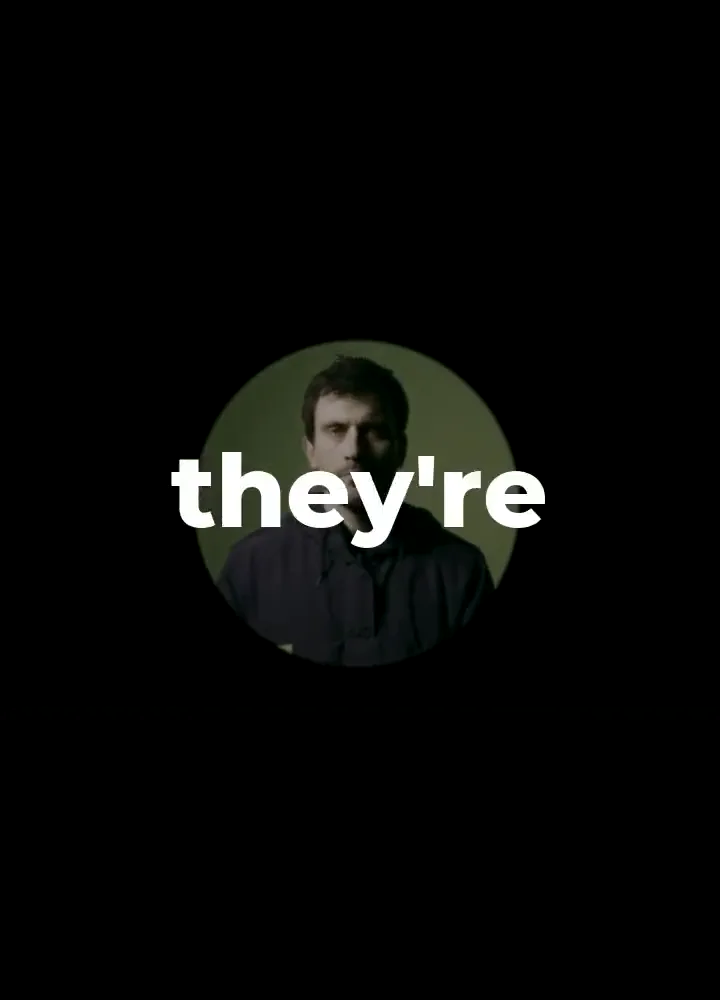
Use this piece to study the visual decisions behind Circular lyric spotlight.
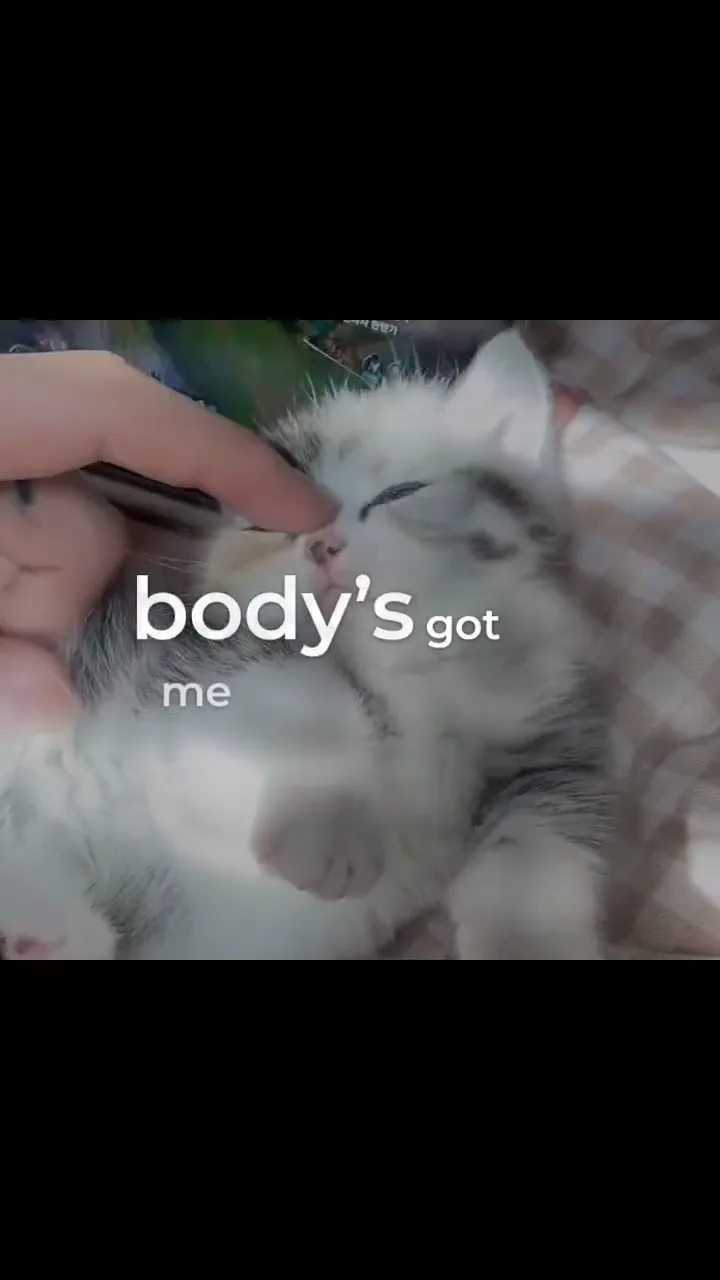
Use this piece to study the visual decisions behind Playful cat montage.
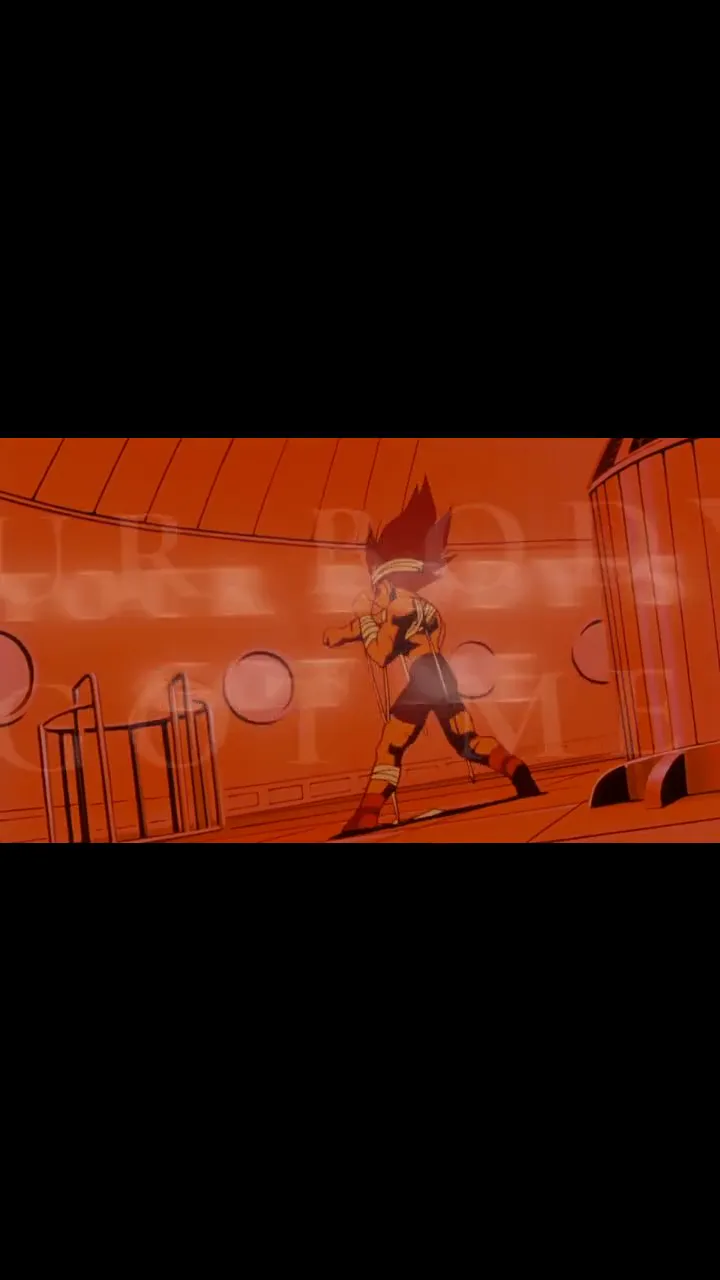
Use this piece to study the visual decisions behind Animated serif sequence.
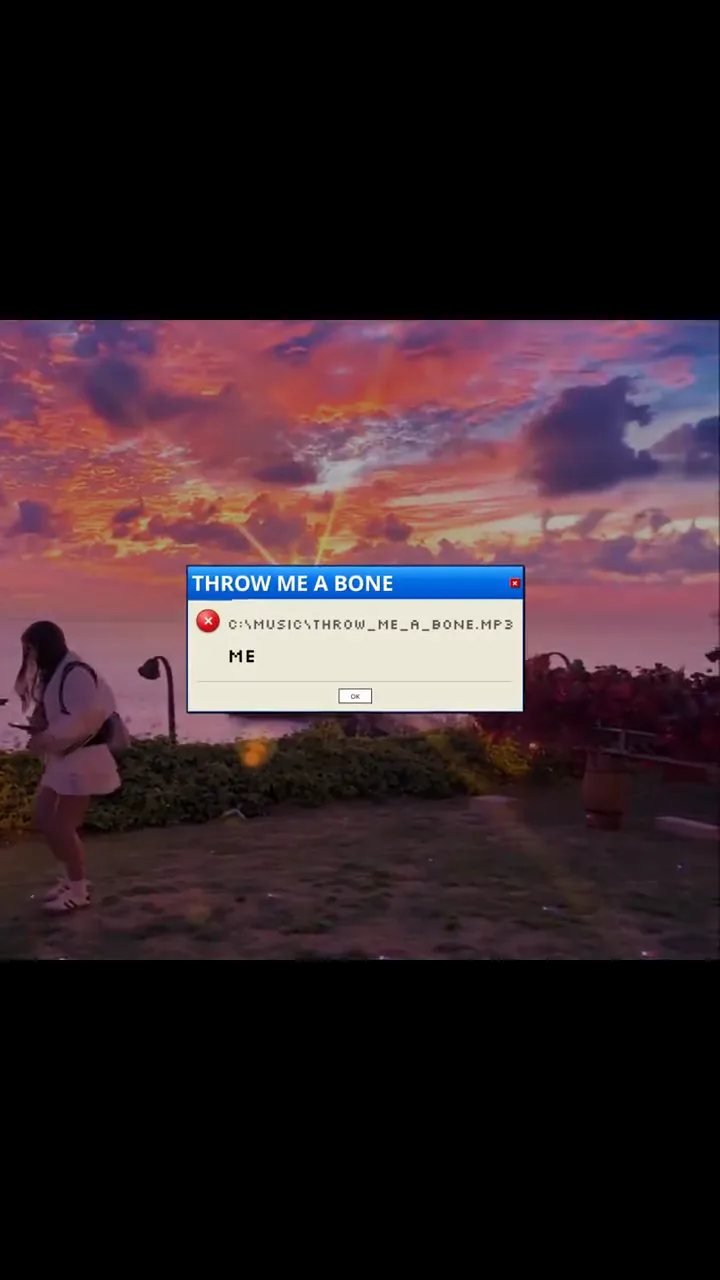
Use this piece to study the visual decisions behind Sunset desktop collage.
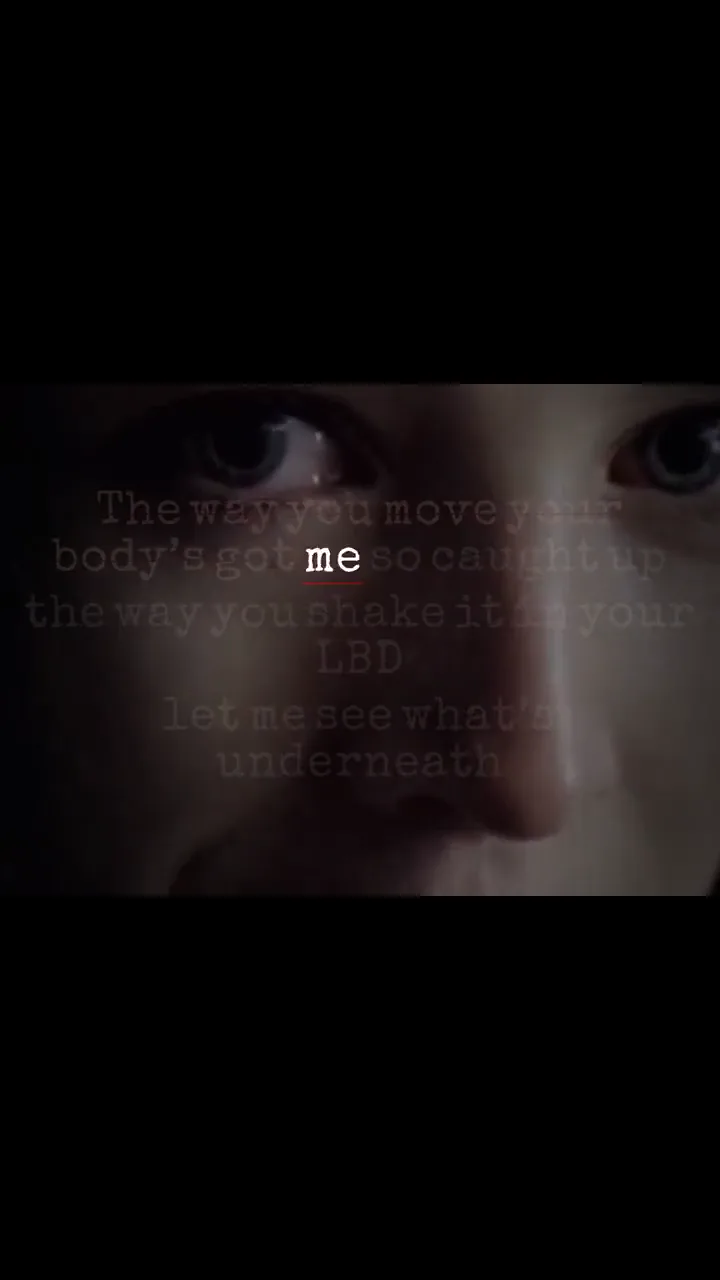
Use this piece to study the visual decisions behind Typewriter lyric page.
Generic video editors start with a blank canvas. Creatune starts with the song and keeps the lyric timing front and center.
Creatune turns your uploaded audio into editable synced lyrics, reducing the manual caption setup that slows down traditional lyric video editing.
The lyric timeline keeps each line visible so you can review, drag, resize, and correct timing before rendering the final video.
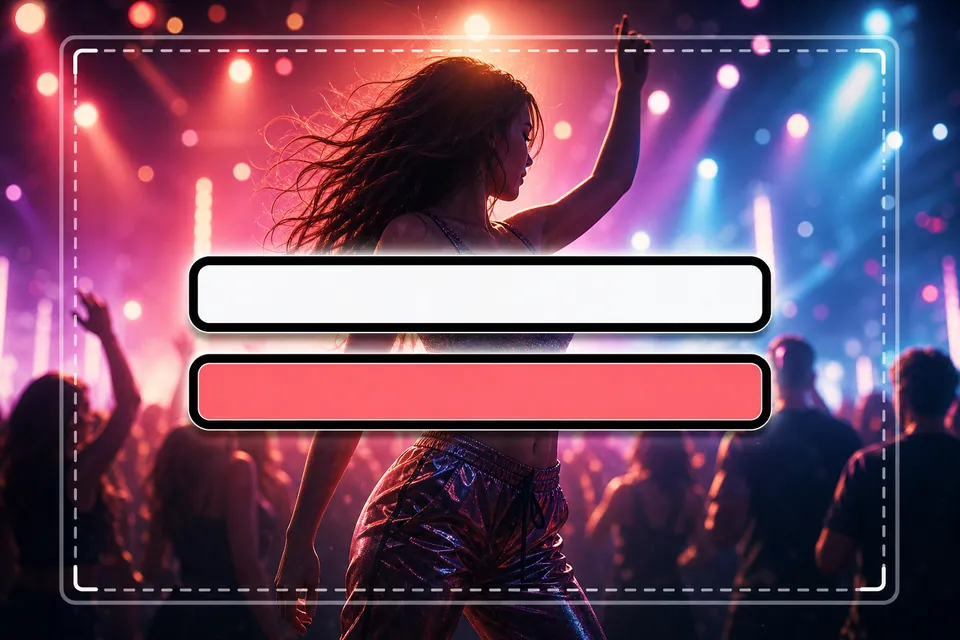
Customize font, size, color, outline, shadow, alignment, and the lyric text box so the words stay readable on bright or complex backgrounds.
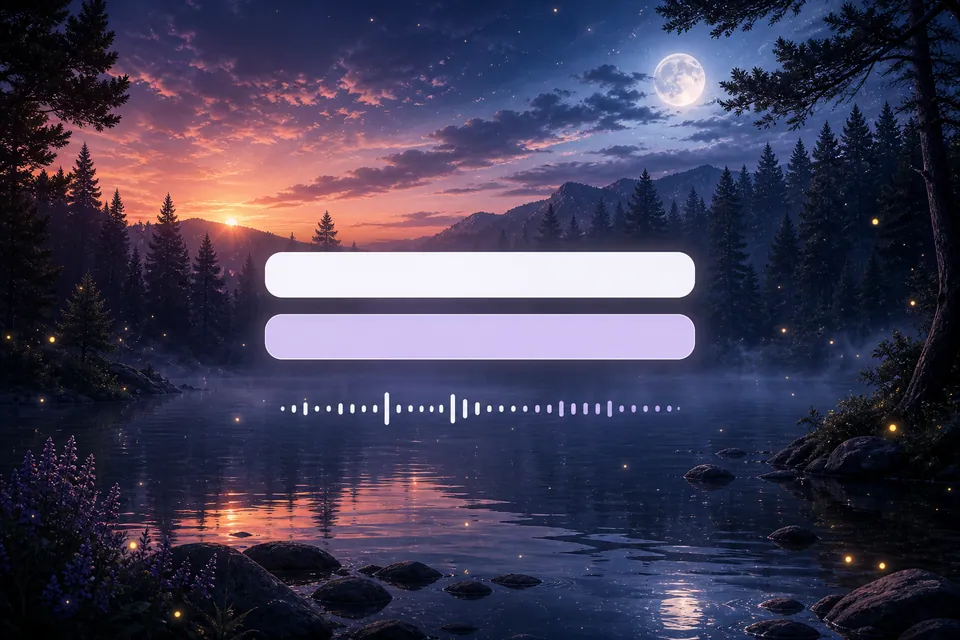
Choose motion backgrounds, use preset visual loops, or upload your own visual when your account supports custom backgrounds.
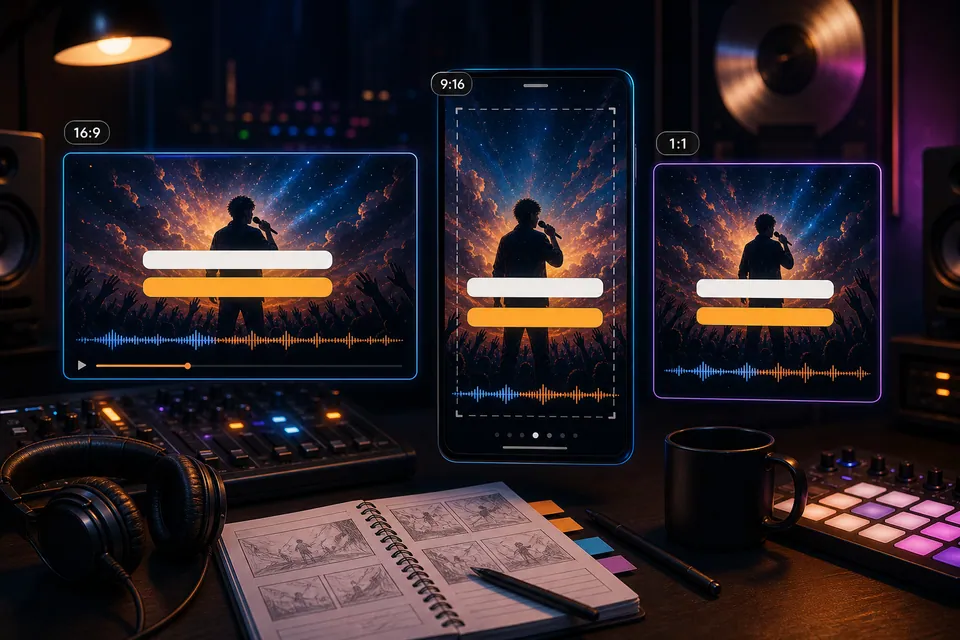
Plan the lyric layout for the release channel you care about: widescreen YouTube lyric videos, vertical social edits, sing-along clips, or short teaser loops.
After rendering, Creatune keeps the result available in your project instead of leaving you to chase a temporary provider preview link.
Use one synced lyric workflow, then shape the visual treatment for the platform and audience.
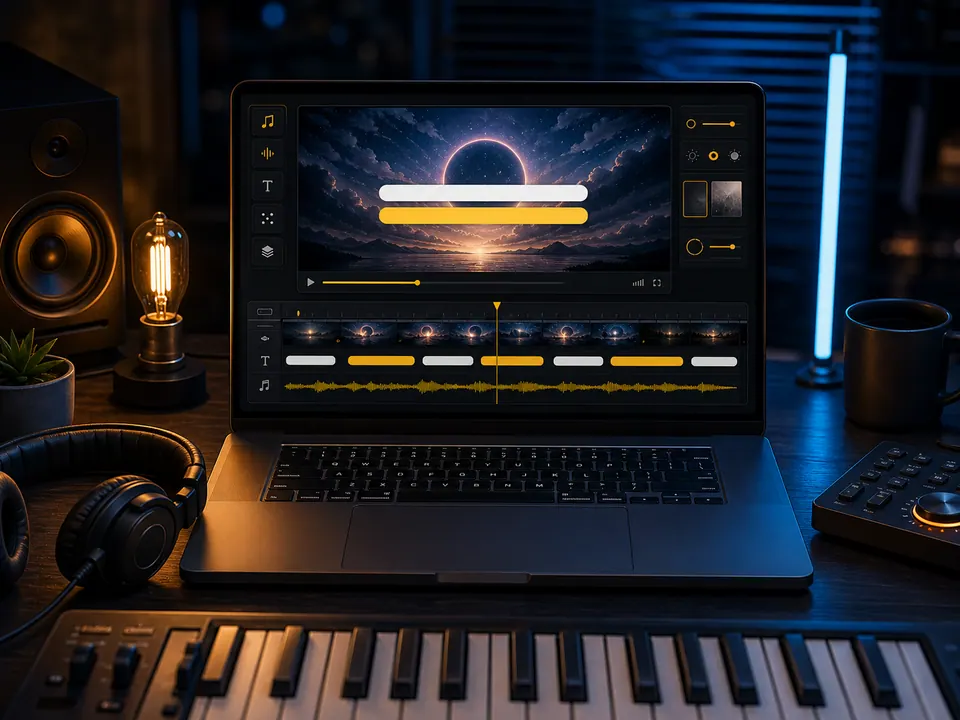 16:9
16:9Use larger lines, centered captions, and a wide background treatment for official uploads, premieres, and fan discovery.
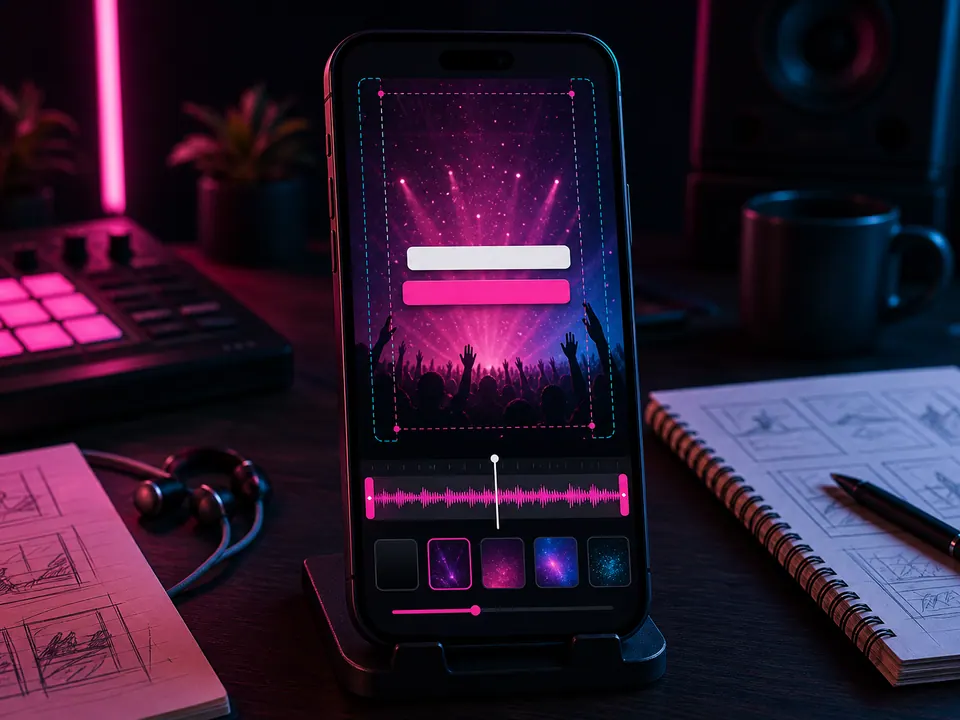 9:16
9:16Keep lyric lines short, high contrast, and vertically safe so the hook works as a short-form social clip.
Sing-alongPrioritize clean timing and readable captions so listeners can follow every line without pausing the song.
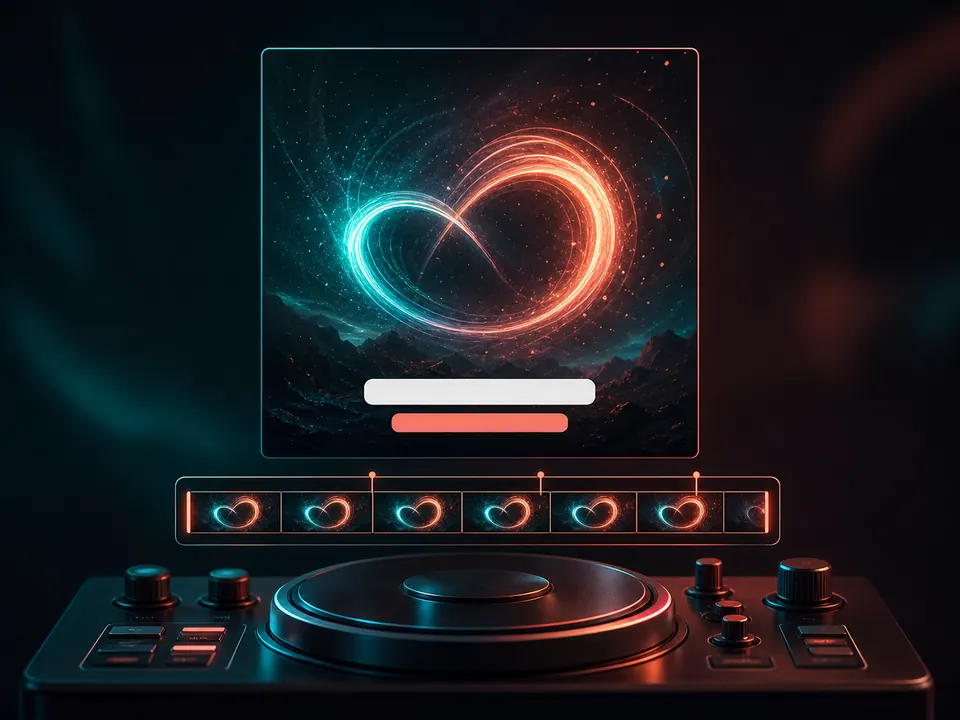 Loop
LoopPair a chorus, title line, or hook with subtle motion backgrounds for release teasers and looping promo posts.
A focused lyrics video generator saves time where manual editors usually create the most friction.
| Criteria | Creatune AI Lyric Video | Template Editors | Manual Video Editors | Basic Visualizers |
|---|---|---|---|---|
| Starting point | Song upload or Creatune track | Template selection | Blank timeline | Audio visualizer preset |
| Lyric sync | AI auto-sync plus editing | Often manual or semi-manual | Manual captions and keyframes | Usually no lyric timing |
| Editing skill | Music-first controls | Basic design edits | Advanced video editing skills | Very limited controls |
| Caption styling | Fonts, color, outline, shadow, position | Depends on template | Anything, but slower | Minimal or none |
| Best for | Artists and creators making synced lyric videos | Quick branded clips | Full custom productions | Simple audio-reactive posts |
| Workflow speed | Upload, sync, edit, export | Fast if the template fits | Slow but flexible | Fast but shallow |
Each guide owns a different production decision and opens the editor with a matching preset.
9:16 · TikTok · Reels · Shorts
Start from the hook, set a true 9:16 canvas, and keep every lyric line clear of captions, buttons, and the edge of the phone screen.
Open the guide16:9 · full song · widescreen
Work in 16:9, review every section on a full timeline, and build a readable treatment for an official upload rather than stretching a short social clip.
Open the guiderecognize · edit · render
Creatune turns the vocal into editable timed lines. You review the words and timing before those lines become part of the rendered video.
Open the guideline sync · contrast · sing-along
Use large high-contrast lines, clear entrances, and enough reading time for listeners to stay with the song without pausing.
Open the guideimage · video · motion loop
Upload an image or video, position the lyric box against the real composition, and check contrast on the exact frames your audience will see.
Open the guideSmall audio and design choices make the auto-sync and final readability much stronger.
Clear vocals help lyric recognition and timing stay closer to the song.
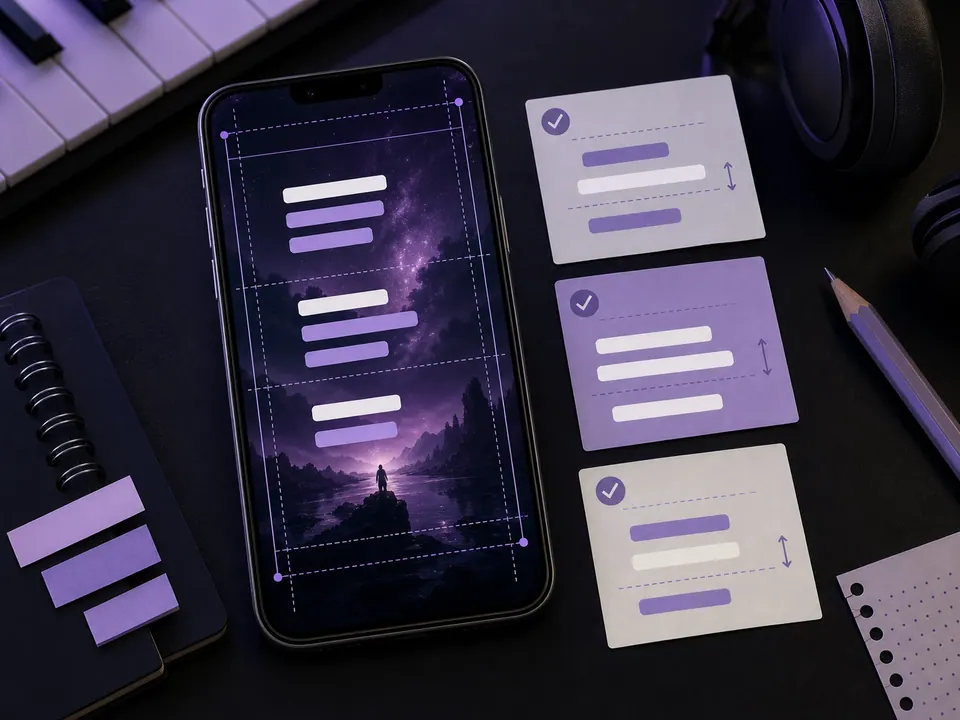
Short lines read better on mobile and feel cleaner in synced lyric videos.
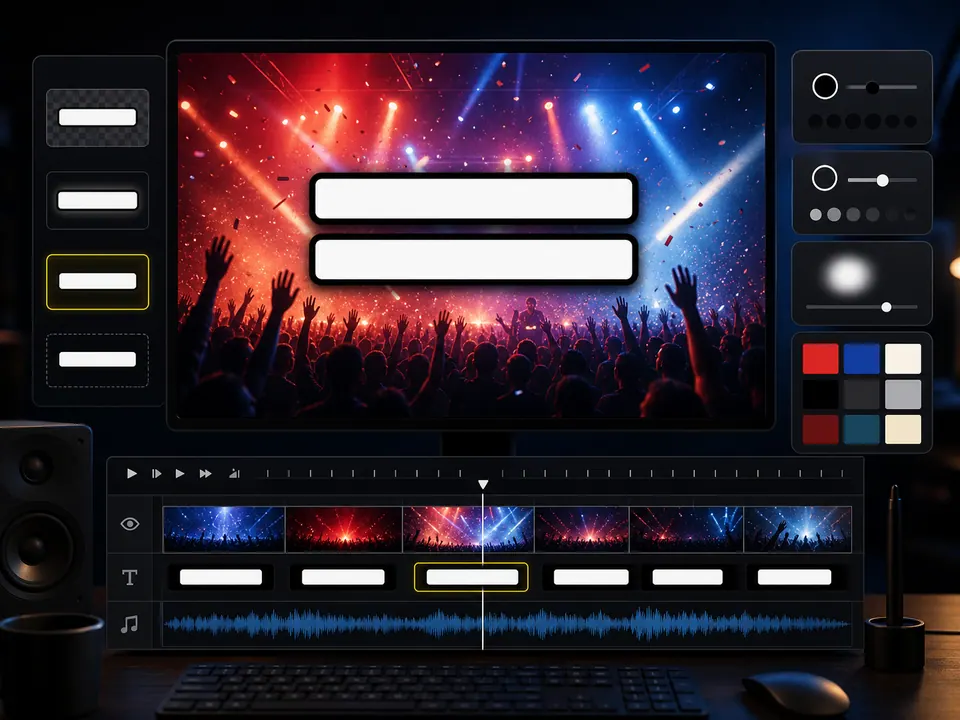
Use outline and shadow when lyrics sit over bright or moving visuals.
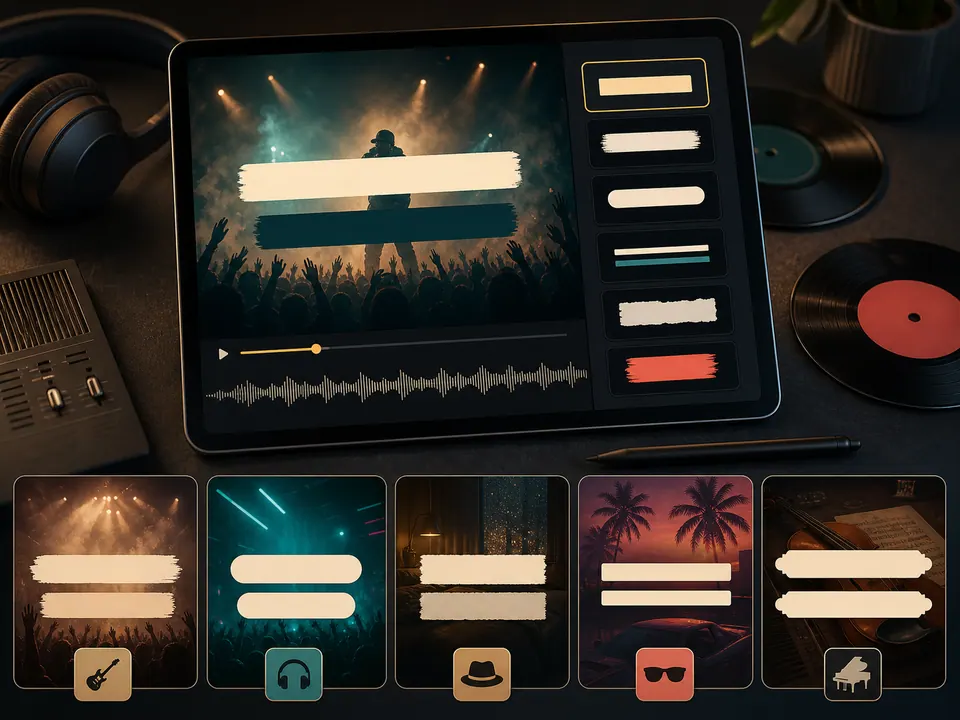
Choose a font that fits the genre and stays readable at social sizes.
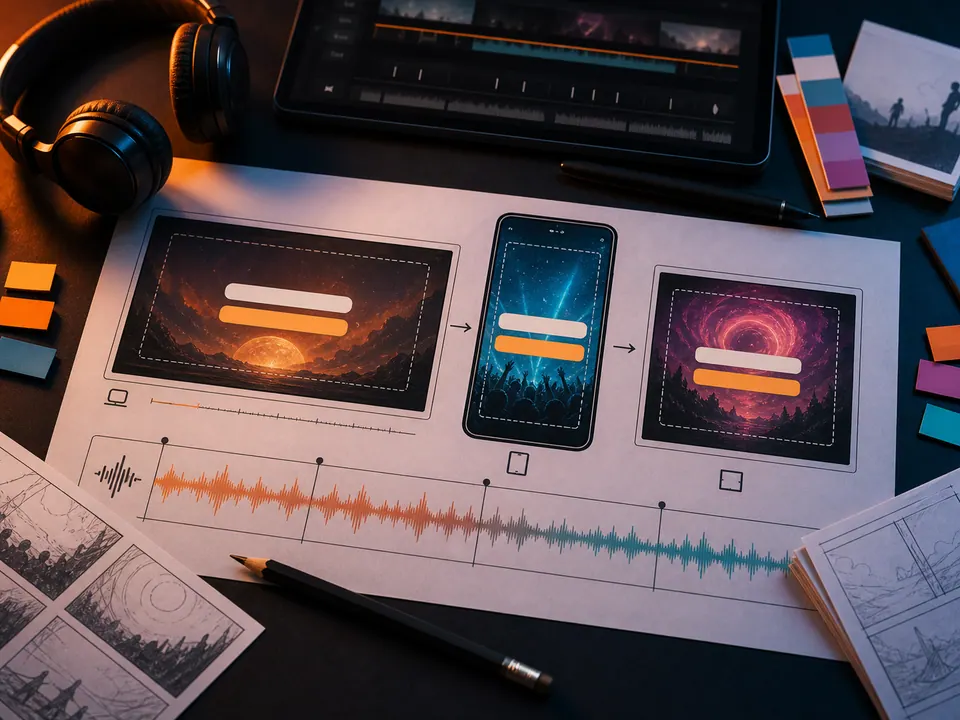
Wide, vertical, and loop formats need different lyric spacing.
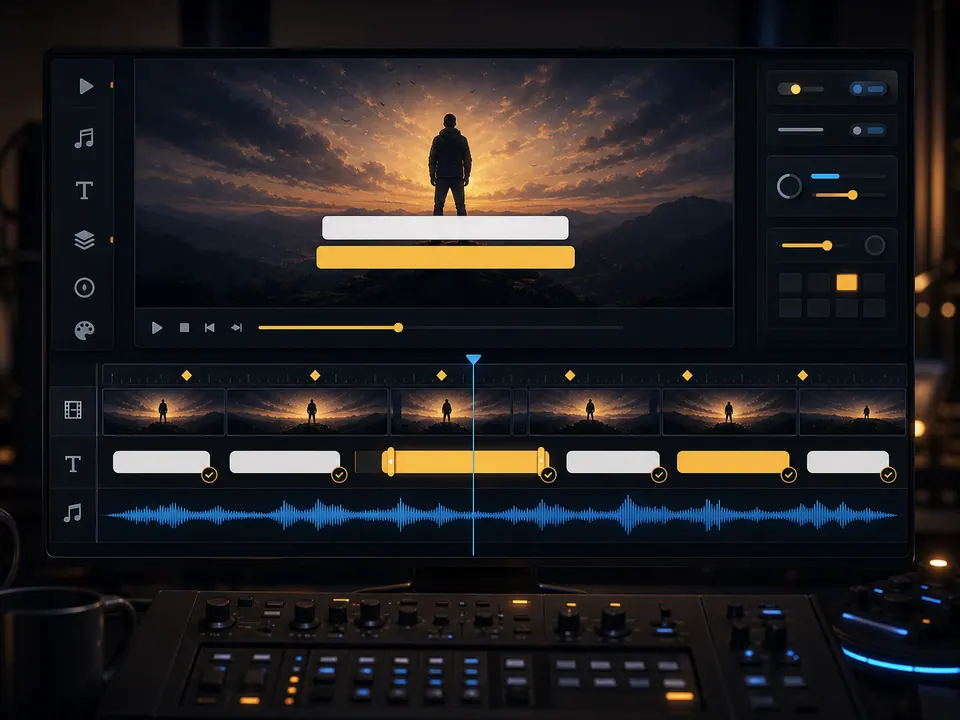
Check the chorus, bridge, and outro so the final video feels intentional.
Use specific internal tools together instead of jumping between generic editors.
Create a performance or visual music video when you need more than synchronized lyric captions.
Write or refine song lyrics before turning them into a full AI song and synced lyric video.
Generate an original track in Creatune, then use it as the source song for a lyric video.
Plans and credits
Use AI Lyric Video with flexible monthly, annual, or one-time credits shared across Creatune.
Cancel anytime
12,000 credits/year
billed annually
Save $60/year · 33% off
$0.099 per 10 credits
30,000 credits/year
billed annually
Save $240/year · 50% off
$0.080 per 10 credits
84,000 credits/year
billed annually
Save $612/year · 56% off
$0.057 per 10 credits
Credits per year
84,000
After payment, credits activate automatically for Creatune AI music, lyrics, audio editing, and music video workflows.
The payment methods shown at checkout vary by country, device, currency, and your Stripe configuration.
Clear answers about free use, auto-sync, editing, formats, and release rights.
Creatune is free to start. You can upload a song and begin the lyric video workflow with available credits. Lyric recognition uses video credits, and final export requires a paid account or paid credit balance, so check the current pricing screen before release work.
Yes. Creatune uses AI lyric recognition to create synced lyric lines from your uploaded audio or selected Creatune song. You can review the recognized text and adjust timing in the editor before exporting the lyric video.
Yes. The synced lyric timeline is editable. You can adjust lyric text, move line timing, resize line duration, and re-transcribe when needed, which makes the workflow more flexible than a locked caption template.
Creatune analyzes the song audio, creates timed lyric lines, and places them on an editable timeline. You can correct the text, move line timing, adjust duration, then render the final lyric video.
Use MP3 or M4A audio up to 100 MB. Clean vocals, balanced volume, and a finished mix usually give better synced lyrics than rough demos, distorted recordings, or tracks where the lead vocal is buried.
Yes, you can use Creatune to design lyric videos for YouTube, TikTok, Reels, Shorts, and karaoke-style clips. Choose readable lyric line lengths, strong contrast, and a layout that fits the release channel.
You can publish videos when you have the right to use the song, lyrics, artwork, and background media. Creatune-generated music on paid plans follows Creatune's license terms; uploaded third-party songs still require your own permissions.
A lyric video focuses on synchronized, readable lyrics over a visual background. An AI music video usually emphasizes performance, story, motion, or generated scenes. Use the lyric video generator when the words and timing are the main experience.
Upload audio, auto-sync lyrics, customize the look, and export a share-ready lyric video in Creatune.