Audio-first timing
Auto-sync lyrics to your song, then fix the details that matter
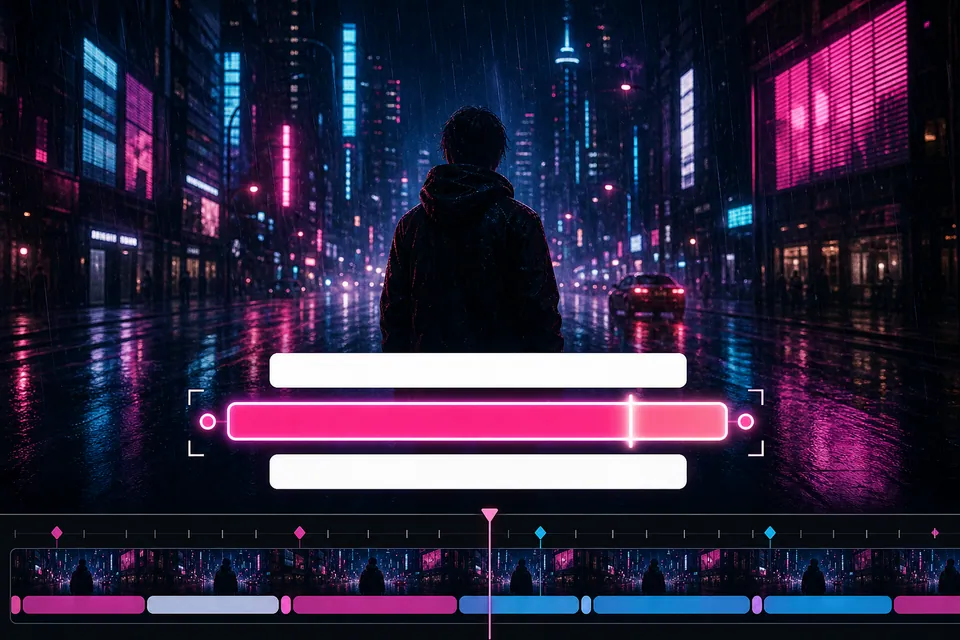
Creatune turns the vocal into editable timed lines. You review the words and timing before those lines become part of the rendered video.
Start with this setuprecognize · edit · render

Direct answer
recognize · edit · render
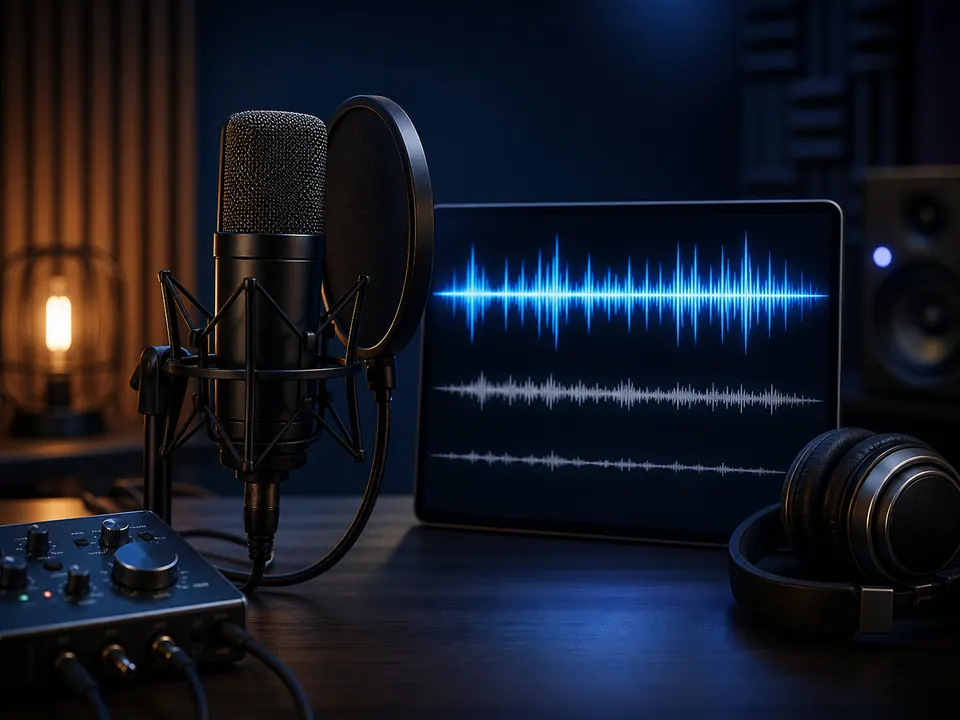
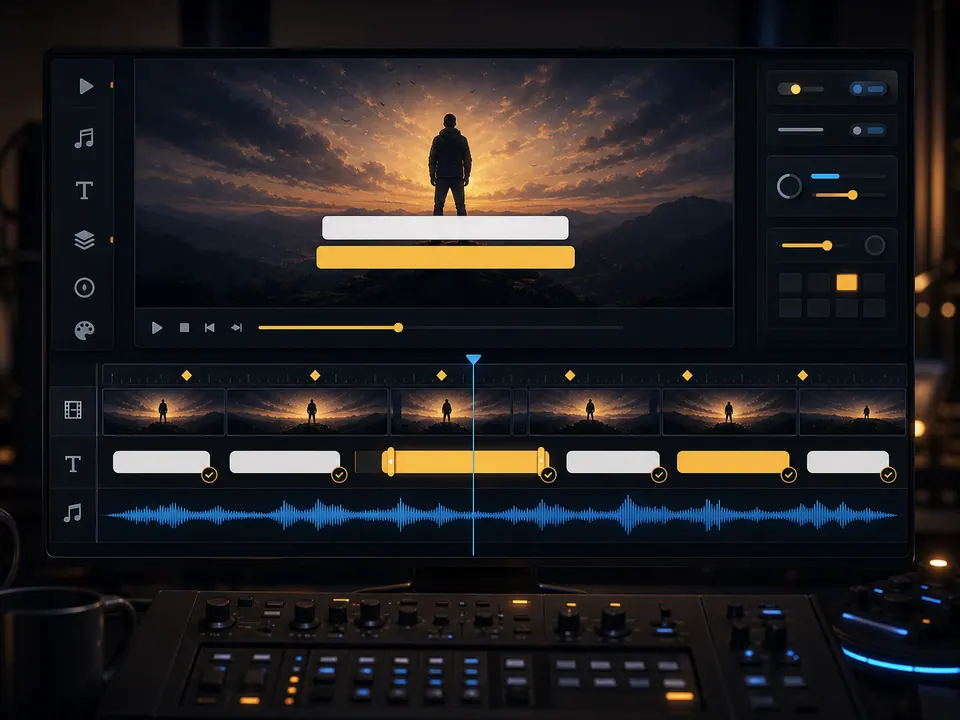
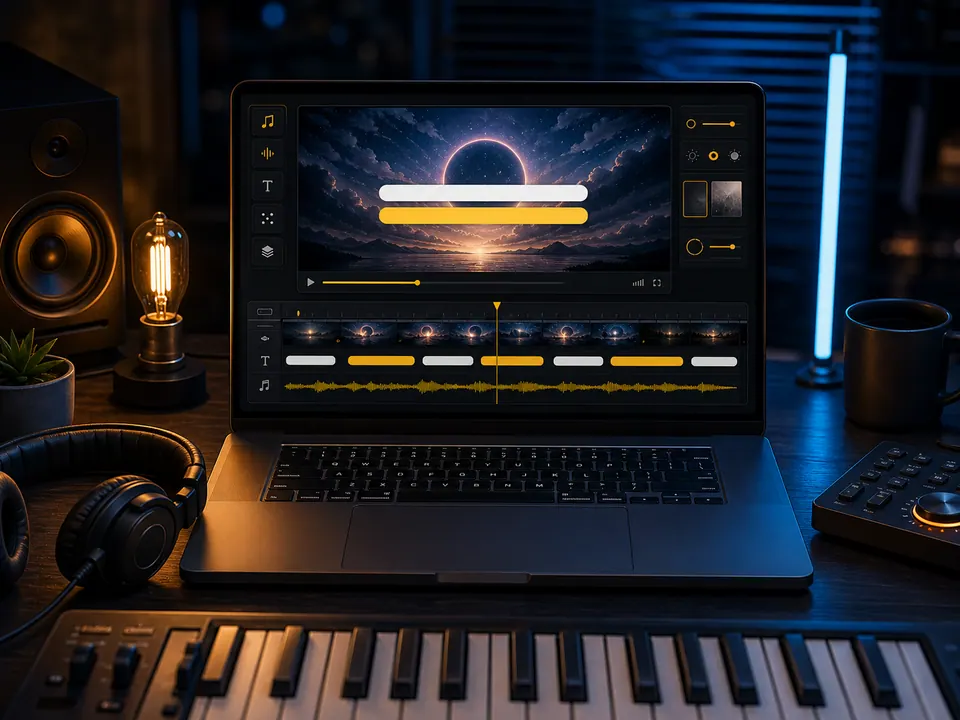
Automatic lyric sync analyzes a song recording and estimates what each lyric line says and when it should appear. Creatune places those lines on an editable timeline, so recognition is a starting point rather than a locked subtitle track.
Creatune release board
04
 01
01Upload clear audio
A balanced final mix with an audible lead vocal gives recognition a stronger starting point.
 02
02Generate timed lines
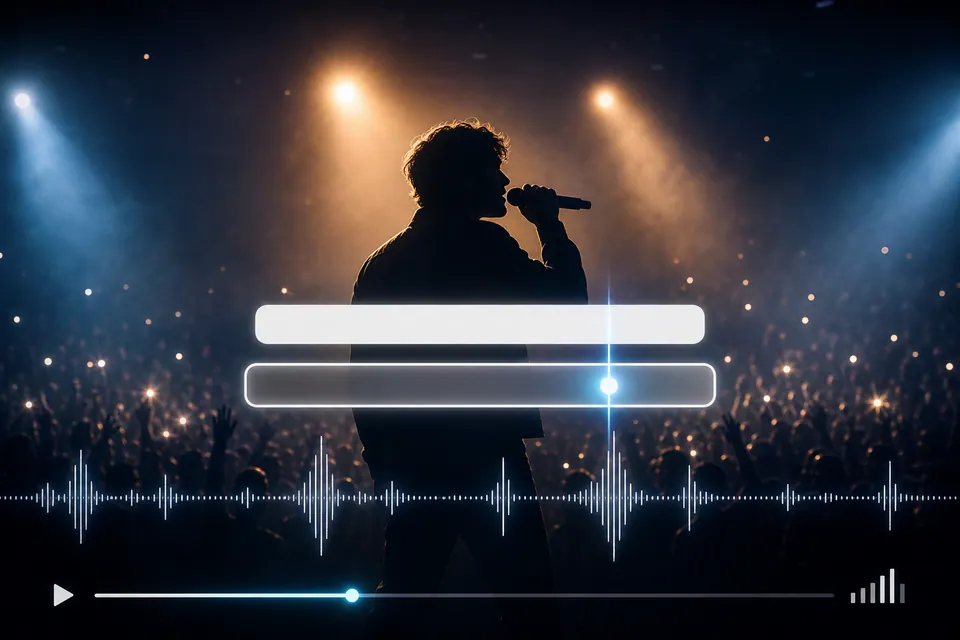
Creatune recognizes the vocal and creates editable line-level timing.
 03
03Correct text and duration
Review names, repeated hooks, fast phrases, entrances, and line endings.
 04
04Style after timing
Set type, position, contrast, and background once the words and rhythm are reliable.
Recognition boundaries
Automatic does not mean review-free
Dense harmonies, vocal effects, ad-libs, fast delivery, nonstandard pronunciation, and low vocal levels can all reduce recognition accuracy. A useful workflow makes corrections easy instead of hiding uncertainty.
Creatune preserves line timing in the project, including word timing when the recognition provider returns it, while the current editor intentionally focuses on readable line-level control.
Names and uncommon words
Confirm spelling manually; the audio alone may not identify the intended form.
Repeated choruses
Check every occurrence because a repeated lyric can still enter at a different moment.
Ad-libs and overlaps
Choose what the viewer needs to read instead of forcing every background vocal into one box.
Recognition boundaries
00:50Timing review
00:14
Timing review
Fix the entrance, reading time, and exit of each line
A correct sentence can still feel wrong if it appears after the singer begins or disappears before the phrase resolves. Dragging and resizing a line lets you match the listening experience instead of accepting the first estimate.
Review at normal playback speed, then inspect the chorus and quickest passages again. The goal is comfortable reading, not a visually busy timeline.
Entrance
Bring the line in close enough to the vocal that the viewer never has to catch up.

Duration
Leave enough time to read without carrying text far into the next phrase.

Silence
Clear the screen intentionally during instrumental gaps.
Questions before export
auto sync lyrics to video FAQ
Yes. Creatune analyzes uploaded audio or an eligible Creatune song and creates timed lyric lines that you can edit before rendering.
Yes. Edit the lyric text and adjust line start time and duration on the timeline. Recognition is not locked.
Use the final mix when possible, with a clear lead vocal and limited distortion. Dense backing vocals, heavy effects, or a buried lead can require more correction.
Creatune can preserve word timing returned by recognition, but the current editing and rendered lyric experience is line-based. It does not claim a word-by-word karaoke highlight mode.
Continue the release
Related lyric video workflows
 9:16 · TikTok · Reels · Shorts
Make TikTok lyric videos people can read before they scroll
Start from the hook, set a true 9:16 canvas, and keep every lyric line clear of captions, buttons, and the edge of the phone screen.
 16:9 · full song · widescreen
Create a YouTube lyric video that holds up for the whole song
Work in 16:9, review every section on a full timeline, and build a readable treatment for an official upload rather than stretching a short social clip.