Vertical release workflow
Make TikTok lyric videos people can read before they scroll
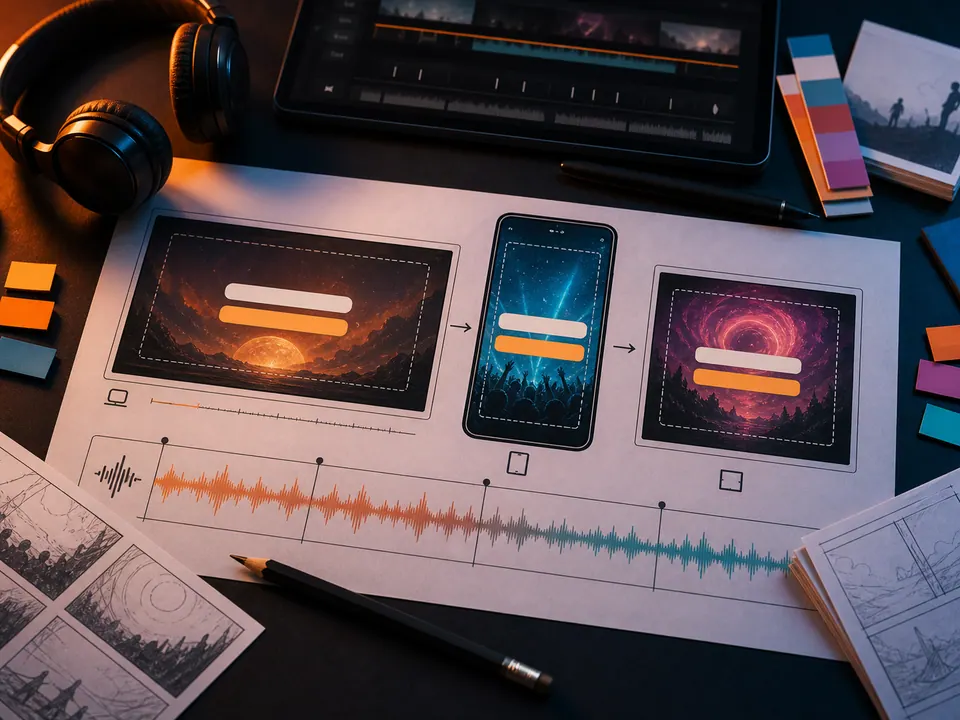
Start from the hook, set a true 9:16 canvas, and keep every lyric line clear of captions, buttons, and the edge of the phone screen.
Start with this setup9:16 · TikTok · Reels · Shorts
Direct answer
9:16 · TikTok · Reels · Shorts
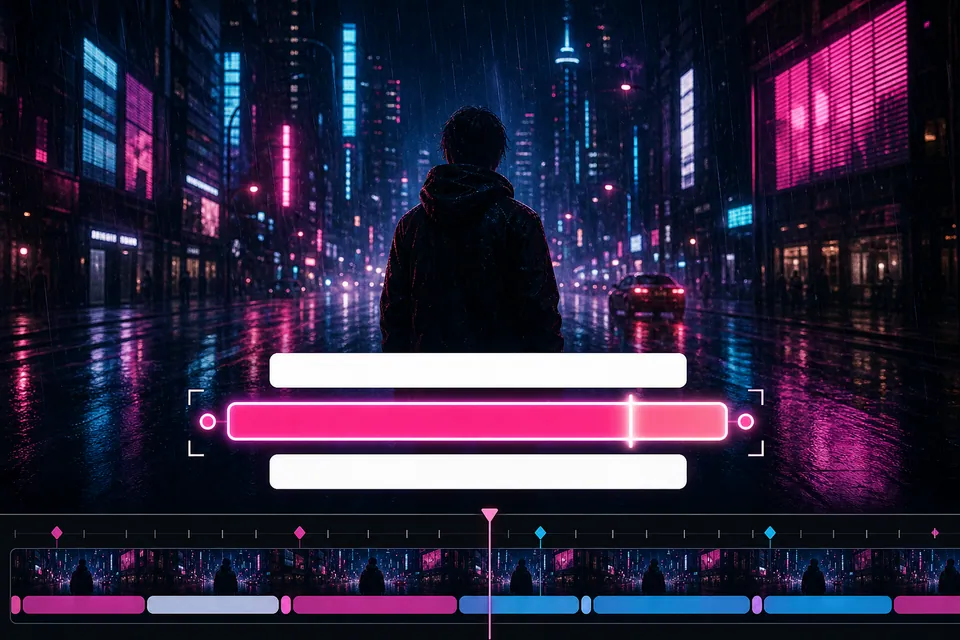
A TikTok lyric video pairs a short section of a song with synchronized, mobile-readable lyrics on a 9:16 canvas. Creatune recognizes the vocal, places editable lines on a timeline, and gives you control over the text box, contrast, and background before export.
Creatune release board
04
 01
01Choose the hook
Use the chorus, reveal, or line that makes sense without hearing the whole song first.
 02
02Auto-sync the lyric
Upload the song and review the recognized words and line timing instead of rebuilding captions by hand.
 03
03Protect the safe area
Keep short lines away from platform UI and use outline or shadow over moving footage.
 04
04Export and review
Watch the result at phone size before posting it to TikTok, Reels, or Shorts.
The vertical decision
Design for a phone interface, not a cropped desktop video
A 16:9 lyric video cropped into a phone frame usually loses text at the sides or leaves the words too small. The vertical preset changes the working canvas before you position the lyric box.
TikTok, Instagram Reels, and YouTube Shorts share the same core 9:16 production job, so this page covers the workflow once instead of splitting it into near-identical platform pages.
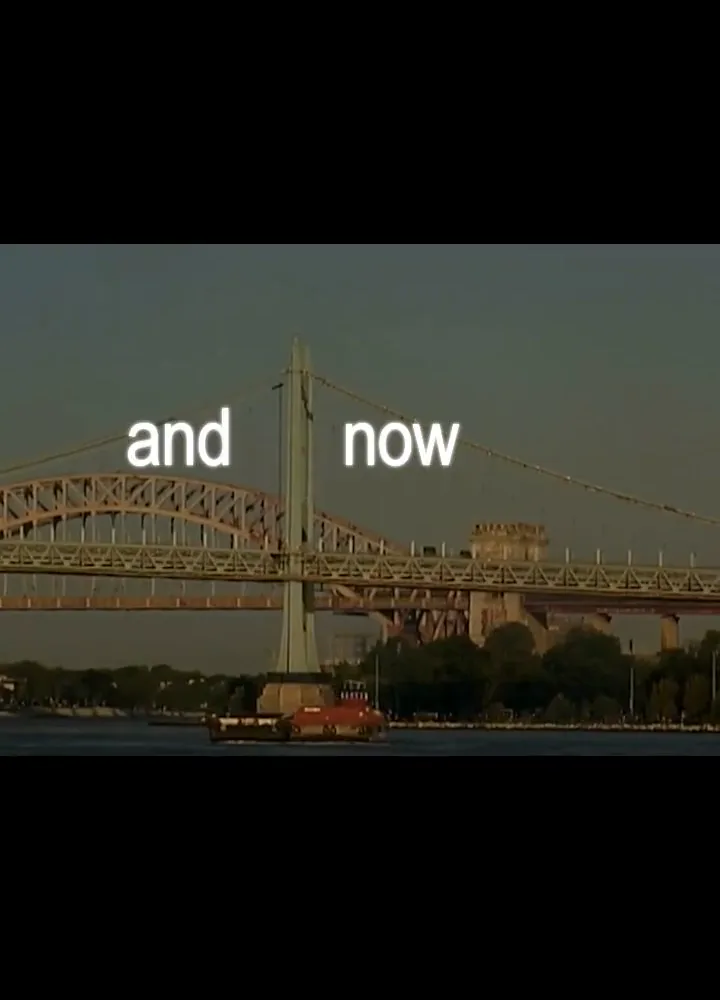
Short line breaks
Break on meaning and breath so a lyric can be understood in one glance.
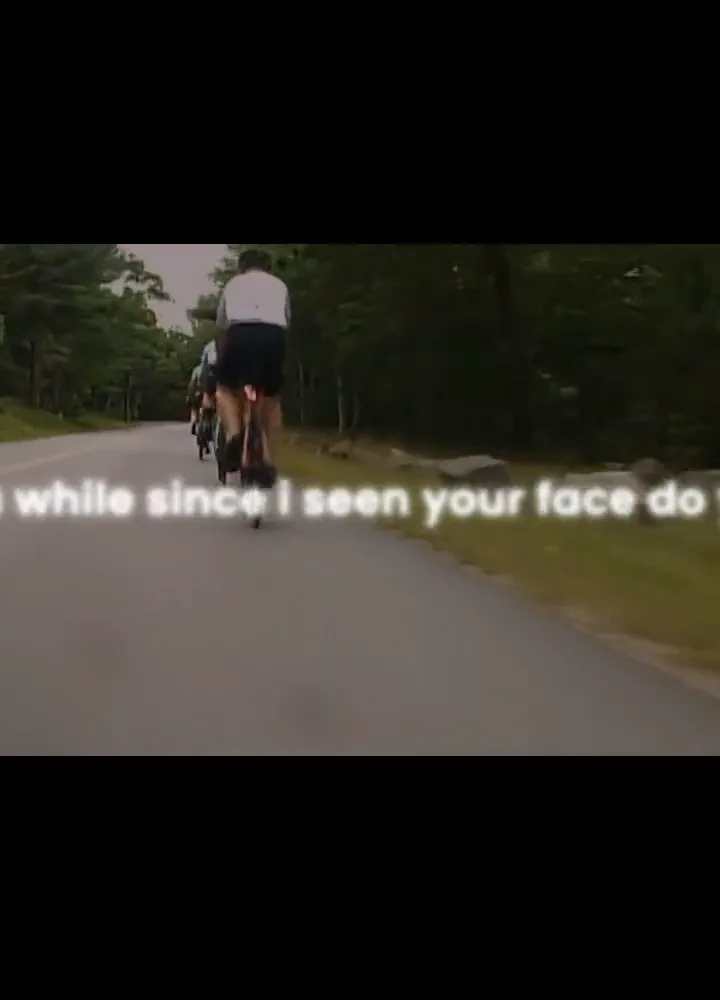
Interface clearance
Leave room for captions, account details, and action buttons without promising one permanent platform template.
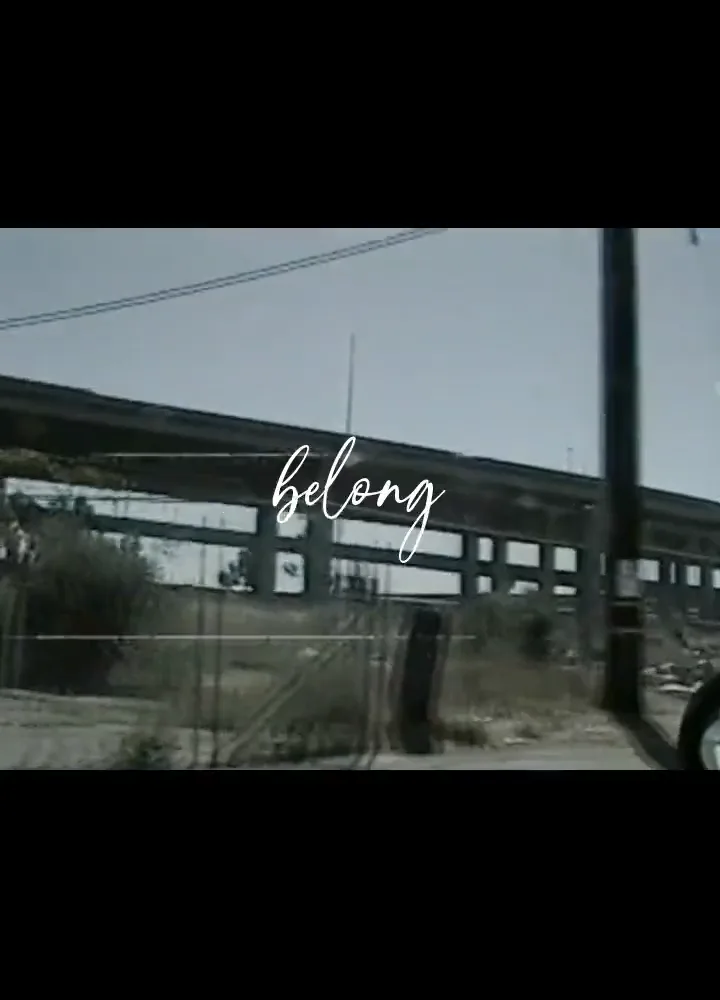
Small-screen contrast
Test the finished frame at phone size; a style that works on a laptop may disappear over motion.
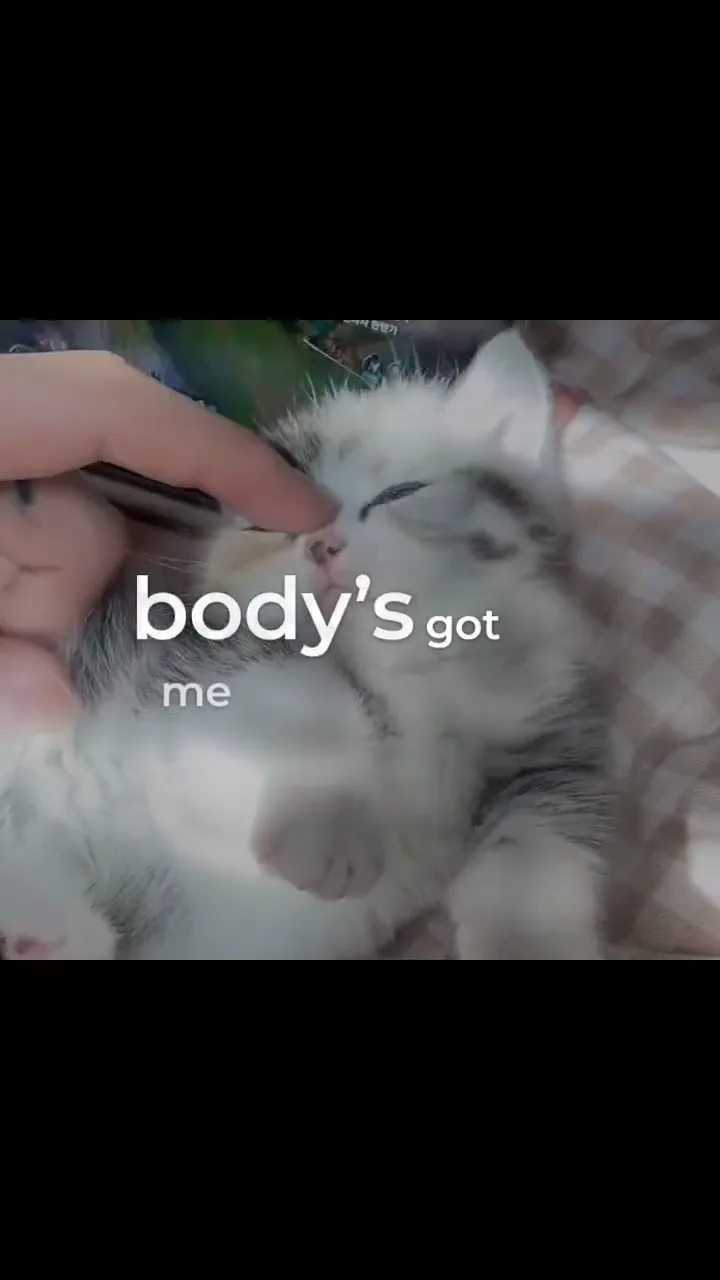
The vertical decision
00:25Release planning
00:25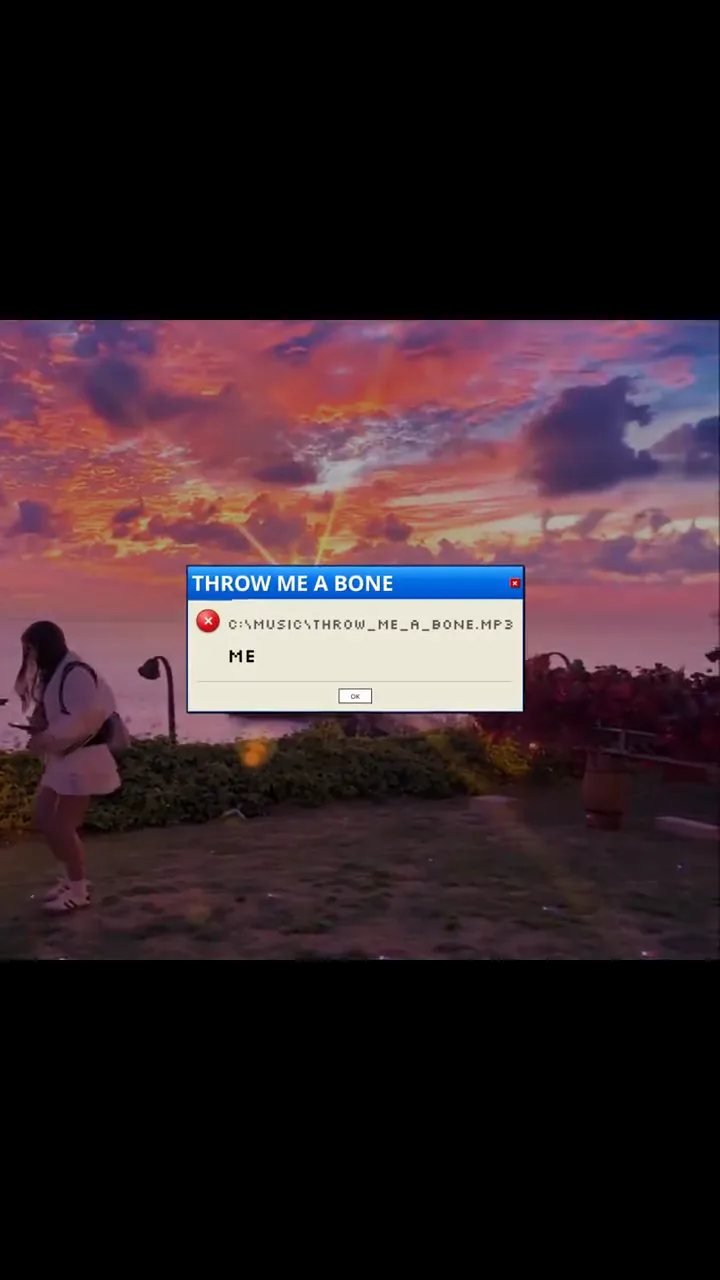
Release planning
One song can support several honest short-form tests
Create distinct cuts around a chorus, a first-line reveal, or a bridge rather than reposting the same opening repeatedly. Each cut should still make sense as a complete moment.
Creatune saves the project and editable timing, so you can return to the lyric treatment without claiming that publishing volume guarantees reach or streams.
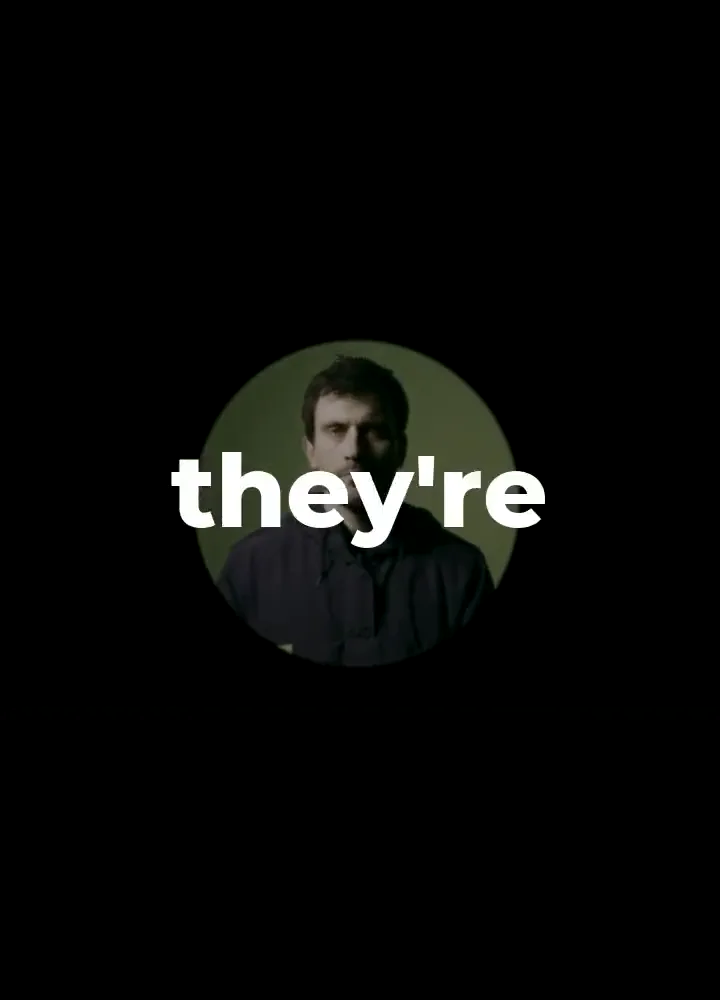
Hook cut
Lead with the most recognizable musical or lyrical turn.
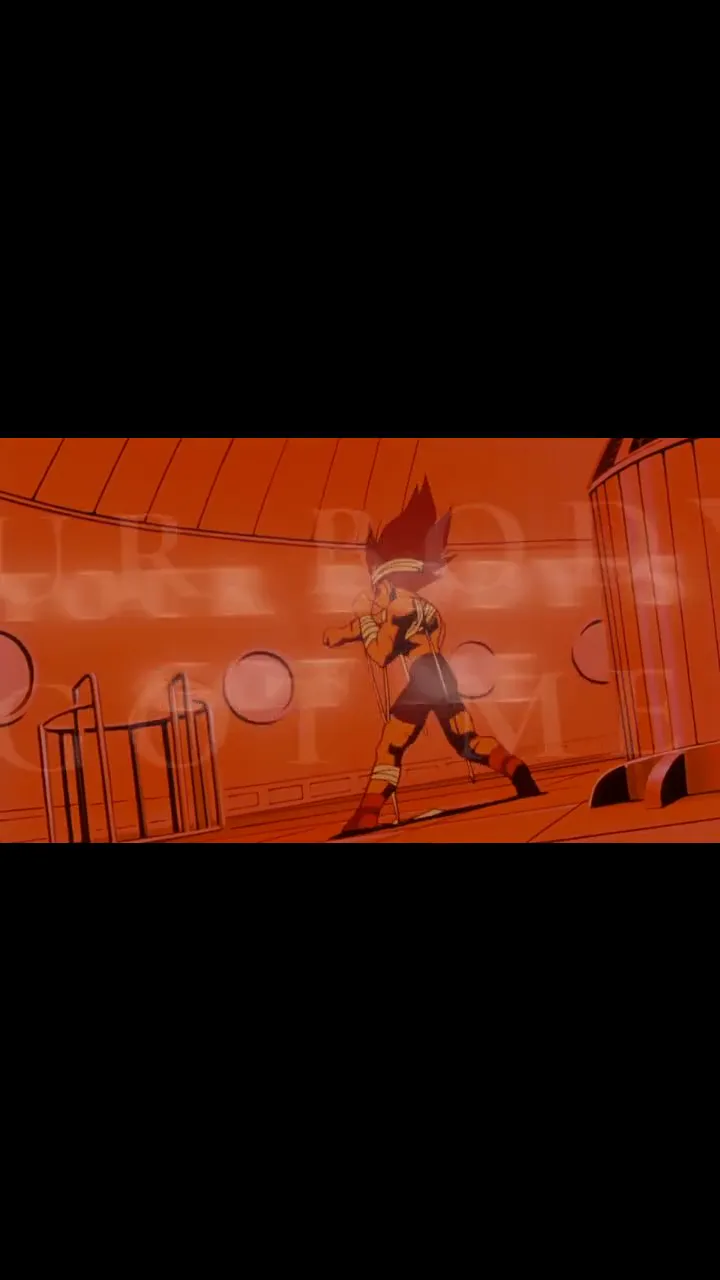
Context cut
Include the setup line when the hook would otherwise be confusing.
Quiet cut
Use a restrained visual and larger type when the lyric carries the emotion.
Questions before export
TikTok lyric video maker FAQ
Use a 9:16 vertical canvas. Keep lyrics inside a conservative central safe area because platform captions and controls occupy parts of the screen and can change over time.
Usually yes at the canvas level: all three support vertical 9:16 video. Review each upload preview because caption placement, cropping, and interface overlays differ by platform.
A focused hook, chorus, or verse is normally easier to read and evaluate in short-form feeds. Use the full song only when that matches the intended post and platform limits.
No. Creatune helps produce readable, synchronized videos; distribution depends on the song, creative choice, audience, account, timing, and platform systems.
Continue the release
Related lyric video workflows
recognize · edit · renderAuto-sync lyrics to your song, then fix the details that matter
Creatune turns the vocal into editable timed lines. You review the words and timing before those lines become part of the rendered video.
 line sync · contrast · sing-along
Build a karaoke-style lyric video around timing people can follow
Use large high-contrast lines, clear entrances, and enough reading time for listeners to stay with the song without pausing.