Full-song release workflow
Create a YouTube lyric video that holds up for the whole song
Work in 16:9, review every section on a full timeline, and build a readable treatment for an official upload rather than stretching a short social clip.
Start with this setup16:9 · full song · widescreen
Direct answer
16:9 · full song · widescreen
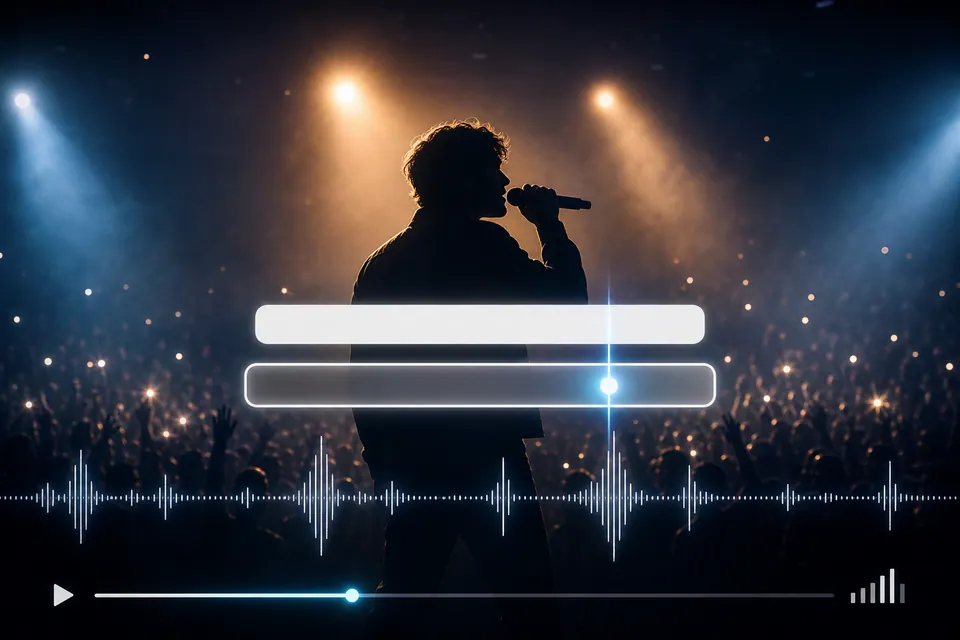
A YouTube lyric video is usually a full-song 16:9 video with synchronized lyrics, a stable visual language, and enough contrast to remain readable from the first verse through the outro. Creatune keeps timing, text styling, backgrounds, and the rendered result in one project.
Creatune release board
04
 01
01Upload the final mix
Use the same song version you intend to publish so timing does not drift after editing.
 02
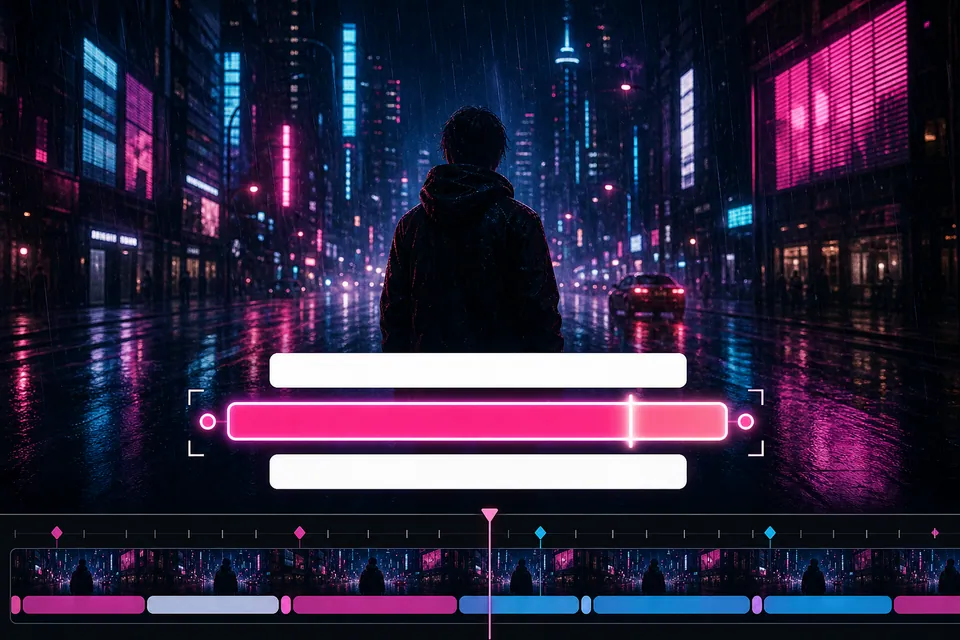
02Review every section
Check verses, choruses, bridge, instrumental gaps, and the final line on the editable timeline.
 03
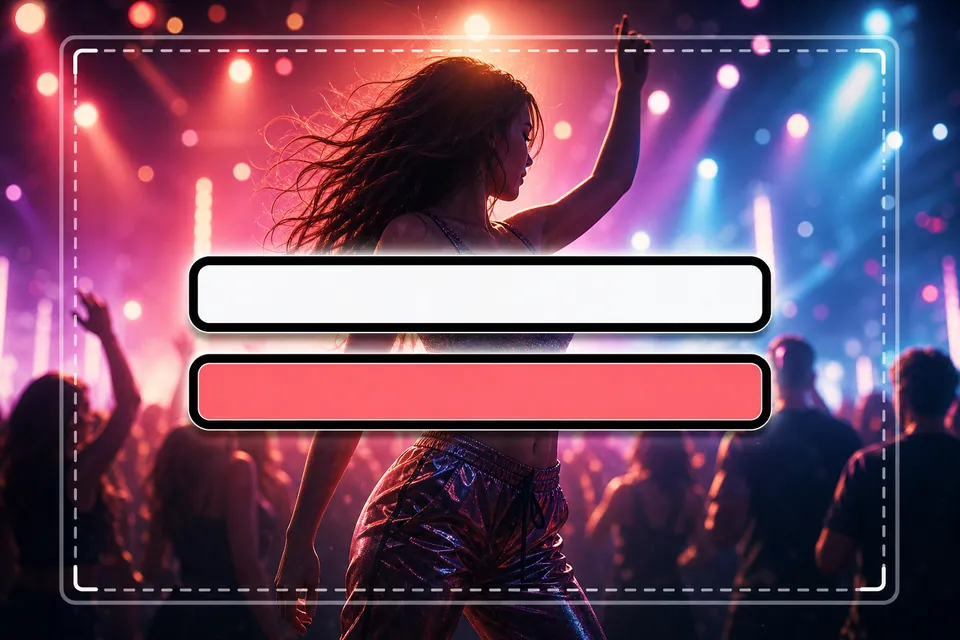
03Set a durable look
Choose a background and type treatment that can remain readable for the complete runtime.
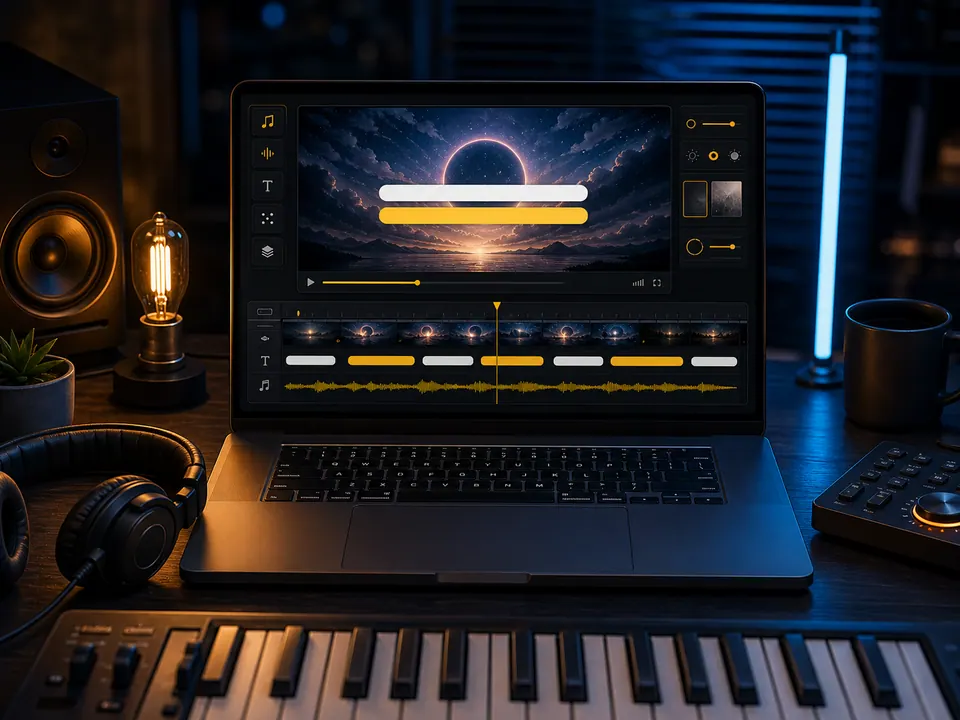 04
04Export the 16:9 master
Render the video, review it at full screen, and keep the saved project for corrections.
Long-form readability
The visual treatment must survive repetition and section changes
A background that feels exciting for eight seconds can become distracting across a three-minute song. Widescreen lyric videos benefit from deliberate motion, stable contrast, and line lengths that do not force constant eye movement.
The timeline is the quality-control surface: it reveals missing lines, overlaps, long empty gaps, and timing that looked acceptable in a short preview but breaks over the full arrangement.
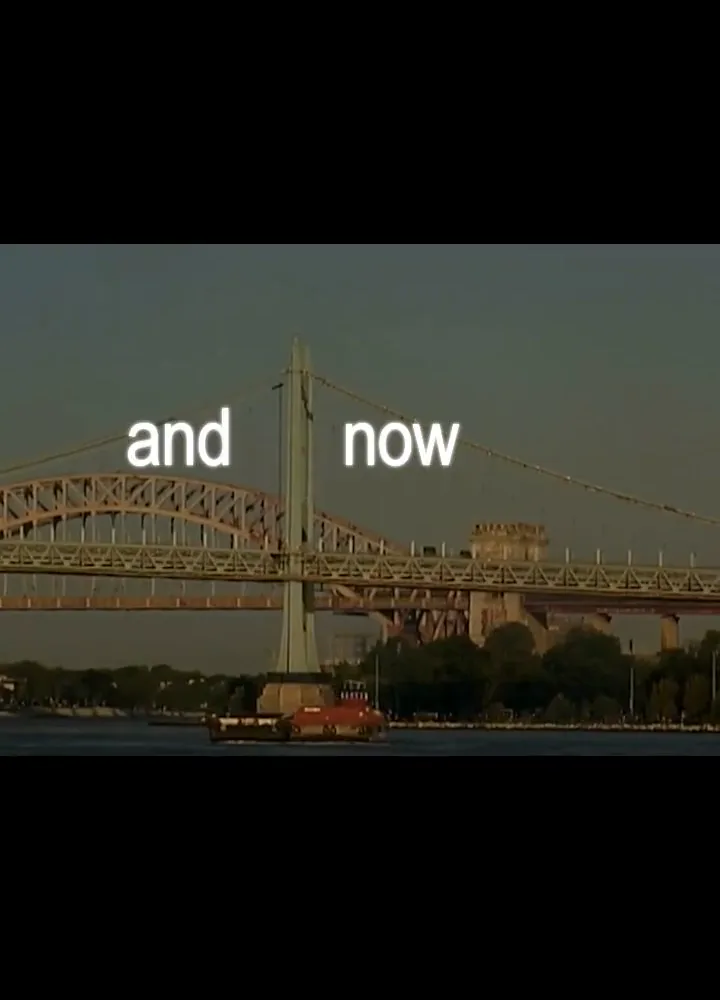
Section continuity
Keep the same visual grammar while allowing choruses or bridges to feel distinct.
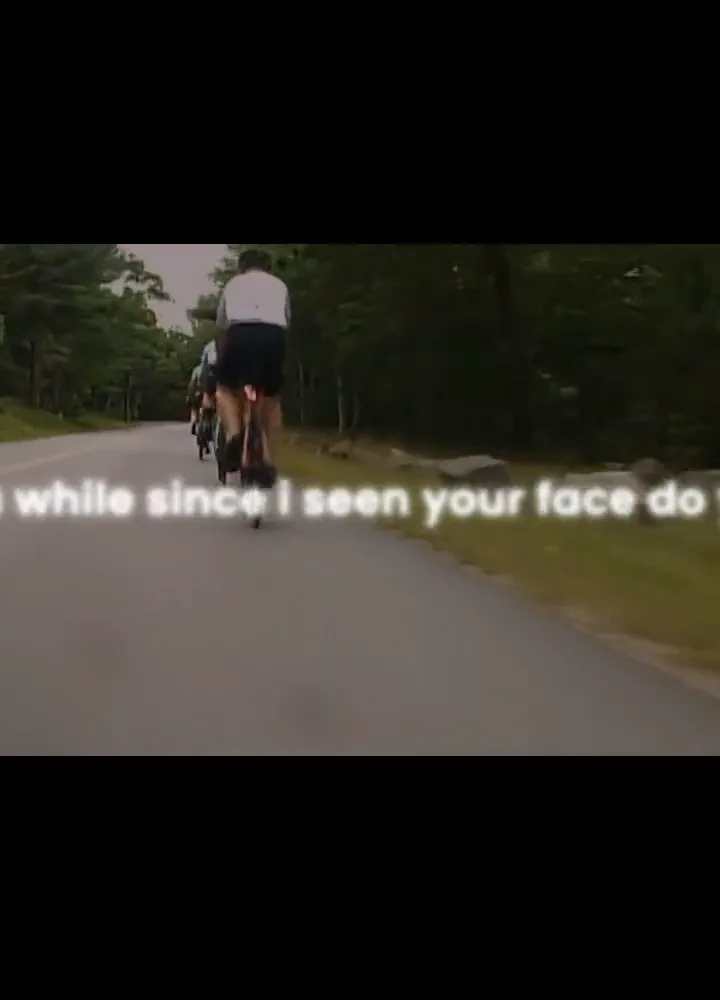
Instrumental space
Do not leave a stale lyric on screen through a solo or long instrumental break.
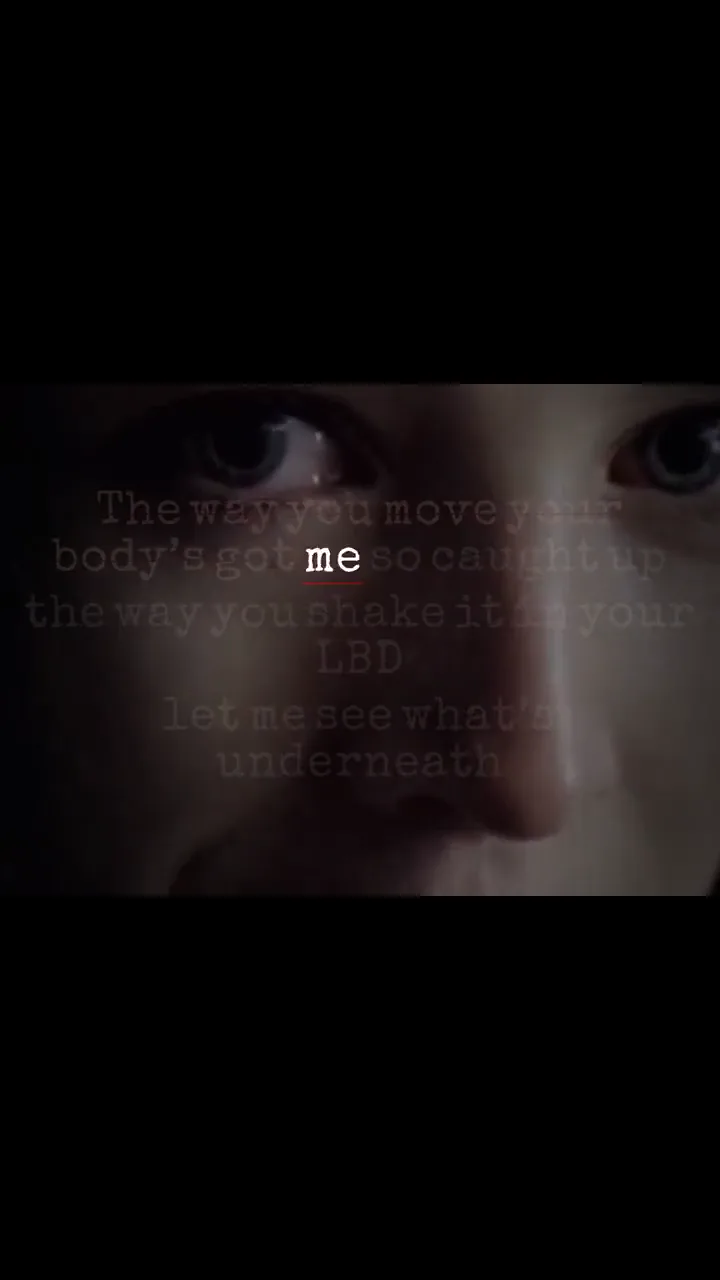
Final-frame check
Review the last lyric, fade, and background ending before the upload.
Long-form readability
00:25Publishing handoff
00:27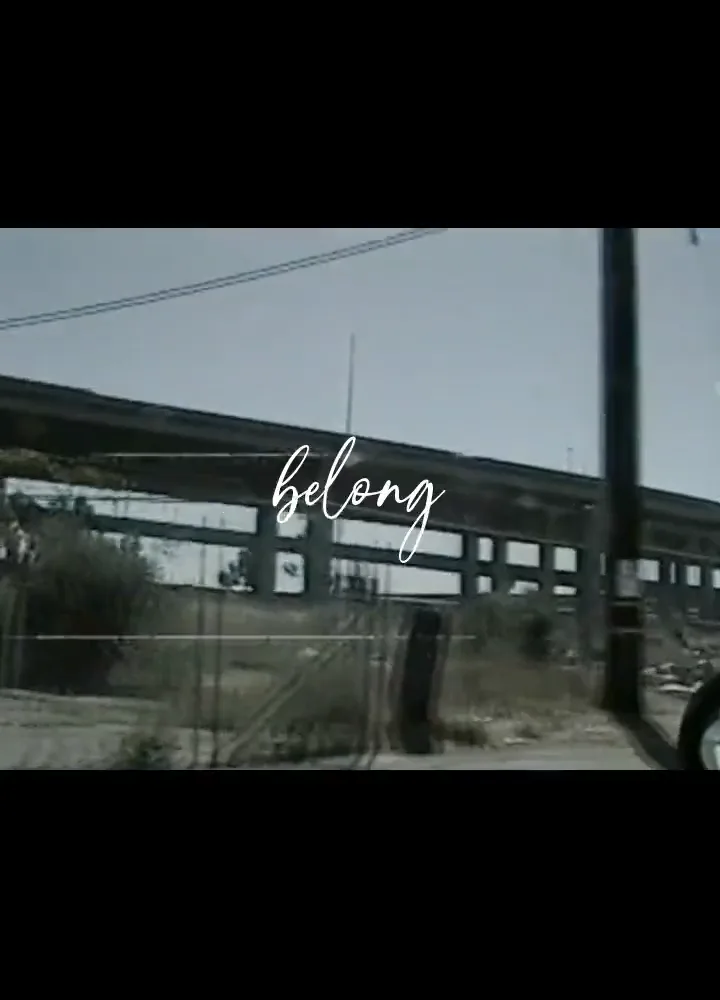
Publishing handoff
Treat the exported video as one part of the release package
The title, thumbnail, description, rights information, and upload settings still belong in YouTube. Creatune produces and stores the lyric video file; it does not publish to a channel or invent release claims.
If you also need short vertical cuts, use the same song in a separate 9:16 project rather than cropping the widescreen master after the lyric positions are fixed.
Use the release master
Avoid resyncing after replacing the audio with a different mix or master.
Make a separate thumbnail
The lyric video frame and the YouTube thumbnail solve different jobs.
Keep a correction path
Save the editable project so a spelling or timing fix does not require a complete rebuild.
Questions before export
YouTube lyric video maker FAQ
Use 16:9 for a standard widescreen YouTube upload. A separate 9:16 version is better for Shorts because cropping can damage lyric placement and readability.
Yes. Upload the finished song, review recognized lyric lines across the full timeline, choose the background and text style, then render the complete video.
Yes. You can edit line text, move a line, and adjust its duration on the timeline before rendering the YouTube video.
No. Creatune creates and stores the rendered video for download. You remain responsible for the YouTube upload, metadata, rights, thumbnail, and channel settings.
Continue the release
Related lyric video workflows
 image · video · motion loop
Put synced lyrics over a background that belongs to the release
Upload an image or video, position the lyric box against the real composition, and check contrast on the exact frames your audience will see.
recognize · edit · renderAuto-sync lyrics to your song, then fix the details that matter
Creatune turns the vocal into editable timed lines. You review the words and timing before those lines become part of the rendered video.