Bring your own visual
Put synced lyrics over a background that belongs to the release
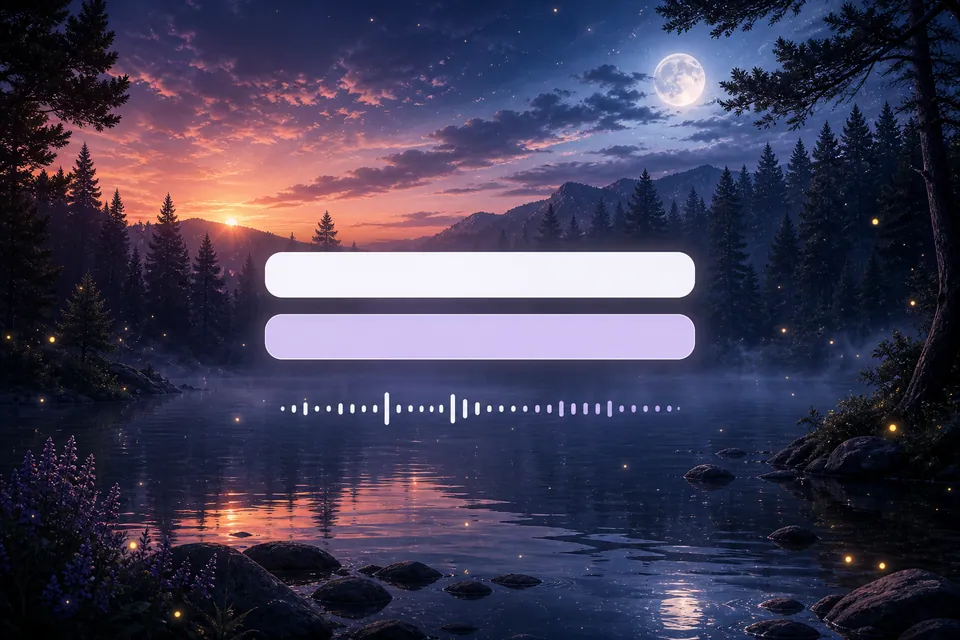
Upload an image or video, position the lyric box against the real composition, and check contrast on the exact frames your audience will see.
Start with this setupimage · video · motion loop
Direct answer
image · video · motion loop
A custom-background lyric video combines synchronized lyric lines with an image or video you supply. Creatune lets eligible accounts upload that visual, preview the lyric position over it, adjust text contrast and timing, and render the combined result.
Creatune release board
04
 01
01Choose authorized media
Use artwork, footage, or licensed media you are allowed to include in the final release.
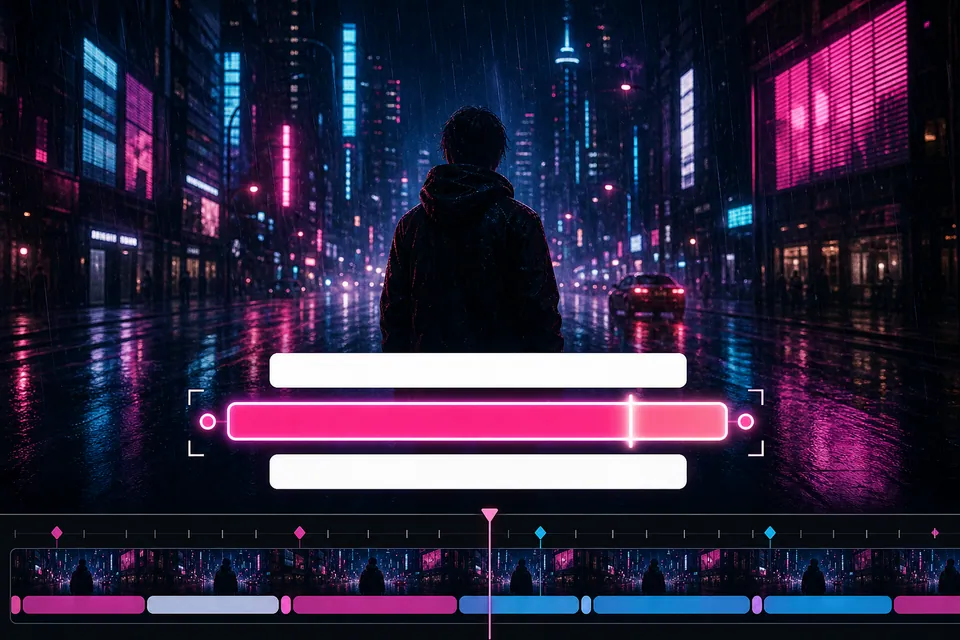 02
02Upload the background
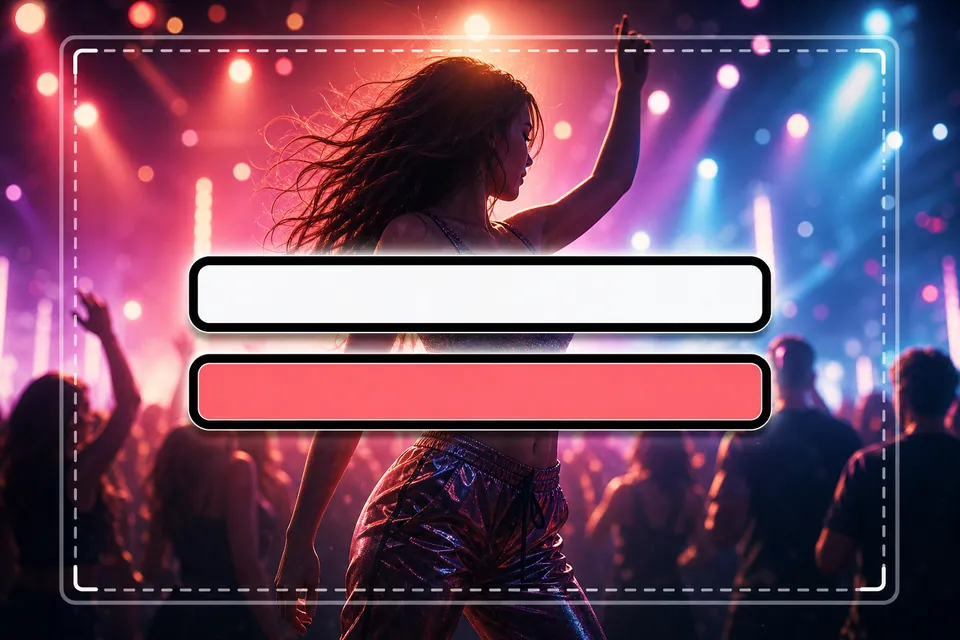
Select an image for subtle motion or a video that can cover the song duration.
 03
03Place and protect lyrics
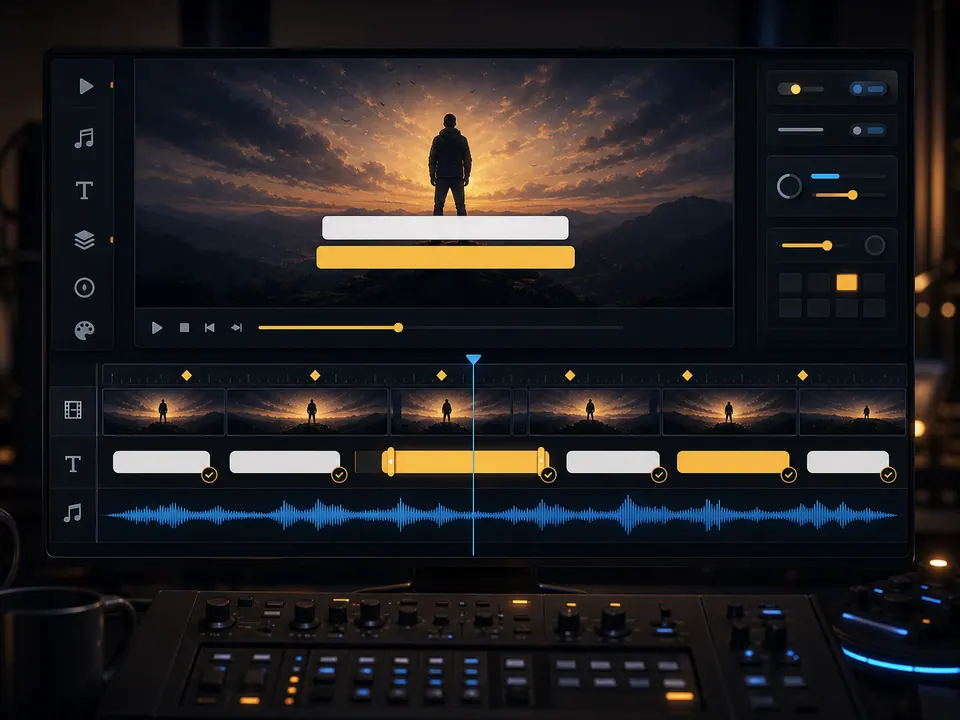
Move the lyric box away from faces, titles, logos, and high-detail areas.
 04
04Review changing frames
Check bright and dark moments before export instead of judging contrast from one poster frame.
Image or video
Choose the background behavior before you style the words
A still image gives the lyric treatment stability and can receive subtle camera motion. A video supplies richer movement but may change brightness, subject position, and visual density across the song.
Creatune includes preset loops and supports custom backgrounds for eligible users. The custom visual remains separate from lyric timing, so you can refine readability without rewriting the song data.
Still artwork
Use strong composition and leave a calm region for the lyric box.
Looping motion
Prefer a loop whose seam and repeated movement do not distract from the chorus.
Long-form footage
Review the full duration for cuts that collide with text or change contrast.
Image or video
00:19Rights and legibility
00:25
Rights and legibility
Publicly accessible media is not automatically reusable media
Upload only media you own or are authorized to use. Creatune does not treat a public URL, social post, or downloadable file as proof of permission.
After choosing the visual, test outline, shadow, width, and position across the full clip. A single global text box should work with the composition rather than cover the subject by accident.
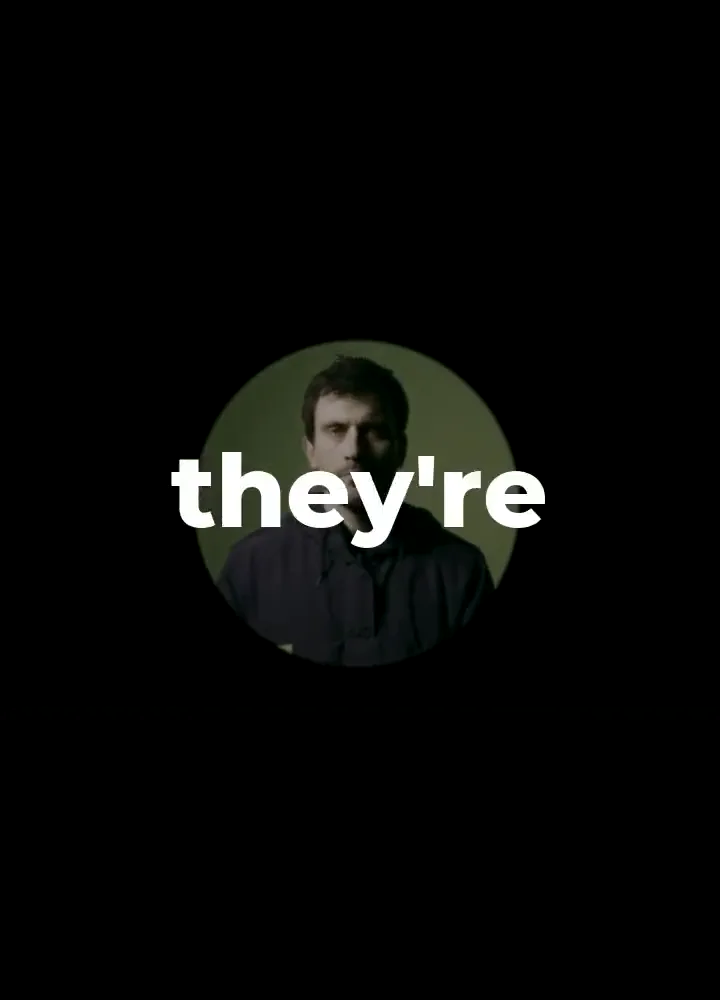
Confirm permission
Keep the source license or creator approval with the release project.
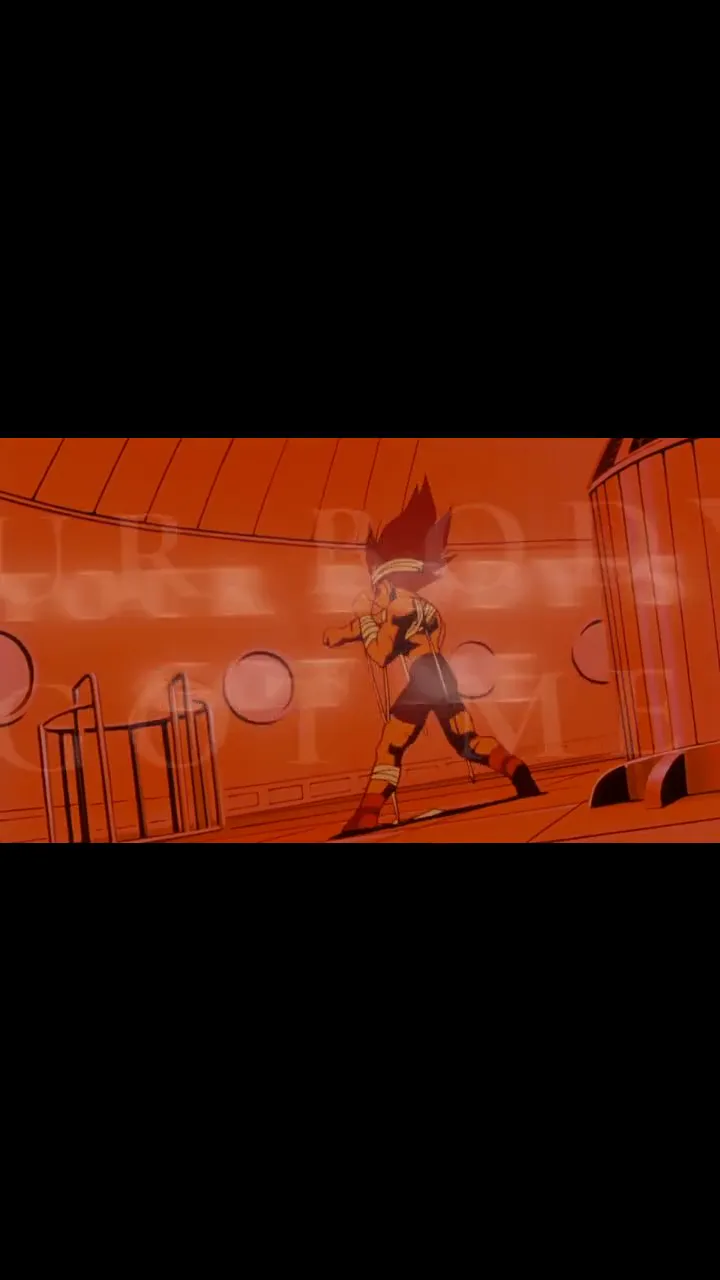
Avoid important subjects
Place lyrics away from faces, product details, logos, and essential action.
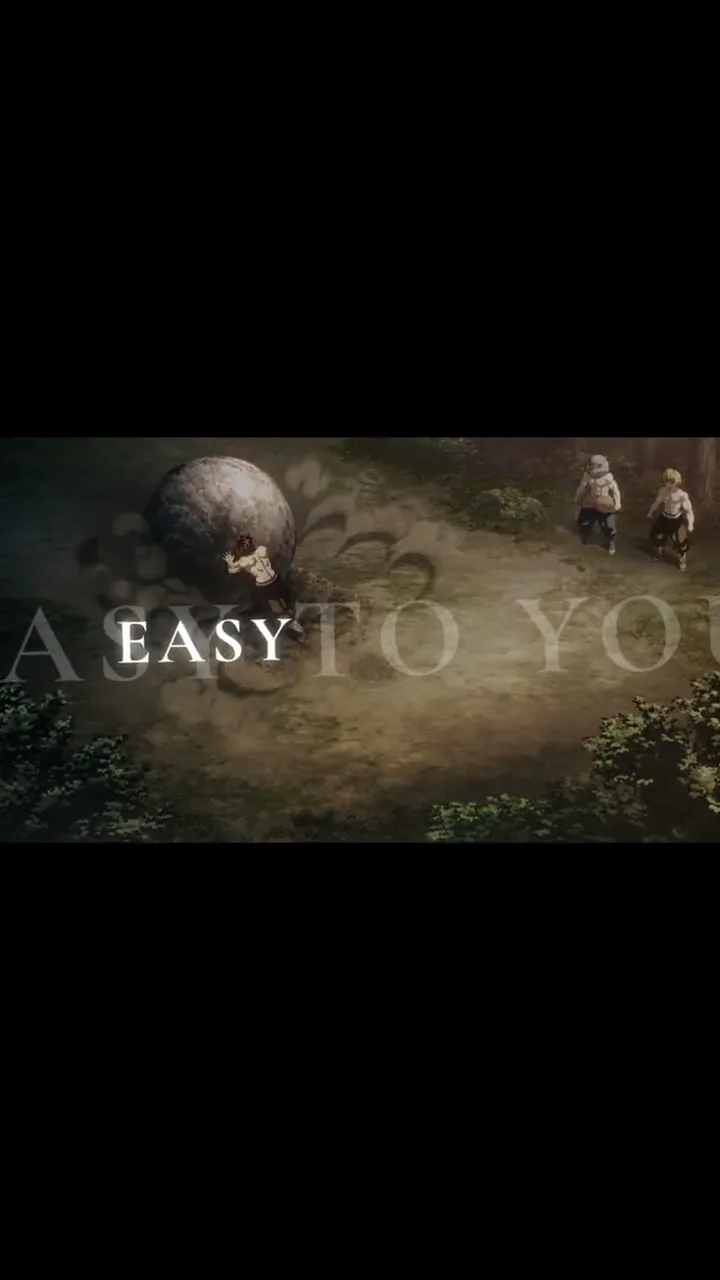
Check every lighting shift
A style that works on the poster may fail when the footage becomes bright or busy.
Questions before export
lyric video maker with custom background FAQ
Yes, custom image and video backgrounds are available to eligible paid accounts or users with a paid credit balance. The editor also includes preset backgrounds.
Yes. Upload an authorized video background, then position and style the synchronized lyric box over the footage before rendering.
Use a wide lyric box, short lines, outline and shadow, then review bright, dark, and high-motion moments across the whole video.
Only if you own it or have permission under a license that covers your intended use. Public access alone does not grant reuse rights.
Continue the release
Related lyric video workflows
 16:9 · full song · widescreen
Create a YouTube lyric video that holds up for the whole song
Work in 16:9, review every section on a full timeline, and build a readable treatment for an official upload rather than stretching a short social clip.
 line sync · contrast · sing-along
Build a karaoke-style lyric video around timing people can follow
Use large high-contrast lines, clear entrances, and enough reading time for listeners to stay with the song without pausing.