Convert the part, not the whole song
Trim the MP3 to the passage you actually need. A 20–60 second melody converts faster and leaves fewer notes to clean up than a full four-minute track.
Convert MP3 to MIDI online: drop in an MP3 song, riff, or melody and download editable MIDI notes in a few clicks.
Drag and drop your audio file here, or click to browse
Supported formats: .wav, .mp3, .m4a, .flac, .ogg, .webm
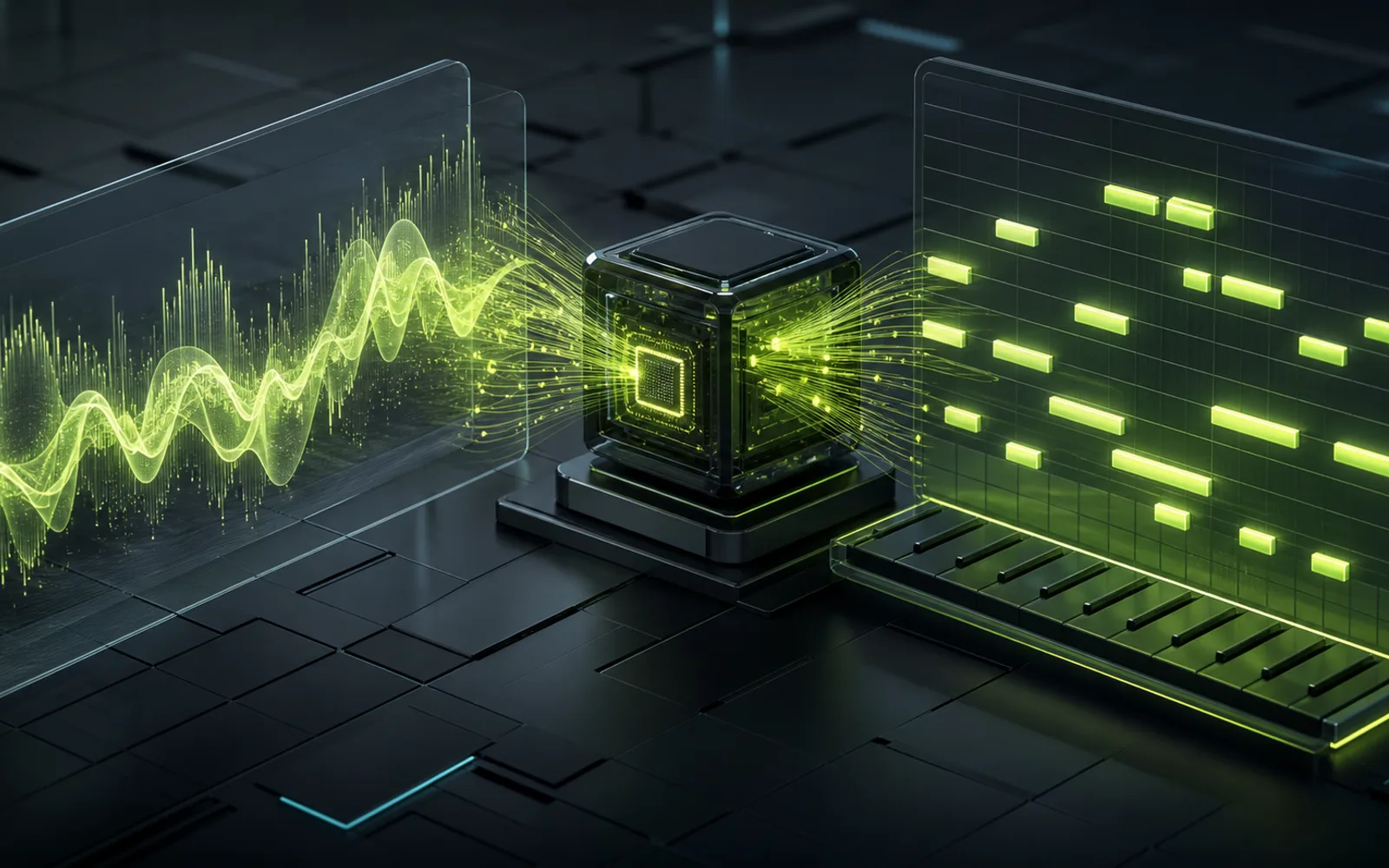
MP3 in, MIDI out
An MP3 file stores sound; a MIDI file stores notes. To convert MP3 to MIDI, the AI listens to the audio, estimates which pitches are playing, when each note starts, and how long it lasts, then writes those events into a standard .mid file you can open in any DAW, notation app, or virtual instrument.
How to convert MP3 to MIDI
No plugin and nothing to install. The whole conversion runs in the browser tab you already have open.
Drag an MP3 into the converter or click Upload File. A short clip of one section, such as a hook, verse, or riff, gives the clearest result.
Press Convert to MIDI. The model decodes the MP3, detects note onsets and pitch, and assembles the notes into a MIDI track.
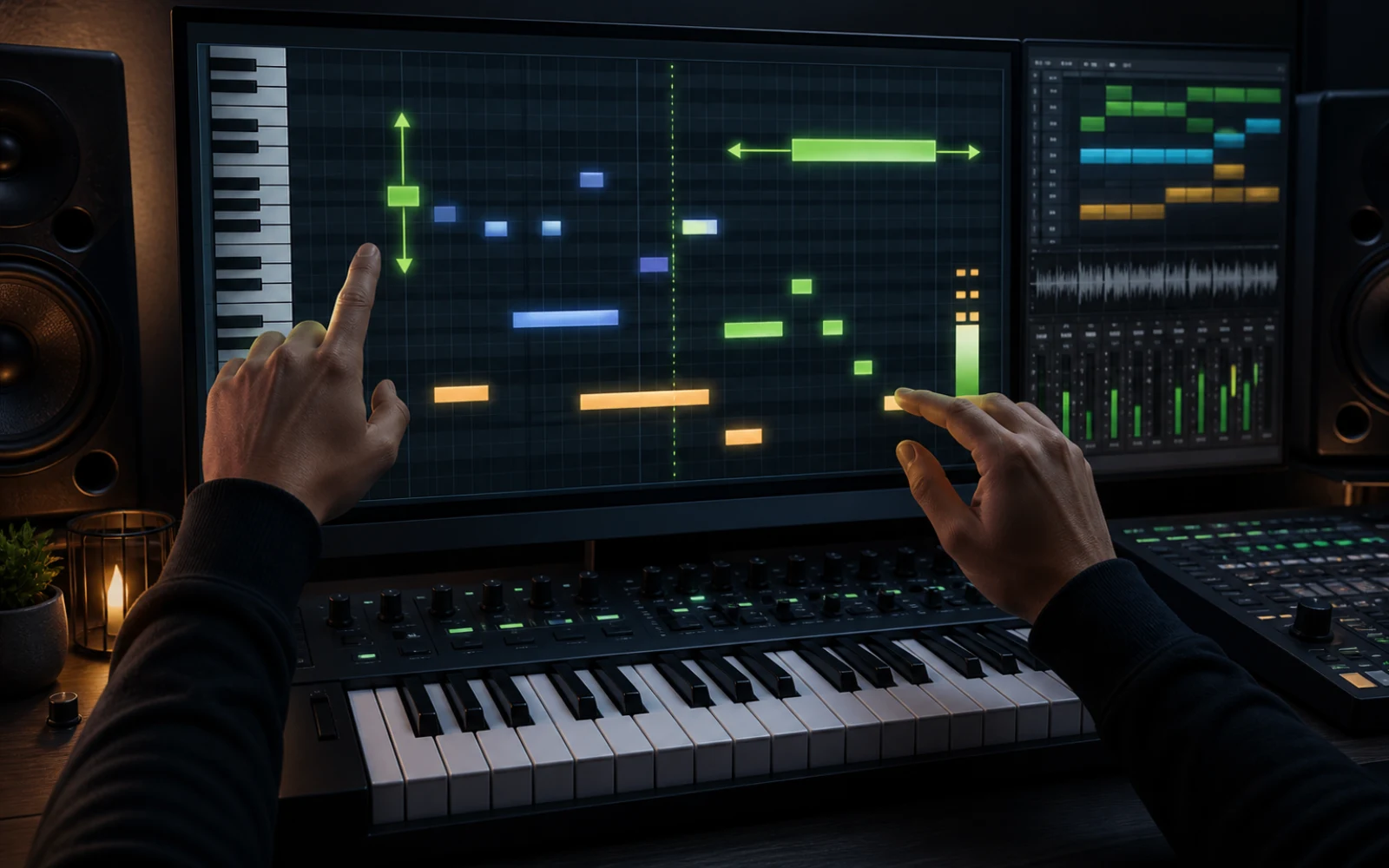
Download the .mid file, or open it in the online MIDI editor to delete stray notes, tighten timing, and adjust note lengths.
MP3 tips
Trim the MP3 to the passage you actually need. A 20–60 second melody converts faster and leaves fewer notes to clean up than a full four-minute track.
A solo piano, vocal, guitar line, or bass converts far better than a dense mix. For a finished song, split out the melodic stem first and convert that file.
128 kbps MP3s work, but 192–320 kbps files keep more of the harmonic detail the model uses to tell neighbouring notes apart.
Long reverb tails and saturated tones blur the edges of each note. The drier the recording, the more precise the note starts and lengths.
What to expect
Use cases
Convert an MP3 riff to MIDI and play it back through any synth, sampler, or orchestral library in your DAW.
Export a phone memo as MP3, convert it, and keep the melody as notes you can transpose and arrange.
Load the MIDI into a piano roll or notation app to study a line note by note and practise it slowly.
Next steps
Use the full AI audio to MIDI converter for other formats or to record a melody straight from your microphone.
Fix pitch, timing, velocity, and note length in a browser piano roll before you export to your DAW.
Split a mixed MP3 into vocals, bass, and other stems, then convert the cleanest stem to MIDI.
Plans and credits
Use Audio to MIDI with flexible monthly, annual, or one-time credits shared across Creatune.
Cancel anytime
12,000 credits/year
billed annually
Save $60/year · 33% off
$0.099 per 10 credits
30,000 credits/year
billed annually
Save $240/year · 50% off
$0.080 per 10 credits
84,000 credits/year
billed annually
Save $612/year · 56% off
$0.057 per 10 credits
Credits per year
84,000
After payment, credits activate automatically for Creatune AI music, lyrics, audio editing, and music video workflows.
The payment methods shown at checkout vary by country, device, currency, and your Stripe configuration.
FAQ
Yes. Converting MP3 to MIDI and downloading the MIDI file is free on this page, and there is no software to install.
Yes, with one caveat. An MP3 is recorded sound, so the converter estimates the notes rather than reading them out. Clear melodies convert accurately; dense mixes give a useful draft that you tidy up in a MIDI editor.
No. The AI model runs inside your browser, so the MP3 is decoded and converted on your own device.
Files up to 10 MB are supported, which covers most songs at standard bitrates. Shorter clips convert faster and are easier to clean up.
Not reliably. The model is built for pitched notes, so drums and heavily layered arrangements come out incomplete. Split the song into stems and convert one melodic part at a time.
Both pages use the same converter. This page focuses on the MP3 workflow; the AI Audio to MIDI page covers every supported format, including WAV, FLAC, M4A, and microphone recordings.
Upload an MP3, get editable notes, and carry the idea into your next production.
Convert MP3 to MIDI