Creatune.ai

AI music transcription

Convert audio to sheet music online

Turn a voice memo, demo or finished song into readable staff notation, numbered notation and editable MusicXML—ready to practise, arrange or share.

Upload audioChoose a file now; it resumes after sign in

Transcription desk

Recent transcriptions

Recent transcriptions

Sign in to see your transcription history.

Audio to notation

What is an audio-to-sheet-music converter?

An audio-to-sheet-music converter analyses pitch, rhythm and harmony in a recording, then writes the musical foreground as readable notation. Creatune follows the main melody, chord movement and lyric timing and packages the result as staff-notation PDF, numbered notation and editable MusicXML. It is especially useful for voice memos, solo performances and melody-led songs that you want to practise, teach or arrange.

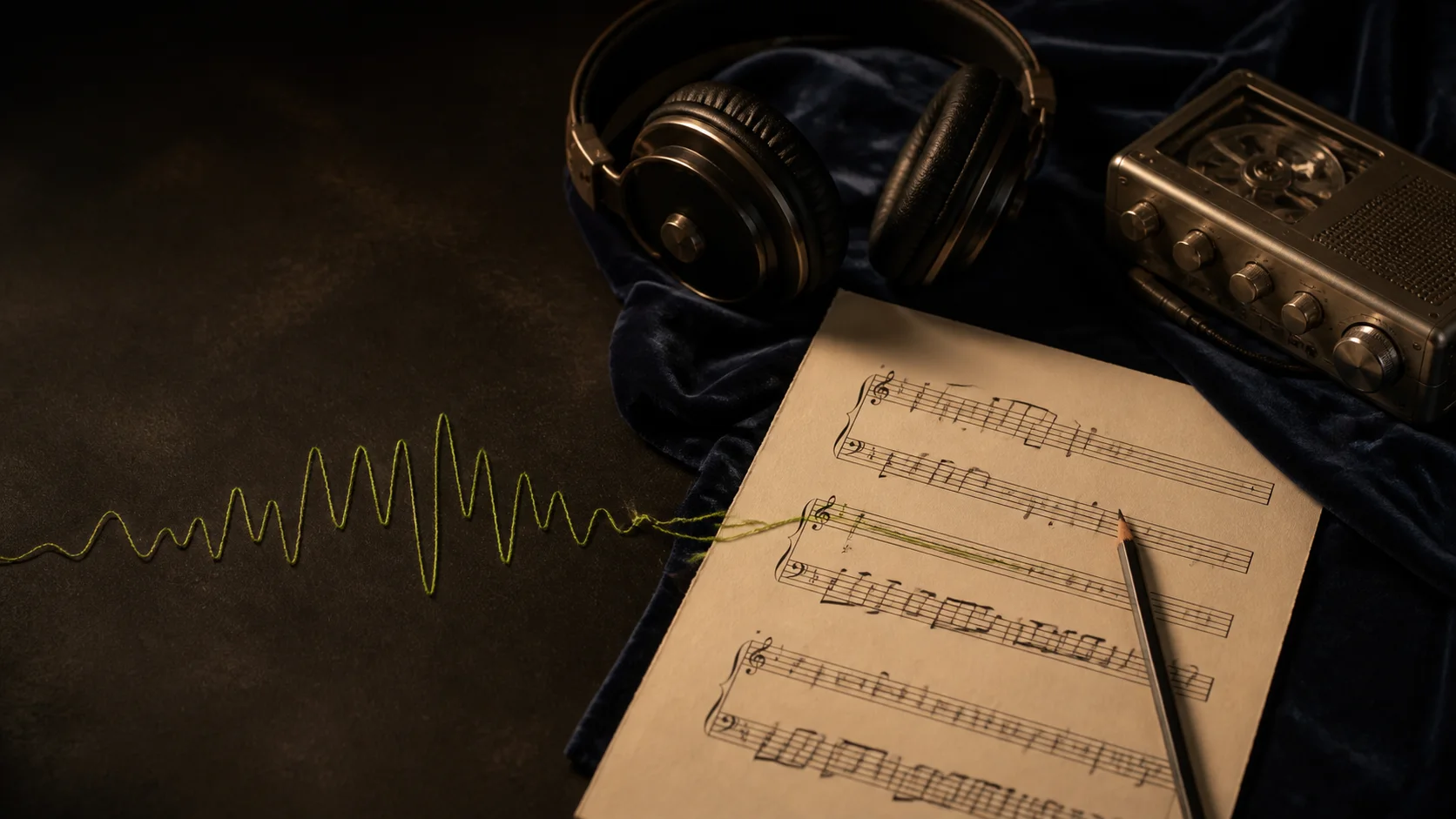
Printed sheet music beside headphones and an audio player on a dark wooden desk
A practical transcription guide

What an audio-to-sheet-music converter can really hear

Better results begin with knowing which musical details are clear in a recording—and which still need a musician's judgement.

01

It follows the musical foreground

The converter listens for the line that carries the song: usually a lead vocal, solo instrument or other prominent melody. It also looks for the chord movement and aligns words with time. A focused demo gives these elements room to stand out; a dense live mix can make overlapping instruments harder to separate.

02

It turns sound into notation you can use

Detected pitch and rhythm are organised into measures, notes, rests and chord symbols rather than left as a raw list of frequencies. Creatune supplies printable staff notation and numbered notation for quick reading, plus MusicXML so you can continue editing in notation software instead of starting the score from a blank page.

03

Your musical review finishes the score

Transcription is a strong first draft, especially for clear melody-led recordings. Expressive timing, improvised ornaments, unusual tuning or several instruments in the same register may still need a human decision. Review key, rhythm, enharmonic spelling and lyric placement before rehearsal, publication or performance.

How it works

From recording to score in three stages

One submission creates every output and stores it for later.

01

Choose a finished recording

Upload MP3/M4A audio or select a compatible track from My Songs.

02

AI reads the musical line

The transcription engine identifies melody, chords, notation and timed lyric data.

03

Preview and keep every format

Review both PDF scores and download MusicXML, JSON or the complete ZIP.

A recording waveform flowing into handwritten notes and a finished printed score
Output formats

A score for reading and files for editing

Use the finished output in rehearsal, teaching, arrangement or notation software.

Staff PDF

Traditional five-line notation for the main melody and chords.

Numbered PDF

Numbered musical notation for quick reading and practice.

MusicXML

Editable interchange format for MuseScore, Dorico, Finale and more.

Lyrics JSON

Machine-readable lyric lines with timing information.

Complete ZIP

The validated original bundle containing every result.

Made for real music work

From an idea in your phone to a score on the stand

Use the transcription as a practical bridge between listening, teaching, rehearsing and arranging.

Recover melodies from demos

Songwriters can turn a voice memo or rough demo into visible notes and chords, preserve an idea before it is forgotten, and hand collaborators a clearer starting point than an audio file alone.

Build focused practice material

Teachers and students can create a readable melody line from a reference recording, then mark phrasing, breathing, fingering or harmonic analysis directly on the exported score.

Prepare a rehearsal chart

Singers, accompanists and small bands can capture the main tune and chord flow before rehearsal, reducing time spent repeatedly searching through the recording for the same passage.

Start an arrangement in MusicXML

Arrangers can open the editable MusicXML in compatible notation software, correct the transcription, change instrumentation and develop a fuller arrangement without entering every note by hand.

Input quality

Help the melody stand out

Transcription quality follows recording quality. These choices make a practical difference.

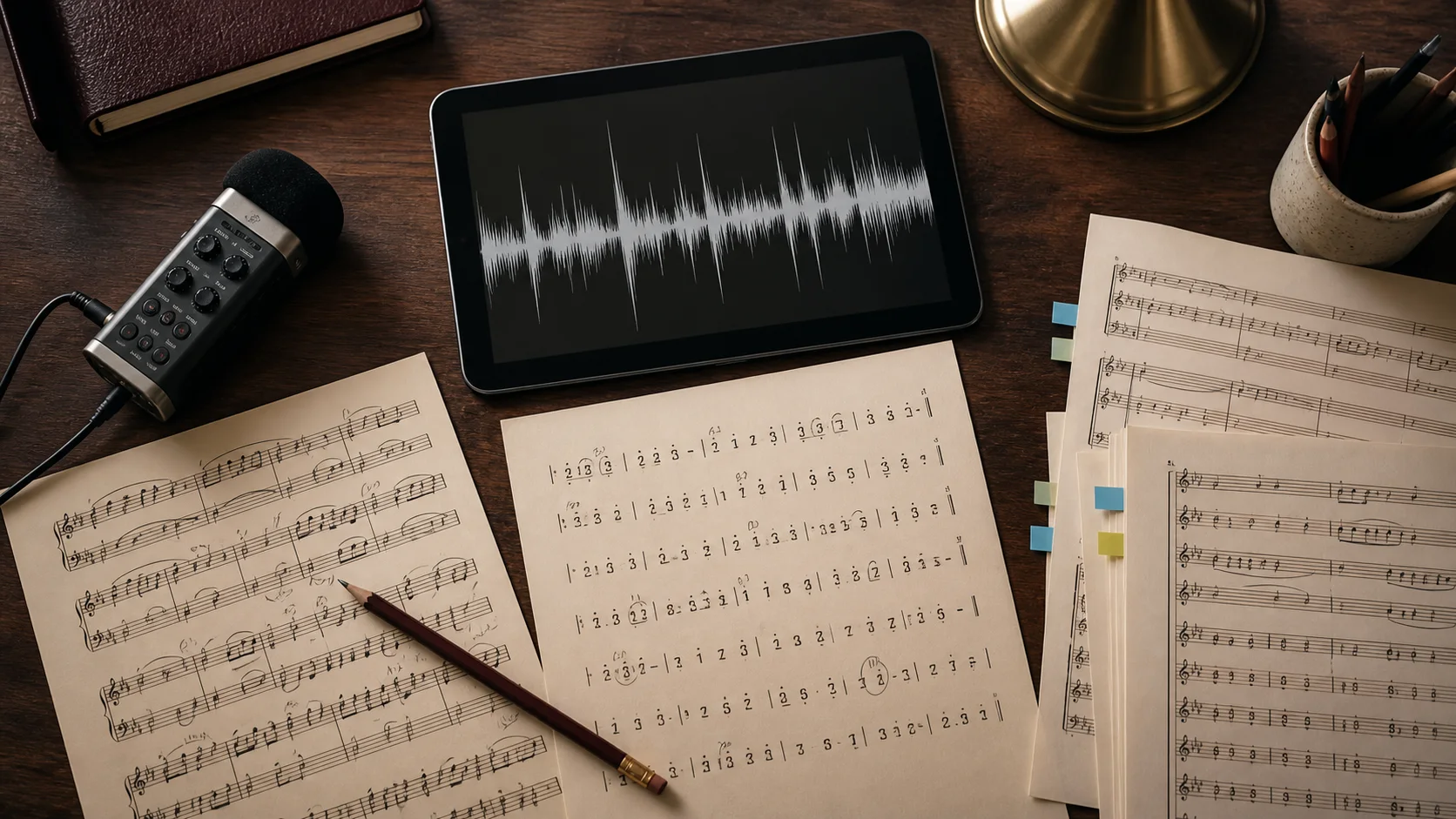
Studio microphone, headphones and open sheet music prepared for a clean recording

Keep the lead clear

A strong solo voice or lead instrument is easier to distinguish from accompaniment.

Use a steady tempo

Stable timing reduces misplaced beats, notes and lyric boundaries.

Avoid dense overlapping parts

Heavy layers and competing melodies can blur the musical line the score should follow.

Treat the result as editable

Review unusual rhythms, ornamentation and chord voicings in your notation editor.

Audio to Sheet Music

Choose this when people need a readable melody-and-chord score, printable PDFs, numbered notation or MusicXML for notation software.

Audio to MIDI

Choose Audio to MIDI when your priority is note events for a DAW, virtual instrument or piano-roll workflow rather than a publication-ready score.

FAQ

Audio transcription questions

What the converter can produce, how billing works and where accuracy varies.

Yes. Upload an MP3 between 10 seconds and 10 minutes, up to 10 MB, and Creatune will create staff notation, numbered notation, MusicXML and lyric timing files.

No. The output focuses on the main melody and chords. Dense multi-instrument arrangements may need manual editing and orchestration.

Accuracy depends on melody clarity, tempo stability and arrangement density. Solo vocals or lead instruments with steady rhythm generally work best, but every result should be reviewed.

Yes. Download the MusicXML file and open it in MuseScore or another notation editor that supports MusicXML.

A failed task is not automatically sent to the paid provider again. The 50-credit charge is refunded once through the task refund guard, and you may start a new conversion.

No. The latest 20 tasks point to archived files in private storage. Opening or downloading an old result does not call the transcription provider or charge credits.

Make the melody visible

Choose one clear recording and create every notation format in a single conversion.