Looking for a Suno alternative?
No monthly download cap on paid accounts. Credit packs that never expire and need no subscription.

What is Suno?
Suno is an AI songwriting tool that turns descriptions or lyrics into songs. It offers a free plan and paid Pro and Premier plans. See Creatune pricing.
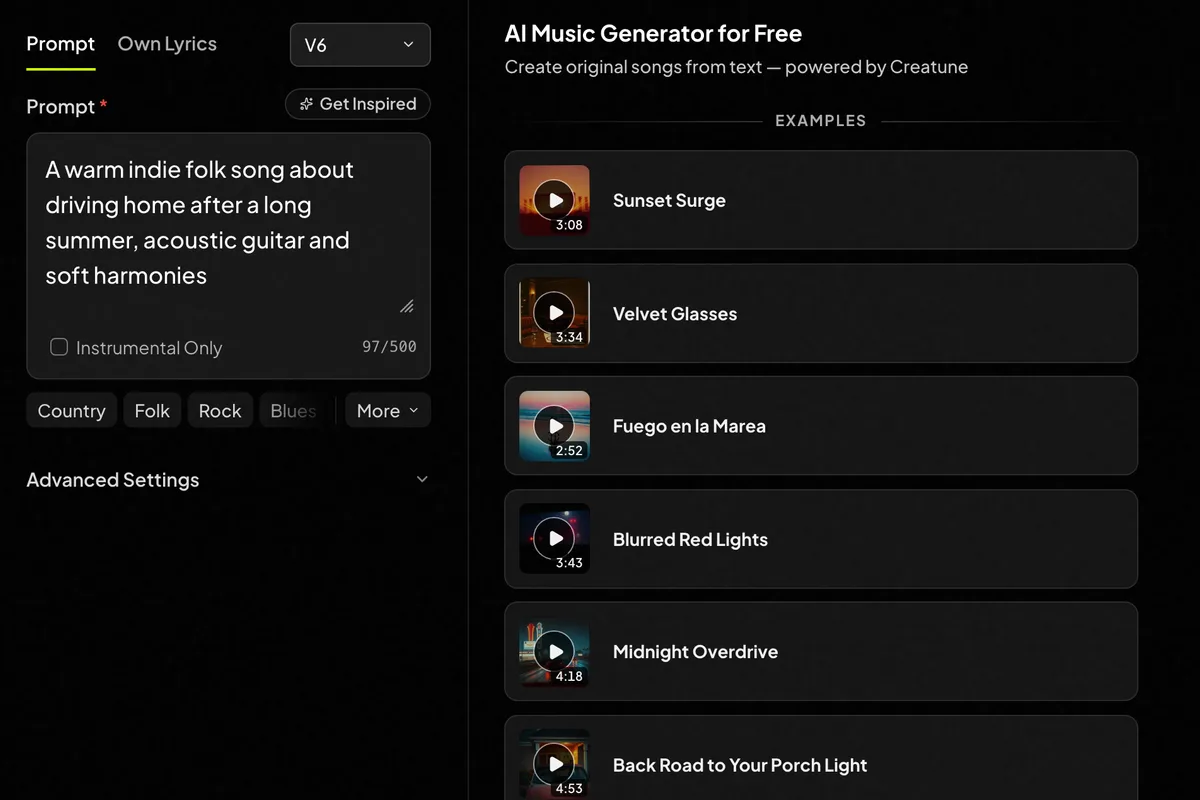
Creatune: a workspace for the whole idea
Creatune brings song generation, audio editing and video creation into one workspace. Start with an idea, reshape the music, then give it a visual story.
A chorus for your next single. A new direction for an old demo. A video that brings the track to life.
Explore the music generatorKeeping your songs and paying for them
The biggest practical difference shows up after you make a song you like.
| What you need | Creatune | Suno |
|---|---|---|
| Downloading your songs | Creatune Download every song you make while you have an active plan or paid credits left. There is no monthly cap. | SunoPro includes 20 song downloads a month and Premier 60. The free plan has no song downloads. |
| Buying credits | Creatune Buy a one-time credit pack. Its credits never expire, and no subscription is needed. | SunoTop-up credits need an active subscription to use. Plan credits do not carry over to the next month. |
Suno plan details checked October 31, 2026.
Find the fit for your next project
Just trying an idea?
For occasional free experiments, Suno’s daily free credits make it a practical starting point.
Keeping the songs you make?
When you want to keep the songs you make, Creatune lets you download without a monthly limit and pay once with a credit pack. Editing, notation and video tools are in the same workspace for the next step.


After the first song
Keep shaping the song
Extend a section, try a remix or cover, add vocals or instruments, then isolate the parts you need.
Give the song a visual story
Create a lyric video or a music video for your track, with a dedicated tool for each format.
Bring the music to your instrument
Turn a recording into sheet music or MIDI, then refine the notes in the browser MIDI editor.
Before you start
Is there a limit on how many songs I can download?
There is no monthly cap. While you have an active plan or paid credits left, you can download the MP3 of every song you create. Free accounts can create and listen, but downloading needs a plan or a credit pack.
Do I need a subscription?
No. Credit packs are one-time purchases, their credits never expire, and they unlock downloads while paid credits remain. Subscriptions are there if you create every month.
Can I bring a song I already have?
Yes. Upload audio you own or have permission to use to tools such as Remix, Cover or Stem Splitter. Each tool shows its supported files, input limits and credit cost before you start.
Which Creatune plans include commercial use?
Annual Basic, Pro and Max plans, and every credit pack except Starter, include commercial-use rights for eligible tracks. Monthly plans and the Starter pack do not. Review the plan and Business License terms for your intended release.
Your next song starts with an idea.
Bring the words, the mood or the story. Start creating in Creatune.